

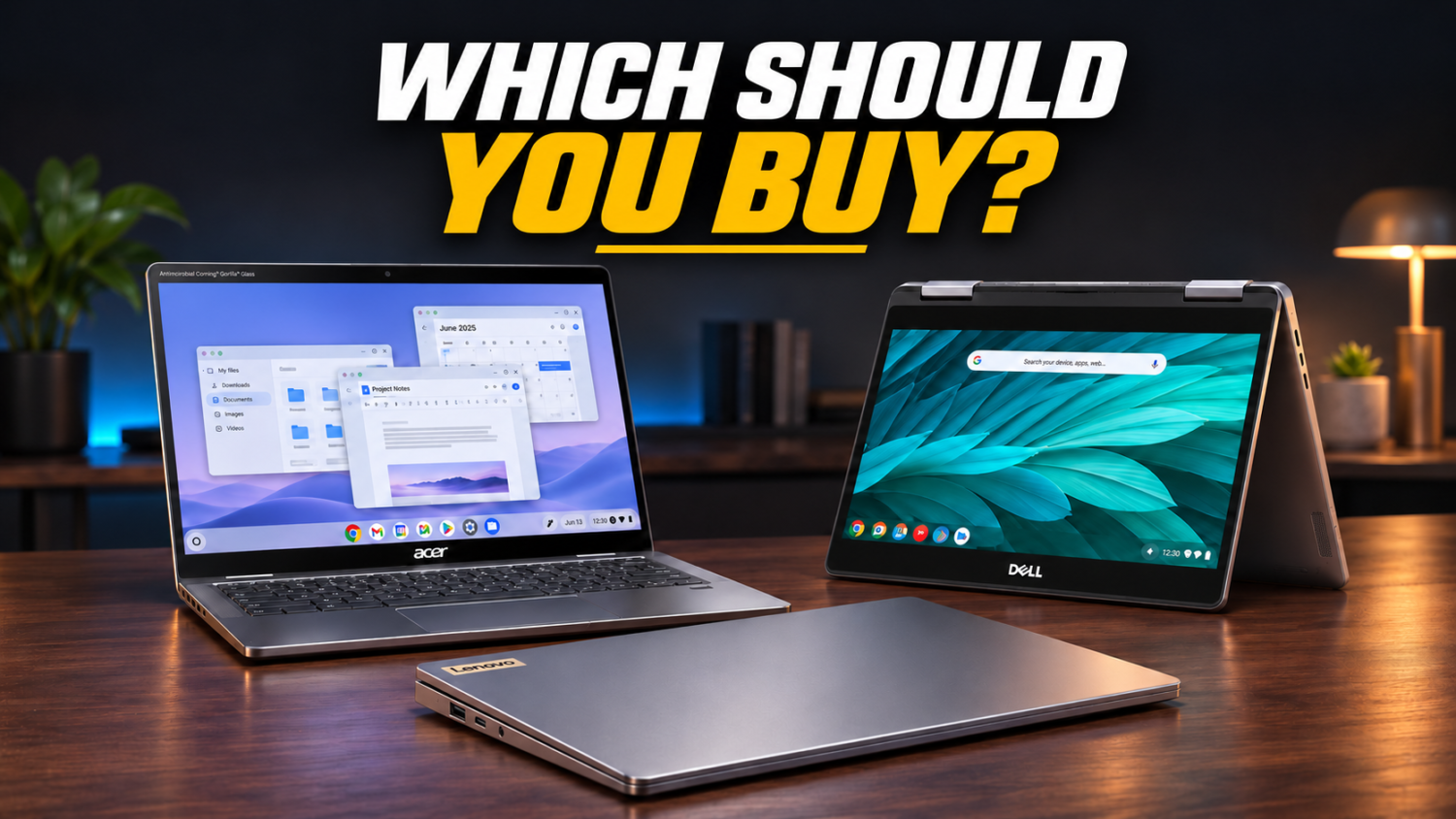
Chromebook shipments aren’t slowing down; you need a daily driver that performs like a sports car instead of leaving you staring at a frozen screen. Anyone who’s ever tried to edit a family vacation video on a budget laptop knows that struggle. We’ve vetted five Chromebook Plus machines for performance and features, ensuring you get power, portability, and real capability. Ready to upgrade your digital experience from “just fine” to genuinely impressive?
This content may contain affiliate links. If you wish to support us and use these links to buy something, we may earn a commission.
5. Acer Chromebook Plus Spin 714
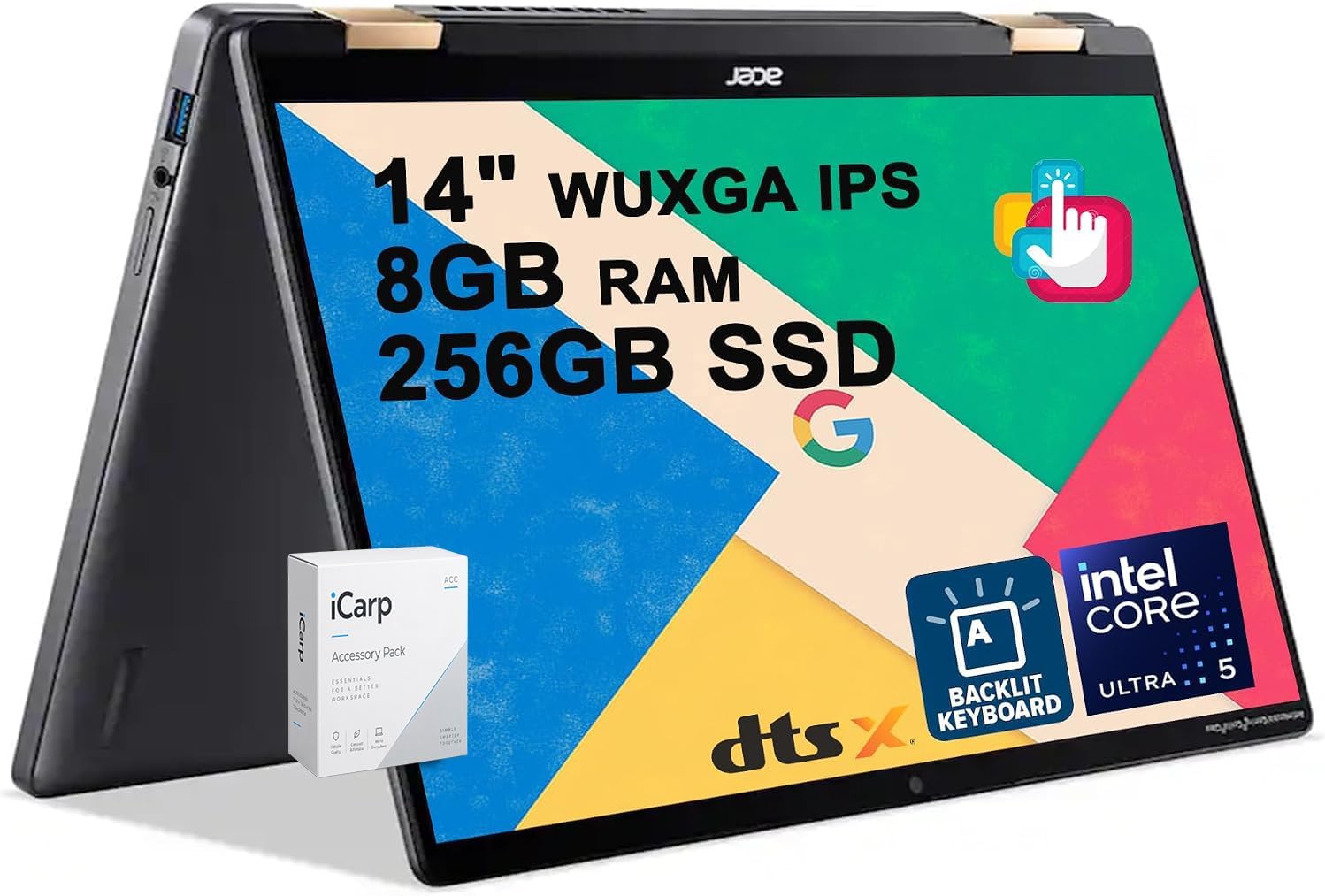
A convertible design that shifts seamlessly between serious typing and dynamic presentations.
Does your laptop struggle to keep up with your changing workflow? The Acer Chromebook Plus Spin 714 solves this with its 14-inch touchscreen and 360° convertible design, shifting from laptop to tablet or tent mode seamlessly. You get an Intel Core Ultra processor, 16 GB of RAM, and 512 GB of storage. The convertible form factor handles everything from note-taking to presentations, making it suitable for handwritten notes, flexible classroom use, and on-the-go productivity.
4. ASUS Chromebook Plus CX14
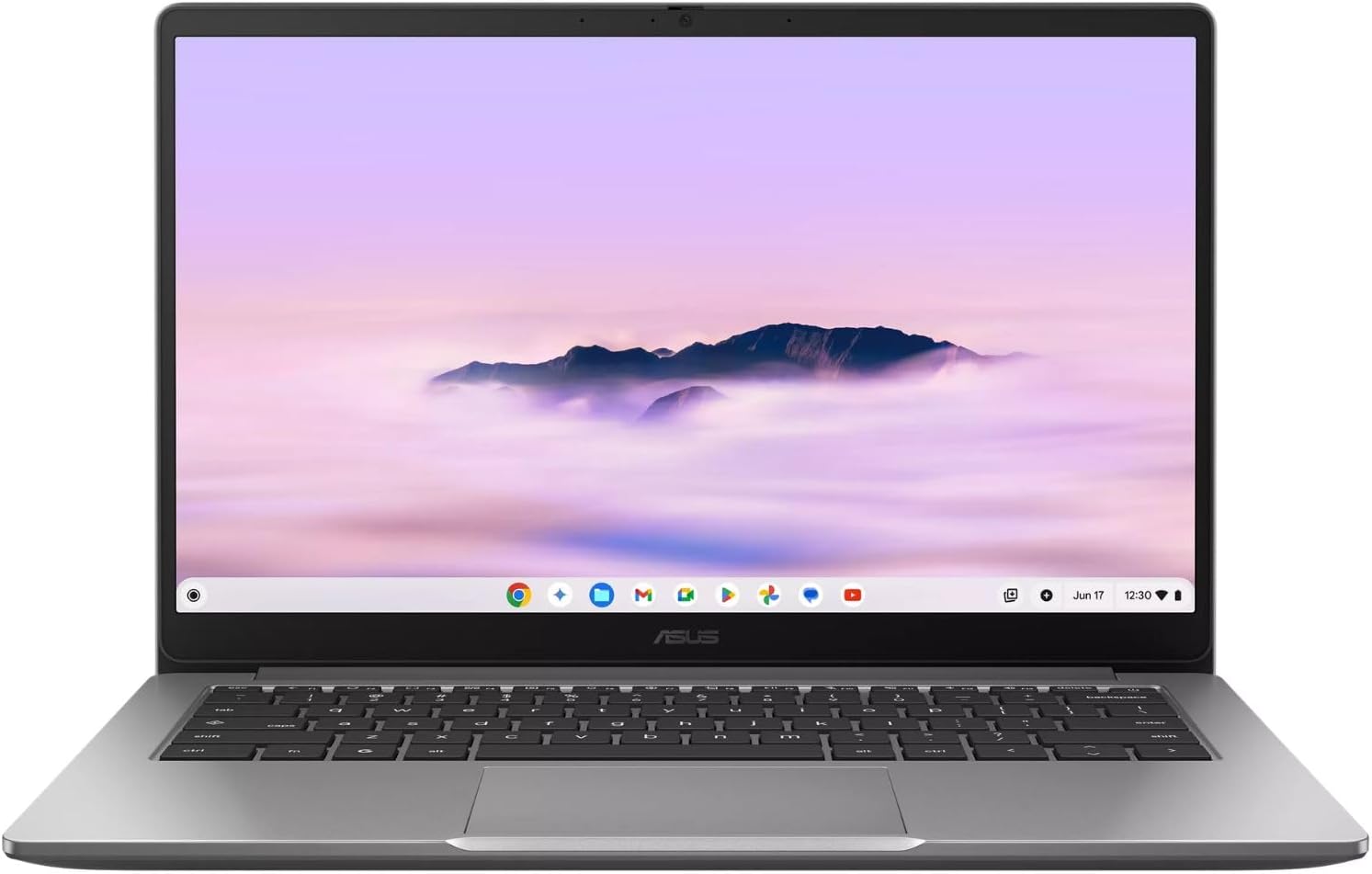
Built-in HDMI and a practical port selection that eliminates the dongle graveyard.
For anyone tired of carrying adapters, the ASUS Chromebook Plus CX14 offers welcome relief. The port selection includes two USB-C ports, one USB-A port, an HDMI connection, and a headphone jack. This setup lets you connect peripherals and external displays without hunting for dongles, ensuring seamless productivity. The 14-inch anti-glare display delivers crisp visuals even under office lights, while configurations with up to 16 GB of LPDDR5 memory and Wi-Fi 6E keep performance smooth across multitasking sessions.
3. Dell XPS Chromebook
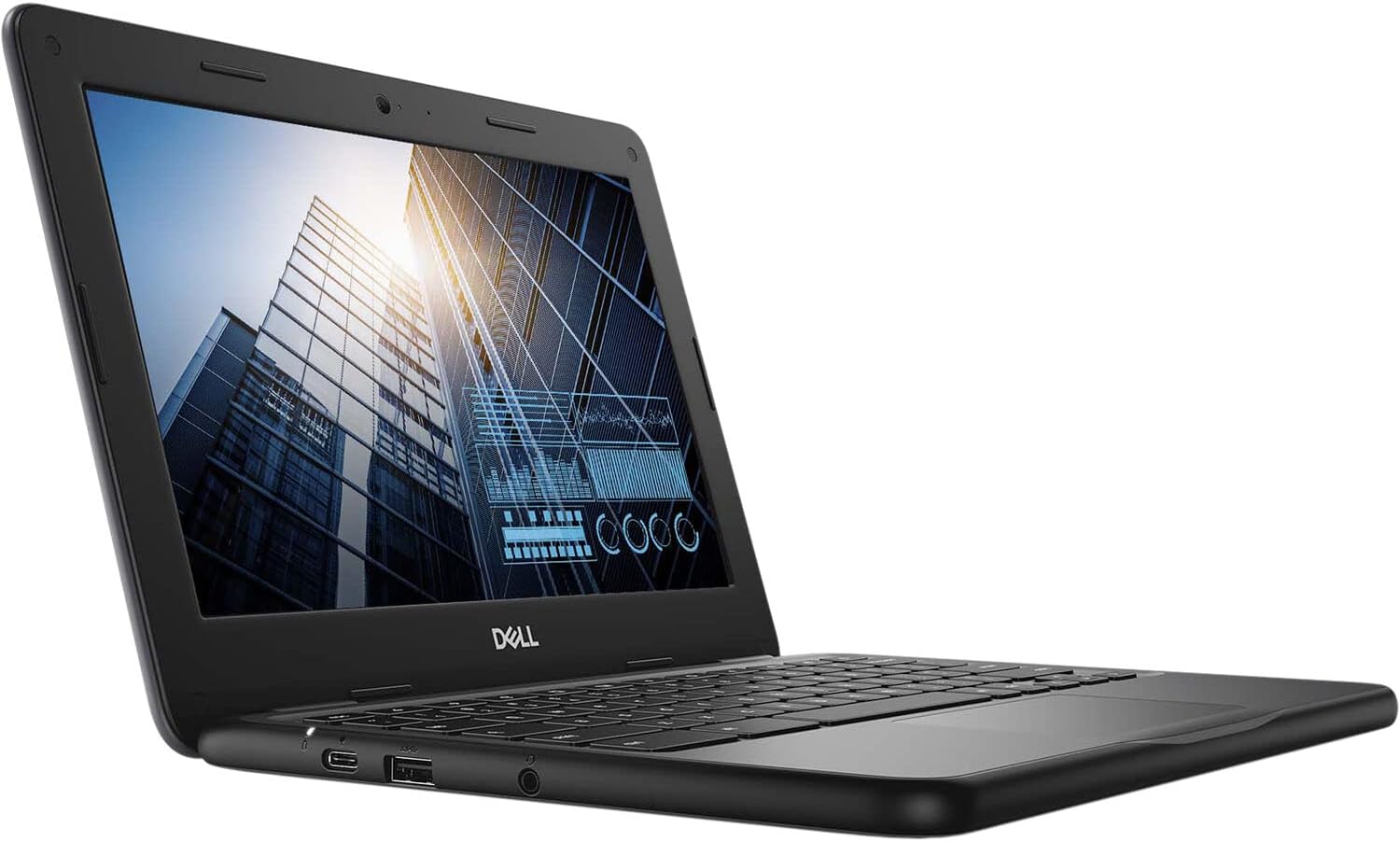
Compact 13-inch portability for constant travelers who prioritize lightweight design over screen real estate.
Weighing approximately 2.5 lbs, this Chromebook is designed for constant motion and slips into any carry-on with zero fuss. The smaller 13-inch display makes it exceptionally portable for business travelers, though the compact screen means a trade-off for users who prefer larger text. Configurations may include Qualcomm Snapdragon processors, 16 GB of RAM, and 512 GB of storage, with battery claims reaching up to 18 hours depending on usage and regional SKU.
2. HP Chromebook Plus 14
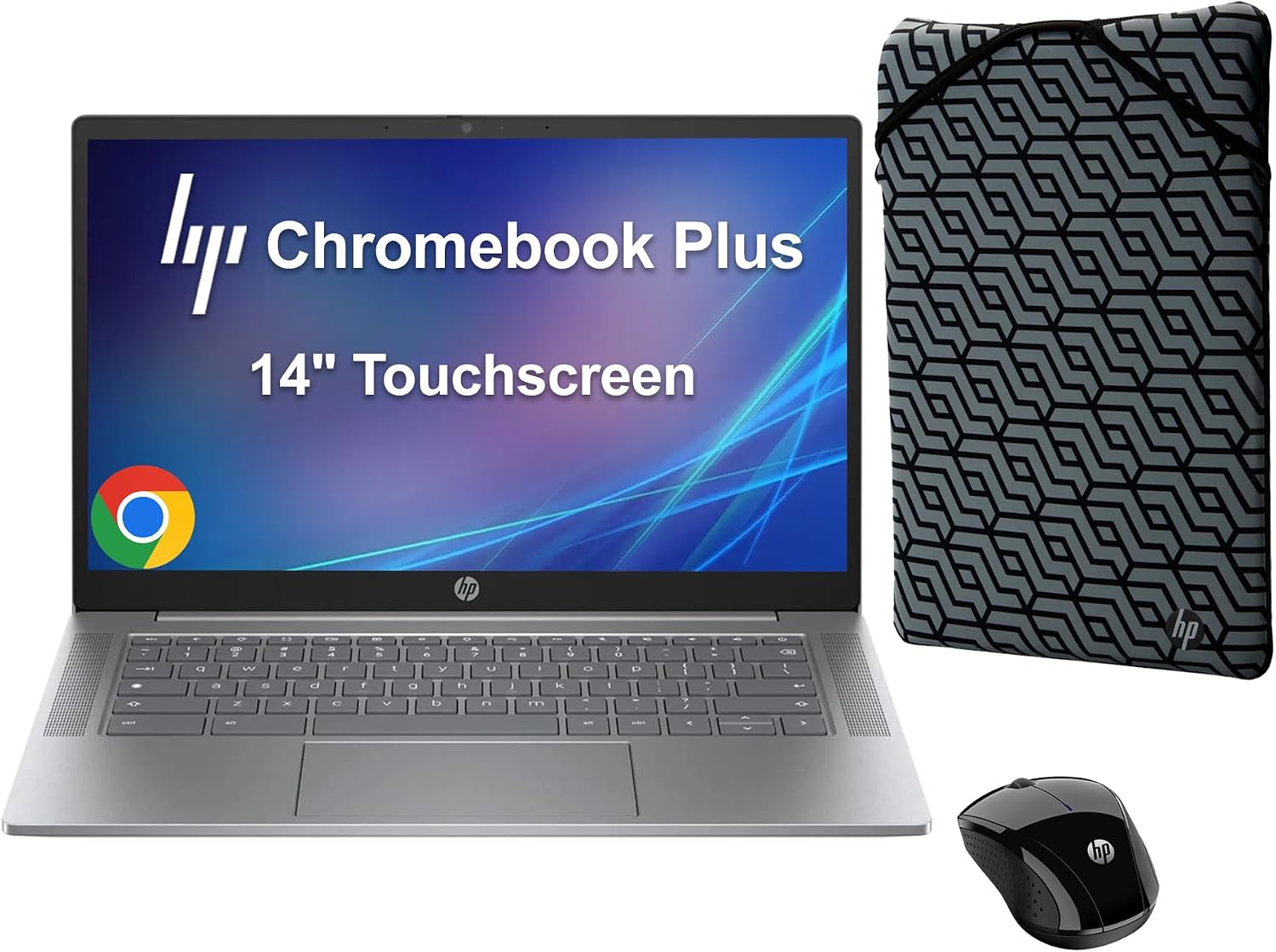
Marathon battery endurance that finally ditches the outlet anxiety haunting remote workers.
This Chromebook promises impressive battery life, letting you power through an entire workday like a productivity marathon runner instead of someone tethered to a charging cable. The device features a 14-inchOLED display that pushes pixels with clarity, even when your Wi-Fi is spotty. Under the hood, a Snapdragon X Elite processor combines with 16 GB of RAM and 256 GB of storage, ensuring smooth performance. Biometric authentication options may include facial unlock or a fingerprint reader, meaning your data stays safer than a celebrity’s vacation plans. This level of endurance transforms mobile productivity from a buzzword into an all-day reality.
1. Lenovo Chromebook Plus 15
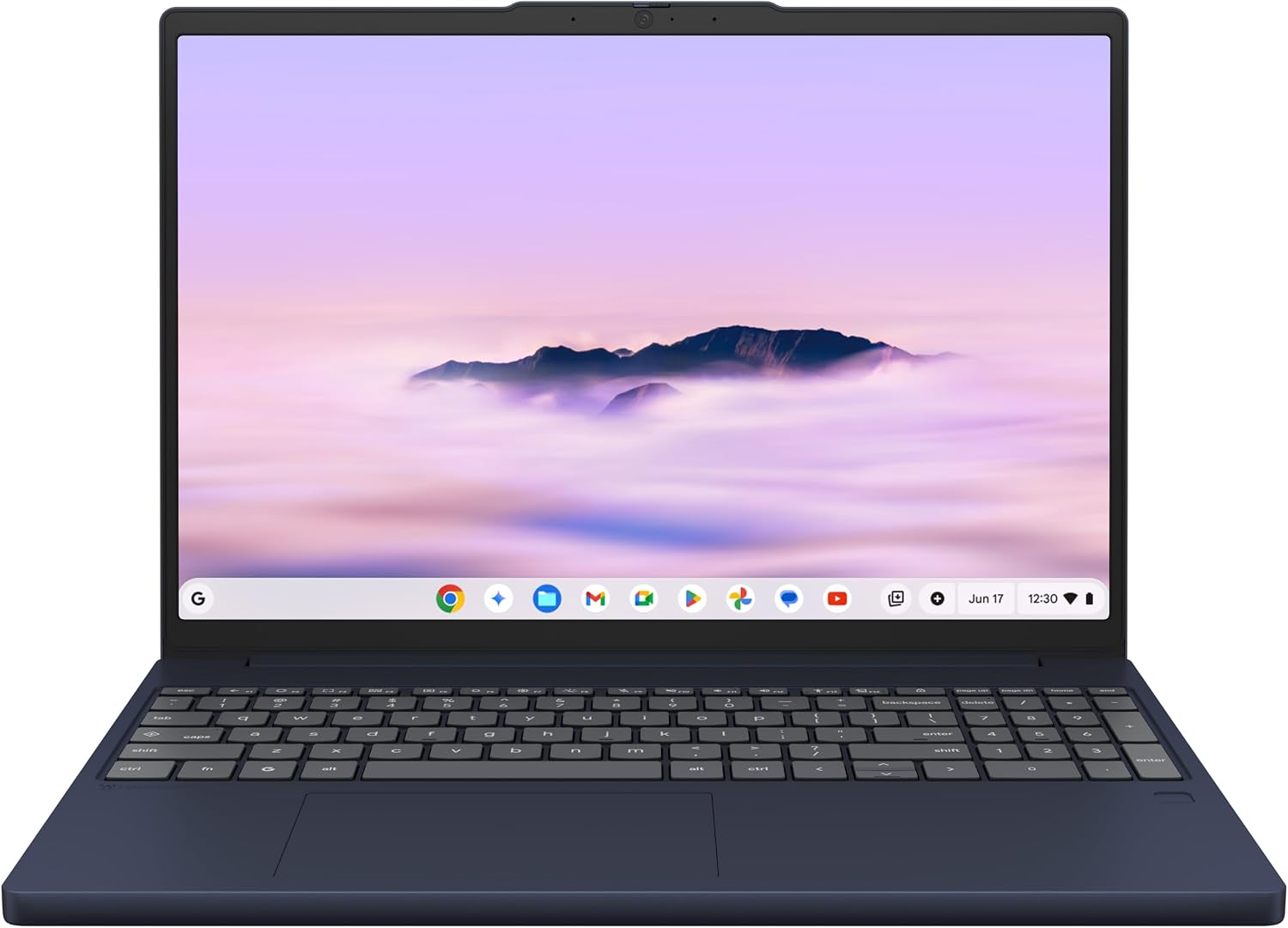
The largest display among Chromebook Plus devices, offering ample screen real estate for multitasking without cramping your workflow.
An expansive 15.3-inch OLED display transforms your daily workflow, letting you juggle multiple applications without feeling cramped. You can spread out research tabs alongside a video conference, making frantic alt-tabbing a thing of the past. This larger canvas also benefits those who simply prefer bigger text, saving you from squinting at tiny fonts all day.
This Chromebook Plus machine packs an Intel Core Ultra 5 processor, 16 GB of RAM, and 512 GB of storage, making it a capable companion for demanding tasks beyond email. Weighing approximately 2.84 pounds, it remains portable enough for any coffee shop or couch session. Biometric features may include face unlock and a fingerprint reader, proving that security doesn’t require a multi-factor dance party.
