Close Menu
MyAppsPlus

    Subscribe to Updates

    Get the latest creative news from FooBar about art, design and business.

    What's Hot

    Best Black Friday laptop deals still live: Up to $819 off MacBook, HP, Lenovo, more

    November 29, 2026

    I’ve been using the Ulike Air 10 IPL device, and it should be on everyone’s beauty wishlist

    November 29, 2026

    Google develops Bundles and Agent creation for Antigravity

    November 29, 2026
    Facebook X (Twitter) Instagram
    Facebook X (Twitter) Instagram
    MyAppsPlusMyAppsPlus
    Sunday, November 29
    • Home
    • Breaking Tech
    • Apps & Software
    • AI & Automation
    • Android
    • iPhone & iOS
    • More
      • Reviews
      • How-To Guides
      • Deals & Discounts
      • Shop
    MyAppsPlus
    Home»Breaking Tech»The risks of using alcohol wipes on your laptop screen
    Breaking Tech

    The risks of using alcohol wipes on your laptop screen

    myappsplusBy myappsplusNovember 29, 2026014 Mins Read
    Share Facebook Twitter Pinterest Copy Link LinkedIn Tumblr Email Telegram WhatsApp
    Follow Us
    Google News Flipboard
    The risks of using alcohol wipes on your laptop screen
    Share
    Facebook Twitter LinkedIn Pinterest Email Copy Link

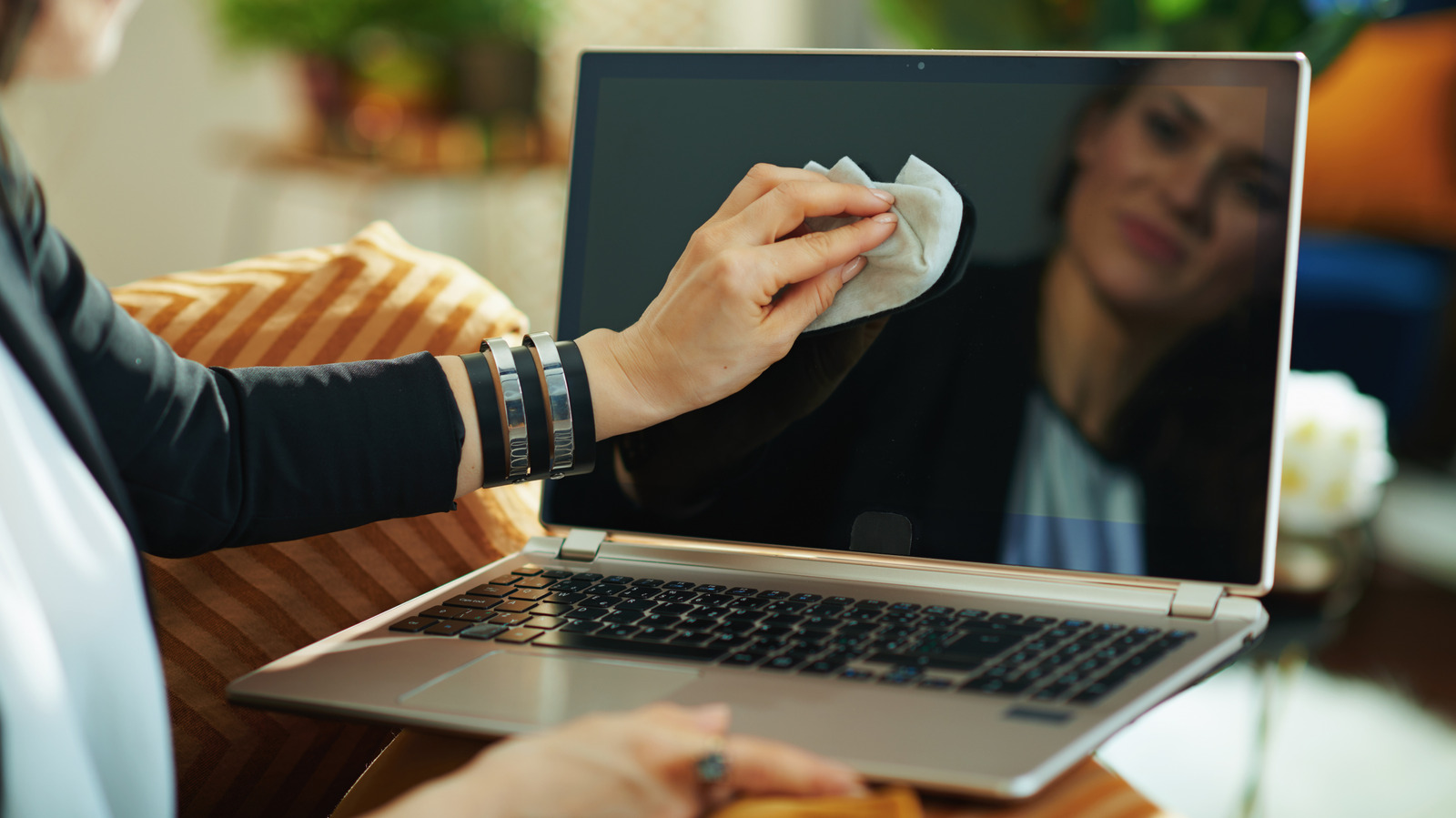
    Your screen may look like it can handle a quick disinfecting swipe, but the manufacturers disagree.

    What should you do when your laptop’s screen gets covered in fingerprints? Most guides say to gently wipe it with a clean, dry microfiber cloth and go easy on liquids, since they can drip inside the display and damage it.

    But what about alcohol wipes? Alcohol evaporates quickly, so it’s less likely to seep in. Still, it’s a harsh chemical, as anyone who’s used it on a cut knows. We checked guidance from Apple, Microsoft, Dell, HP and Lenovo, along with our own cleaning guides, to see what’s safe. So what do the manufacturers say about alcohol wipes? That depends on who you ask.

    Can you use alcohol wipes on a laptop screen?
    Man cleaning his hand with wet wipe.

    Apple is the most permissive. Its support page says you can gently wipe the display with a 70 percent isopropyl alcohol wipe, a 75 percent ethyl alcohol wipe or a Clorox Disinfecting Wipe. You can also use a cloth moistened with a 70 percent isopropyl alcohol (IPA) solution for hard-to-remove smudges. But for regular cleaning, it recommends dampening a soft, lint-free cloth with water only.

    Microsoft is stricter about wipes. Its Surface page says to clean the screen with a screen-cleaning wipe or a soft, dry, lint-free cloth, and that you can dampen the cloth with water or an IPA solution of 70 percent or less if needed. It also says never to use disinfectant wipes, glass cleaner or other chemical cleaners on a Surface touchscreen.

    Dell, HP and Lenovo are picky about which alcohol. Dell’s guidance calls for a microfiber cloth moistened with 70 percent isopropyl alcohol and 30 percent water. Lenovo says a stubborn smudge on the display can be treated with a lint-free cloth moistened with water or a 50-50 mix of isopropyl alcohol and distilled or deionized water. HP tells you to wipe the screen with a soft, dry cloth, and its guidelines recommend a 70 percent isopropyl alcohol and 30 percent water solution for disinfecting. All three recommend avoiding ethyl alcohol, and HP says it, ammonia and a few other chemicals could permanently damage LCD screens.

    Why alcohol can damage a laptop screen
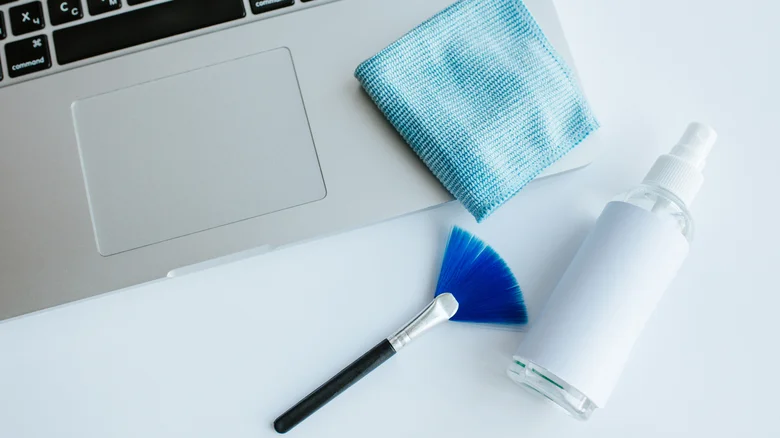
    Close up of laptop with cleaning kit resting on it, including a blue, gentle brush, a microfiber cloth and a spray bottle.

    Many screens have coatings, and the wrong cleaner can leave lasting marks on them. Our guide to cleaning all the screens in your home advises against using isopropyl alcohol or Windex on any display because they can damage an anti-reflective or glossy coating. Repeated use can even leave the screen clouded and uneven. Our guide to cleaning secondhand tech is less strict about alcohol, saying to save isopropyl alcohol for stubborn grime and use it sparingly. We also warn that chlorine, peroxides, solvents and ammonia can damage a screen’s protective coating.

    Wipes add their own risk. Lenovo says a disinfecting wipe made for office or home use is safe on its computers, but some made for medical use can cause discoloration, harm surfaces or even affect how the device works. Apple also says liquid damage isn’t covered under its warranty or AppleCare Protection Plans.

    How to clean a laptop screen safely
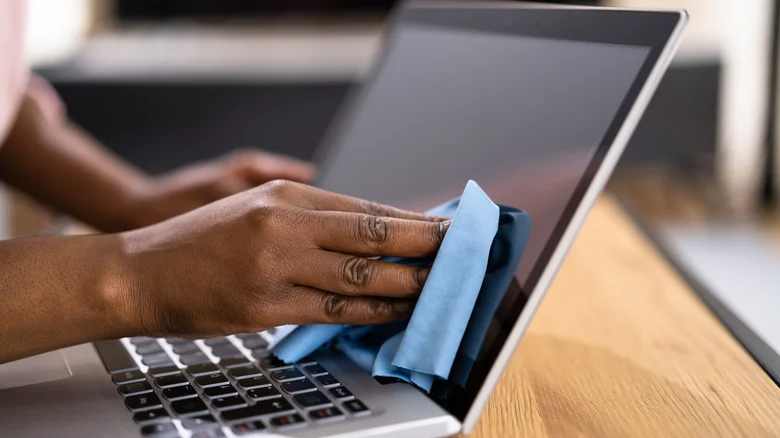
    Woman hand cleaning a laptop screen with a microfiber cloth.

    Shut the laptop down and unplug it, then wipe the screen gently with a dry microfiber cloth. If marks remain, dampen the cloth with a little water. Apple says water only for routine cleaning of MacBook screens, and our guide to cleaning your Mac recommends distilled water since it’s far less likely to leave residue behind. All five makers say not to spray liquid directly onto the device, so put it on the cloth. Apple has separate cleaning instructions for Macs with nano-texture displays.

    If your laptop’s maker says alcohol is safe, use a cloth moistened with an isopropyl alcohol solution of 70 percent or less for stubborn smudges. Dell and HP both say the cloth should be damp but not dripping wet. If your laptop’s maker allows wipes, check the label since some are made with ethyl alcohol, which Dell, HP and Lenovo recommend avoiding. Wipe gently and let the screen dry completely before closing the lid.

    Leave out window cleaners, ammonia, bleach, hydrogen peroxide, acetone and paper towels. Between them, Apple and Microsoft name each one as something to avoid.

    alcohol Laptops risks using wipes
    Follow on Google News Follow on Flipboard
    Share. Facebook Twitter Pinterest LinkedIn Tumblr Email Copy Link
    myappsplus
    • Website

    Related Posts

    iOS 27 has automatic subtitles, but you can simply turn them off

    November 29, 2026

    Here’s how much it would cost to build a PC similar to the PlayStation 5 Pro

    November 29, 2026

    Are Intel Arc GPUs still worth buying in 2026?

    November 29, 2026
    Add A Comment
    Leave A Reply Cancel Reply

    Top Posts

    The pros and cons of using your phone as a mobile hotspot

    November 16, 202651 Views

    UiPath Launches AI Coding Agent, Integrates Claude Code and Codex to Target Development Automation

    November 16, 202646 Views

    Announcing Artificial Analysis Intelligence Index v5

    October 28, 202639 Views
    Latest Reviews

    ‘I did not foresee at all the social-media application, nor its impact on society’: Inventor of the CMOS-based image sensor on how a technology designed to take photos in space has changed the way we view the world

    myappsplusSeptember 13, 2026

    Study says chatbots are misdiagnosing sleep apnea, so a doctor is sharing 4 symptoms you should never ignore

    myappsplusSeptember 13, 2026

    How to watch Big Brother UK 2026 online for FREE – stream season 23 from anywhere

    myappsplusSeptember 13, 2026
    Stay In Touch
    • Facebook
    • YouTube
    • TikTok
    • WhatsApp
    • Twitter
    • Instagram

    Subscribe to Updates

    Get the latest tech news from FooBar about tech, design and biz.

    Most Popular

    Why your Roku keeps randomly turning off (and how to fix it)

    September 13, 20260 Views

    External HDD vs. SSD: What are the pros and cons of each drive type?

    September 13, 20260 Views

    How to watch Man Utd vs Man City: Live streams, TV channels for Premier League 2026/27

    September 13, 20260 Views
    Our Picks

    Best Black Friday laptop deals still live: Up to $819 off MacBook, HP, Lenovo, more

    November 29, 2026

    I’ve been using the Ulike Air 10 IPL device, and it should be on everyone’s beauty wishlist

    November 29, 2026

    Google develops Bundles and Agent creation for Antigravity

    November 29, 2026

    Subscribe to Updates

    Subscribe to our newsletter and get the latest tech news, app updates, AI trends, smartphone reviews, and exclusive deals delivered straight to your inbox.

    Facebook X (Twitter) Instagram Pinterest
    • About Us
    • Get In Touch
    • Disclaimer
    • Privacy Policy
    • Terms & Conditions
    © 2026 MyAppsPlus. All Rights Reserved.

    Type above and press Enter to search. Press Esc to cancel.