

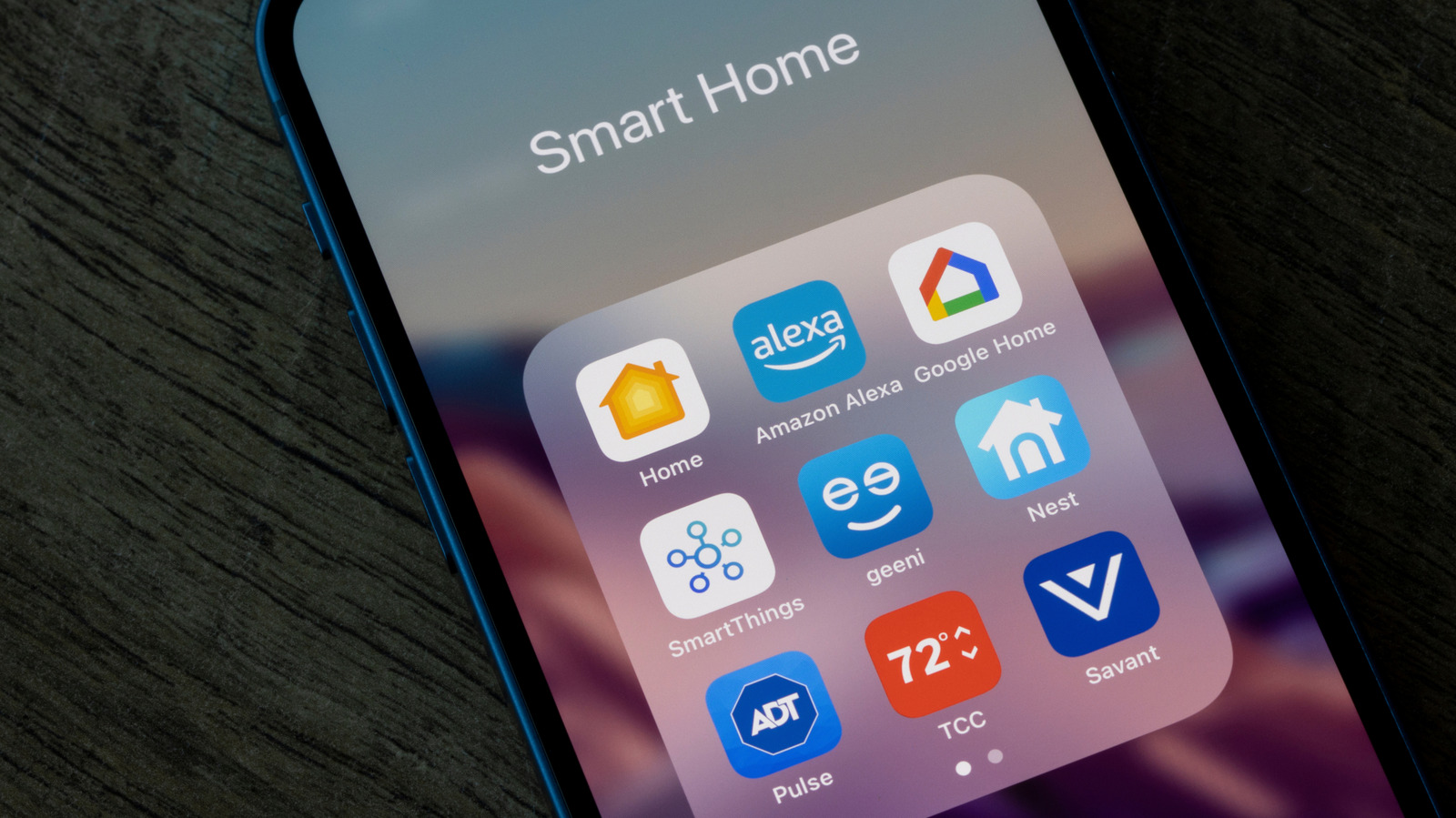
Repurpose your spare smartphone or tablet into a dedicated smart home dashboard to control your lights, cameras and robot vacuums with a single tap.
Whether you only have a few smart bulbs or an entire sprawling network of connected devices, controlling a smart home can be a frustrating multi-step process. For example, I need to reach for my phone or utter a voice command to toggle the lights at my desk. Neither solution feels natural, especially when compared to just flicking a switch. But controlling your smart home devices can be frictionless if you have an old phone or tablet lying around.
Old smartphones or tablets are perfect candidates to repurpose as a smart home dashboard since you can mount them on a stand and leave them plugged in all day. You don’t need powerful hardware either, since it simply needs to display a single app or webpage. I’ve personally added a MagSafe-compatible ring to an old Android phone in combination with a wireless charging stand accessory to keep it topped up.
You don’t have to stop at smart lights, either — I’ve added all kinds of devices to my dashboard, ranging from my robot vacuum to music controls for the smart speakers dotted around my home. You can also add cameras to the dashboard so you can quickly glance over to see who’s at your front door. Smart displays like Apple’s HomeView with Siri AI could have eliminated the need for a iPhone smart remote functionality, but you don’t need to pay for one if you already have an old phone lying around.
Building a smart home dashboard is easy and takes just minutes
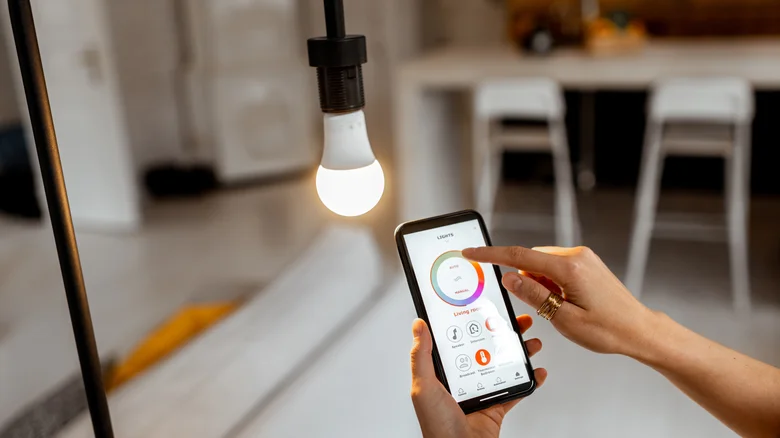
If you have devices from different manufacturers, you might be dealing with dozens of disparate smart home apps and ecosystems. The industry has made advancements here, with Matter bringing devices under one connectivity standard.
Even if your devices don’t support Matter, many smart devices can be added to a hub like Google Home, Apple HomeKit or Samsung SmartThings. For example, linking Philips Hue, TP-Link Kasa and Govee devices to a Google Home account eliminates the need for multiple manufacturer-specific apps.
On my spare Android phone, I simply have the Google Home app running at all times. I can see the list of paired devices, check their status and tap to toggle them. If you have an iPhone, you can use Apple’s Home app instead — in fact, its interface looks better suited for an always-on remote.
You should also disable your phone or tablet’s display timeout. On Android, the Stay Awake developer setting prevents the plugged-in device from turning off. iOS doesn’t have a similar setting, but you can achieve the same thing through an accessibility feature called Guided Access. You can find it under Settings > Accessibility > Guided Access — this locks your iPhone or iPad to a single app until you triple-click the lock button.
Customizable smart dashboards: third-party apps and Home Assistant
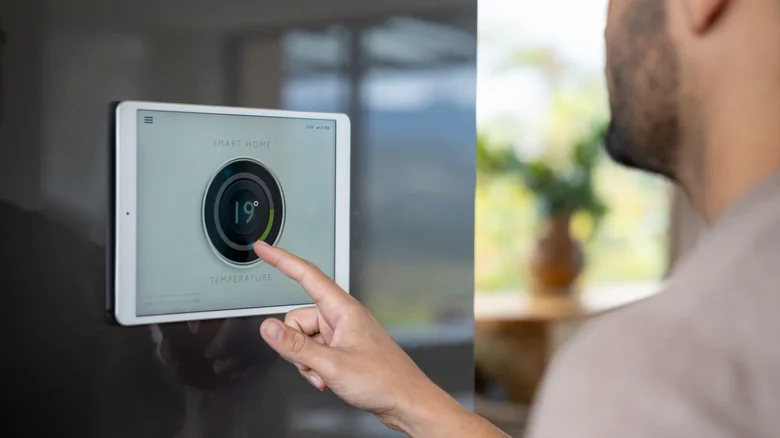
My biggest pet peeve with Google Home and HomeKit is their restrictive customization. You can re-arrange device controls, but you cannot add custom elements like the time, weather or calendar.
On iOS and iPadOS, third-party apps like HomeDash or HomePad let you create personalized dashboards that include those missing clock, weather and music player elements. HomePad also offers an image screensaver that cycles through your personal albums while the device is idle, similar to a digital photo frame.
Google Home doesn’t let third-party apps connect to your devices. Instead, Android users can use standalone smart home remotes like HomeHabit, which bypass Google entirely to connect directly to Philips Hue and other ecosystems. Home Assistant is arguably the most customizable smart home platform, and it’s entirely free to use. The only caveat is that you’ll need an always-on computer like a mini PC or Raspberry Pi to host Home Assistant.
Home Assistant allows you to add devices from just about any smart home manufacturer or ecosystem. I’ve added custom widgets from the marketplace that show me the weather, air quality and even when I need to take out the trash. It also supports connectivity protocols like Zigbee and Thread, letting you directly pair devices from brands like Philips Hue and IKEA without their respective hubs.
