


Disengagement Menu
With FSD v15, Tesla has completely removed the disengagement menu when you disable FSD. Users no longer need to dismiss anything upon taking over — no prompts or dialogs appear of any kind
Hide FSD Visualizations
HW4
Undocumented
Models:
HW4
Undocumented
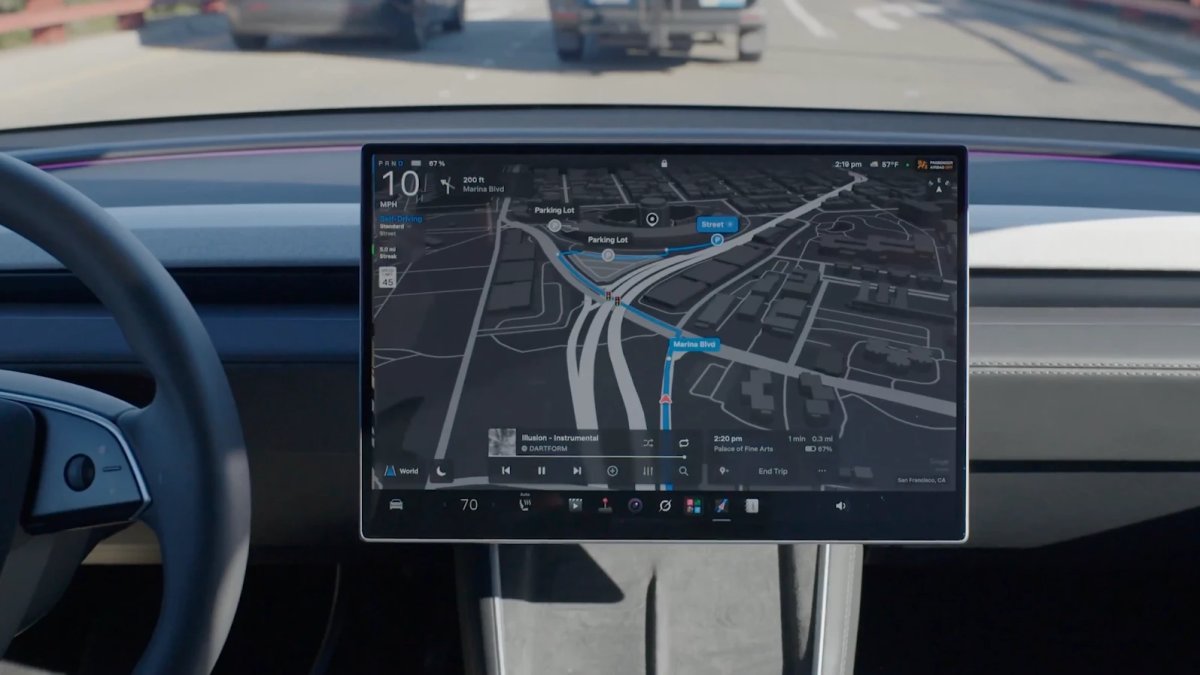
With FSD v15, Tesla has finally added a feature many users have been requesting—the ability to hide FSD visualizations.
In this new view, the navigation maps go full screen, completely hiding the FSD visuals. This is similar to the screen on a Model S/X, since the FSD visuals are on the driver display and the maps use the entire center display.
Calm Mode
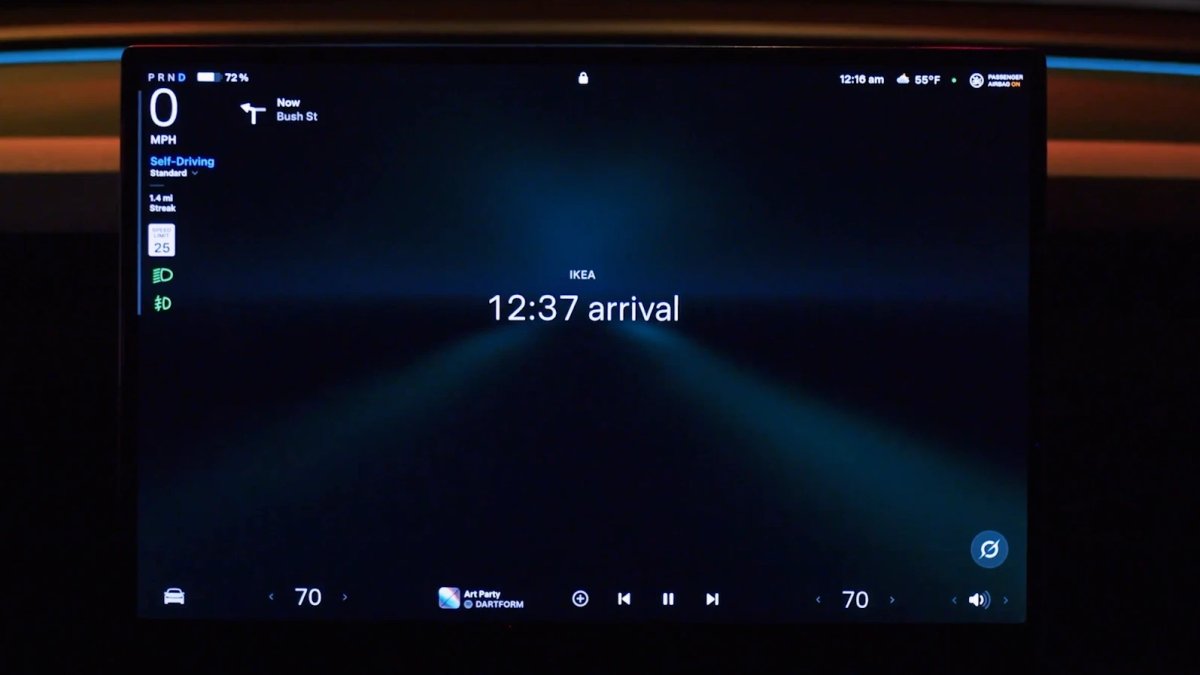
Tesla has added its new Calm Mode, which is available on its Robotaxis to consumer vehicles with FSD v15.
Calm Mode reduces screen distractions by hiding FSD visualizations and the map view. The entire screen switches to show only vital information, such as vehicle speed, speed limit, next turn, and arrival time.
The dock is replaced with a simplified view that has the vehicle settings, climate buttons and music.
FSD Streaks

Tesla has added FSD Streaks support to the legacy Model S and Model X with this FSD update.
Note: This applies to legacy Model S/X vehicles with Intel and HW3.
Model Y L Badge Animation
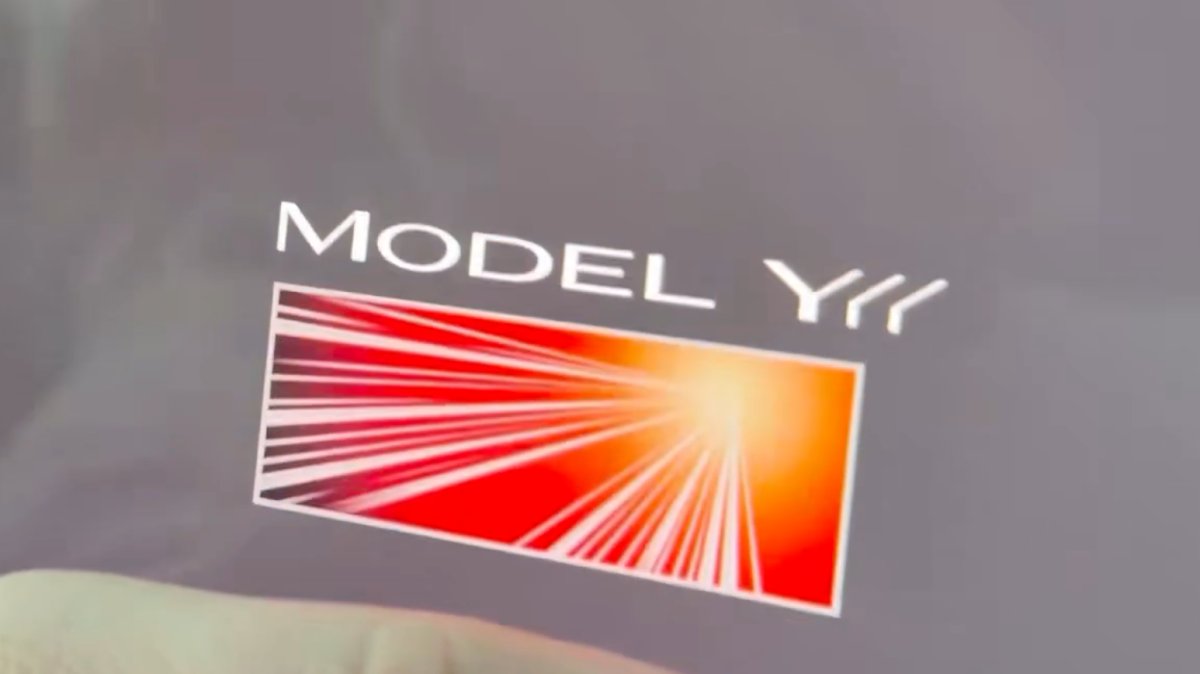
The Launch Series badge animation has been added to the Model Y L with this update. Simply tap it to see the badge animate.
Grok No Longer in Beta

With this update, Tesla has removed the beta label from Grok.
Service Mode Improvements
Available Worldwide
Undocumented
Models:
S
3
X
Y
CT
Undocumented
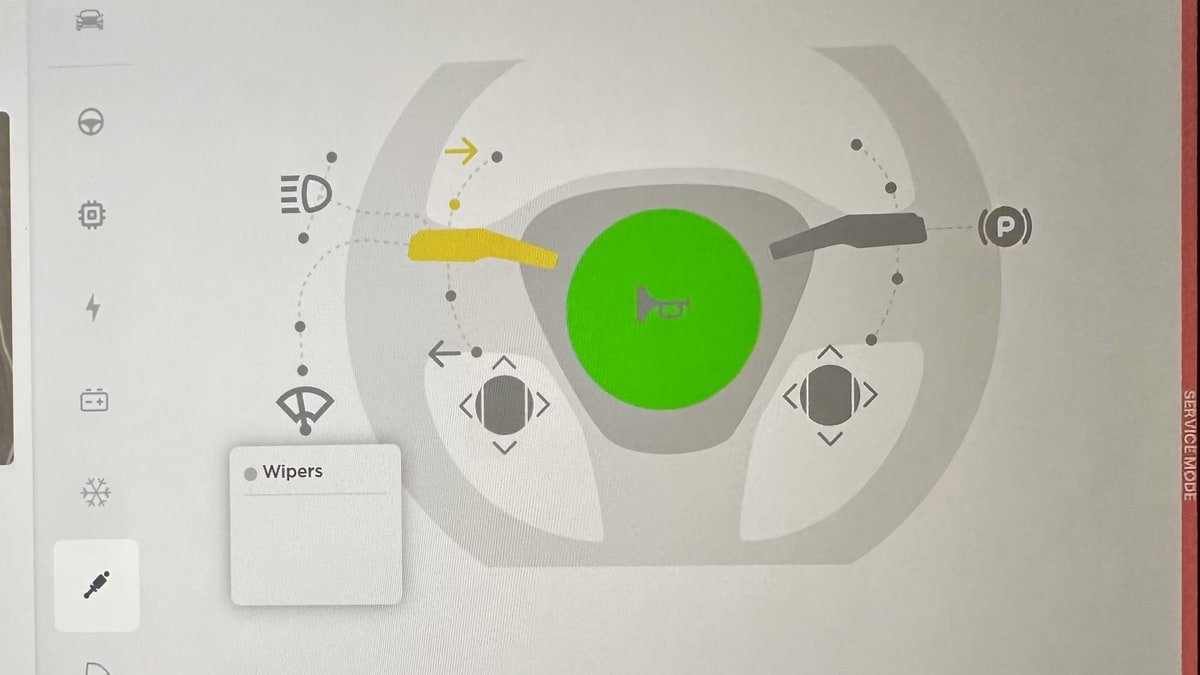
Service Mode Update – Quick Touchscreen Language Switch
Servicing a vehicle set to an unfamiliar language has now become easier. When entering Service Mode, the customer’s original language setting is saved. If the touchscreen language does not match the default language of the vehicle’s current country location, a Change Touchscreen Language button (always shown in English) appears at the top of the Service panel and allows users to select a preferred language. Then, upon exiting Service Mode, the customer’s original language setting is automatically restored.
Note that touchscreen language changes trigger a restart of the user interface.
High Voltage Panel Update – Isolation Alert Popup
The High Voltage panel now displays status information for each isolation health dotnent. If the component is healthy, it will show the current isolation resistance values. If the component is unhealthy, it will display the current isolation resistance values and any isolation alerts or Diagnostic Trouble Codes (DTCs) that are present on the vehicle
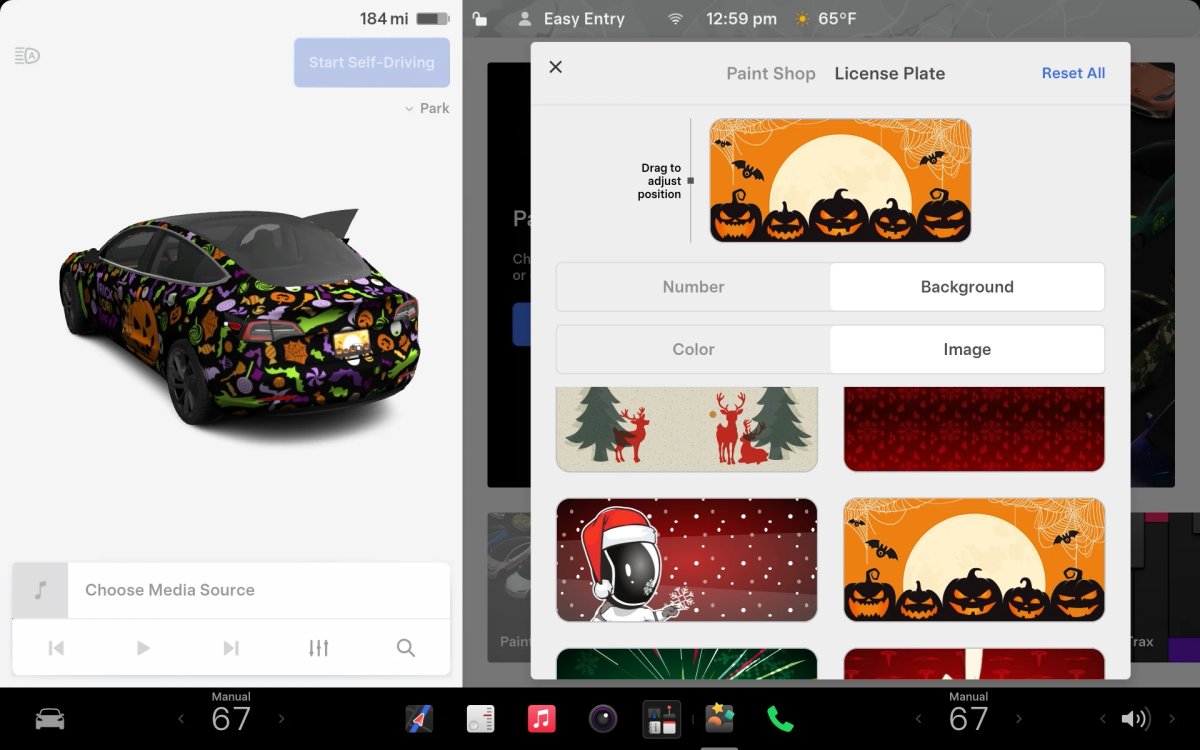
Halloween Mode Wraps & License Plates for Intel
Available Worldwide
Intel
Undocumented
Models:
S
3
X
Y
CT
Intel
Undocumented
While Tesla’s Halloween Mode is not available on Intel vehicles, these vehicles do still receive the same Halloween Mode wraps and license plates that are available on AMD vehicles.
Unfortunately, the rest of the features, including, the Halloween visualizations, Trick or Treat Mode and the lock sound are not available on Intel vehicles.
