Close Menu
MyAppsPlus

    Subscribe to Updates

    Get the latest creative news from FooBar about art, design and business.

    What's Hot

    Virtus Artificial Intelligence & Technology Opportunities Fund Discloses Sources of Distribution

    November 26, 2026

    NYT Strands hints and answers for Thursday, November 26 (game #998)

    November 26, 2026

    1Password confirms security incident, here’s what you need to know

    November 26, 2026
    Facebook X (Twitter) Instagram
    Facebook X (Twitter) Instagram
    MyAppsPlusMyAppsPlus
    Thursday, November 26
    • Home
    • Breaking Tech
    • Apps & Software
    • AI & Automation
    • Android
    • iPhone & iOS
    • More
      • Reviews
      • How-To Guides
      • Deals & Discounts
      • Shop
    MyAppsPlus
    Home»Breaking Tech»Your PC’s USB port can charge your phone, even when it’s turned off — Here’s how
    Breaking Tech

    Your PC’s USB port can charge your phone, even when it’s turned off — Here’s how

    myappsplusBy myappsplusNovember 22, 2026024 Mins Read
    Share Facebook Twitter Pinterest Copy Link LinkedIn Tumblr Email Telegram WhatsApp
    Follow Us
    Google News Flipboard
    Your PC’s USB port can charge your phone, even when it’s turned off — Here’s how
    Share
    Facebook Twitter LinkedIn Pinterest Email Copy Link

    Your USB ports might have a hidden “Always On” mode that charges your phone with the PC shut down.

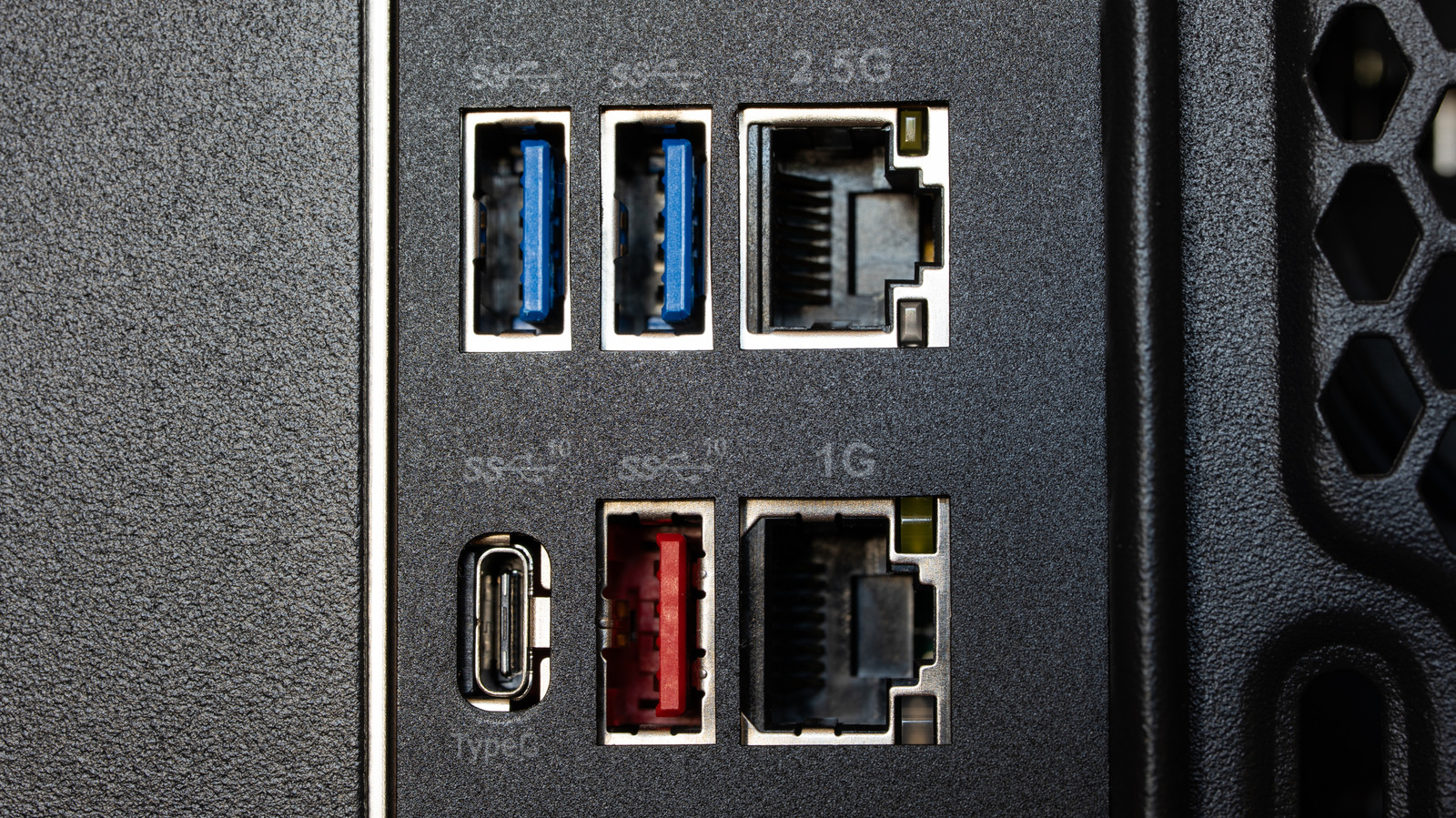
    Almost all PC USB ports supply enough current to charge a device, but not all continue to do so when the PC is shut down. This convenient feature can also be confusing, since each brand tends to have its own terminology. For example, Lenovo calls it an “Always On” port while Dell uses the term PowerShare. Others stick with icon labels, like a battery symbol or a lightning bolt. The best way to know for sure is to dig into your PC’s manual, confirm the markings and learn how to enable it.

    Depending on the system, USB standby power might be on by default or be part of an energy-saving setting that cuts power when the PC is off. Your desktop or motherboard documentation should have this information. Fortunately, testing the feature is fairly simple: plug your phone in, turn the PC off and see if your phone continues charging.

    If it stops charging, it’s safe to assume the setting is off, which you can rectify in the BIOS or UEFI on most Windows PCs. (If your PC never supported the feature, changing settings won’t help.) Restart the PC and press the key the startup screen tells you to (usually F2, Del or F10). Look under Advanced, Power or Chipset for a USB power delivery or Always On charging option and enable it. If you see ErP (Energy-related Products) or Deep Sleep settings, make sure they’re disabled. Save and exit. 

    You don’t need a computer science or software engineering degree to do this, just a little patience as you wait for the PC to boot up and press the right key. The menu can be confusing at times, but you’re unlikely to brick your PC.

    Why your PC’s USB port might stop charging after shutdown
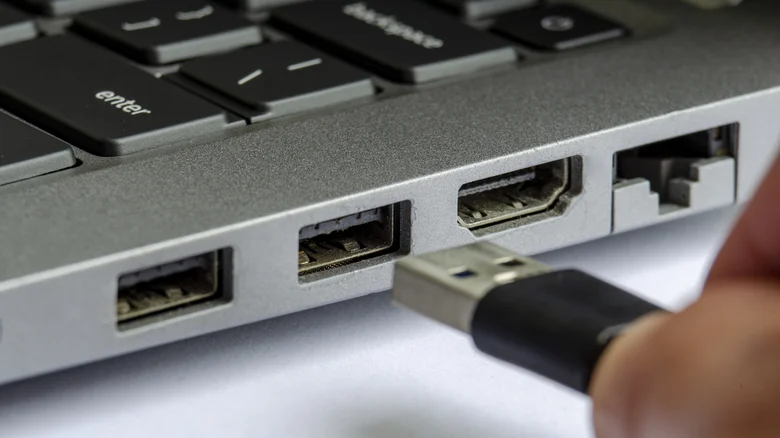
    Plugging a USB cable into a laptop.

    For starters, energy-saving features may get in the way. Anything that uses standby power will conflict with firmware settings that cut power to reduce consumption. For instance, if ErP Ready is enabled in select ASUS NUC PCs, USB standby power during shutdown or hibernation is disabled. Check your system’s instructions before changing anything. 

    You also may not have to turn off every single energy-saving feature just to charge your phone when your PC is off. Keep in mind that changing the energy-saving settings won’t add post-shutdown charging if the system never supported it to begin with.

    Laptops are an entirely different case, since they often come with battery reserve limitations. Depending on the model, USB charging may stop when the laptop’s battery hits a reserve threshold. Laptop charging features may depend on an AC adapter after shutdown, and that’s a potential restriction that shouldn’t be confused with a desktop’s standby power settings. Make sure your USB plug is completely in the port and that the cable is reliable, not one that’s been sitting in an attic box for the last quarter century.

    What does it mean when a USB port is Always On?
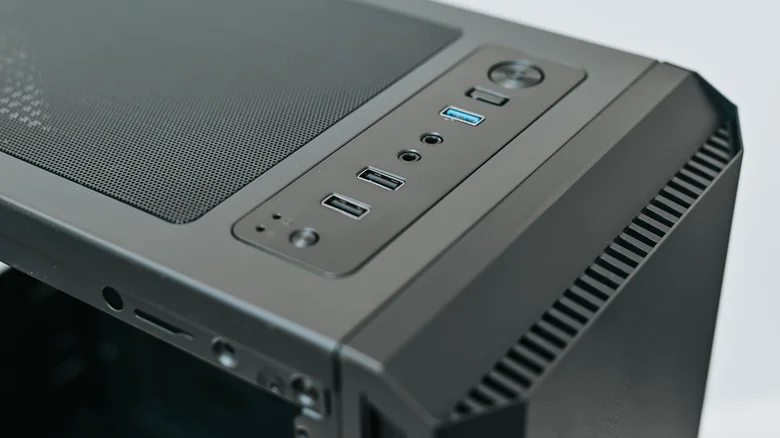
    Multiple ports on a desktop tower, including USB-A and AUX.

    In this context, “Always On” refers to power availability, but that’s not the same thing as “charging only.” A supported port can continue to supply power while the computer is off, though the wording shouldn’t be taken literally. Firmware settings can disable that power, and the behavior may be different between ports on the same system. 

    Power and data transfers are also different capabilities. A phone charging while the PC is shut down doesn’t mean you can transfer photos from your phone or copy files to it. The specific feature here is all about electricity available

    Another problem is the lack of consistency in names, setup processes and USB port symbols. One system may offer a dedicated USB power setting while another’s ports depend on power-saving configurations. Even within a single brand, capabilities and terminology can differ, and manufacturers implement “Always On” USB in drastically different ways.

    For example, “Always On” could mean the feature is active after shutdown, during hibernation or while your PC is asleep. It could mean two of them, just one or all three. The feature may come with symbols, color coding, terminology or fine print in a manual, but not necessarily all of the above.

    Accessories Charge port Your
    Follow on Google News Follow on Flipboard
    Share. Facebook Twitter Pinterest LinkedIn Tumblr Email Copy Link
    myappsplus
    • Website

    Related Posts

    We reviewed these 10 gadgets, and they’re now on sale for Black Friday

    November 26, 2026

    Can you play GTA 6 from an external hard drive on PS5 or Xbox Series X/S?

    November 25, 2026

    S&P considers Nvidia credit downgrade over governance and ‘key man’ risks

    November 25, 2026
    Add A Comment
    Leave A Reply Cancel Reply

    Top Posts

    The pros and cons of using your phone as a mobile hotspot

    November 16, 202648 Views

    UiPath Launches AI Coding Agent, Integrates Claude Code and Codex to Target Development Automation

    November 16, 202646 Views

    Save on your groceries, gas, and holiday shopping with this $15 BJ’s membership (Reg. $60) 

    November 4, 202634 Views
    Latest Reviews

    Travel Tech Announces Pitch Competition Finalists for Upcoming Start-Up Summit

    myappsplusSeptember 12, 2026

    How to watch Pacific Nations Cup 2026: FREE rugby live streams from anywhere, schedule

    myappsplusSeptember 12, 2026

    3 nail-biting Paramount+ thriller movies to watch if you never want to sleep again

    myappsplusSeptember 12, 2026
    Stay In Touch
    • Facebook
    • YouTube
    • TikTok
    • WhatsApp
    • Twitter
    • Instagram

    Subscribe to Updates

    Get the latest tech news from FooBar about tech, design and biz.

    Most Popular

    Instagram chief thinks a chronological feed is ‘much worse’ and says the quiet part out loud

    September 12, 20260 Views

    Dbrand’s MNML Pixel 11 Pro cases are simply good, and that’s the point [Gallery]

    September 12, 20260 Views

    Some of the best budget running headphones just got a big discount on Amazon — save $70 on the Shokz OpenRun Pro

    September 12, 20260 Views
    Our Picks

    Virtus Artificial Intelligence & Technology Opportunities Fund Discloses Sources of Distribution

    November 26, 2026

    NYT Strands hints and answers for Thursday, November 26 (game #998)

    November 26, 2026

    1Password confirms security incident, here’s what you need to know

    November 26, 2026

    Subscribe to Updates

    Subscribe to our newsletter and get the latest tech news, app updates, AI trends, smartphone reviews, and exclusive deals delivered straight to your inbox.

    Facebook X (Twitter) Instagram Pinterest
    • About Us
    • Get In Touch
    • Disclaimer
    • Privacy Policy
    • Terms & Conditions
    © 2026 MyAppsPlus. All Rights Reserved.

    Type above and press Enter to search. Press Esc to cancel.