

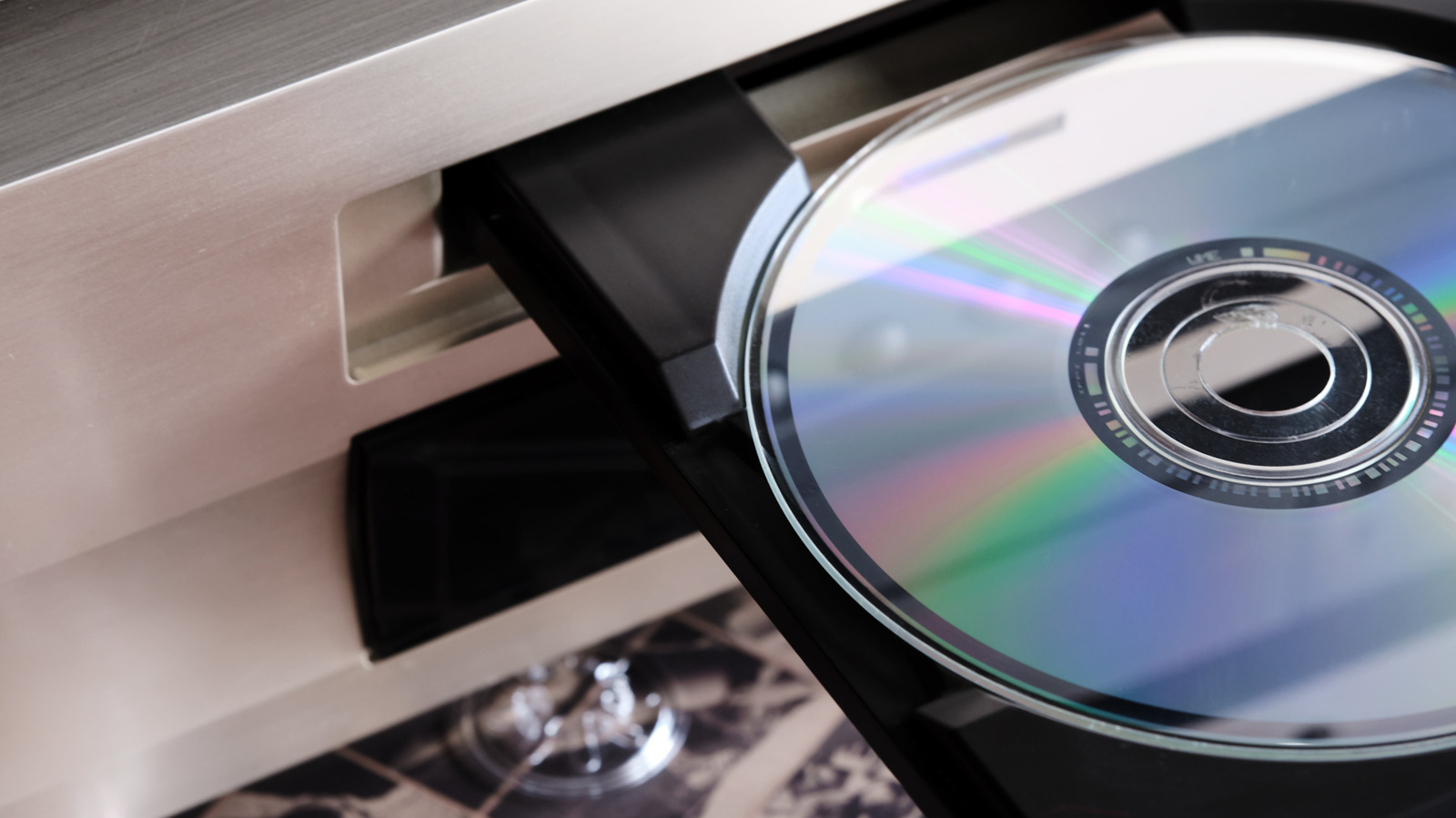
If you don’t have discs to play, they can make for clever fodder for DIY projects.
Old tech has a way of hanging around. You might have a drawer of chargers and cables from outdated devices, or a box of your former phones. There could even be a laptop or two tucked away in a closet. In the age of streaming services, you might also have an old CD or DVD player collecting dust somewhere in your home.
Luckily, enterprising folks on the internet have been working on creative ways to repurpose old CD and DVD players, or at least parts of them, and turn them into a variety of projects. These DIY efforts range in their level of difficulty and skill required to produce. But, if you’re handy and already comfortable with electronics, you might glean some inspiration and finally give that old DVD or CD player some new life.
Plus, tackling one of these projects might be another way to keep old electronics out of the landfill and cut down on the amount of e-waste you’re producing. Here are five clever things you can still do with an old DVD or CD player.
Make a macro lens for your phone
If you’re into photography, there’s a relatively easy way to turn the lens from an old DVD player into a macro lens you can use on your phone. Macro photography shows small subjects up close, like a bumblebee on a flower. While this particular tutorial might not get you into the pages of National Geographic, it could be a fun way to play around with what you shoot.
YouTuber Raj K Photo shows how to use a screwdriver and adhesive putty to get the job done. It’s as simple as prying out the lens, and wrapping a thin coil of putty around the lens to affix it to your phone’s camera. The video notes that you have to get pretty close to the subject to get in focus, but the lens is powerful enough to see the cell structure of a layer of onion and the dirt and grooves on a coin.
Create a beginner robot
If you or someone you know is interested in robotics, but isn’t exactly ready to join Boston Dynamics, there are more than a few tutorials online that will show you how to use the motors inside a device like a DVD or CD player to build a simple robot. For example, Blackfish, which offers tutorials and templates for projects, has a template for a cardboard robot who can walk around using a DC motor, an on-off switch, a plastic pulley and a battery. While you might have to purchase the pulley, switch and battery, you can find a DC motor inside your CD or DVD player. Blackfish Space has a video, too, that walks you through assembly.
There’s also a tutorial from the YouTube account GrandadIsAnOldMan, which shows how to take the drive from a DVD player and create what he calls an Inchworm CrawlerBot. Essentially, the CrawlerBot uses the motion of the tray opening and closing, driven by its motors, to move itself while on wheels. This project requires a few more parts than the walking robot project, like four VHS cassette spools (in case you’re old enough to have those lying around, too), barbecue skewers, a toggle switch, a hot glue gun and a soldering iron, to name a few. He also links to two other iterations of the CrawlerBot.
Construct a CNC laser engraver
On the more complicated end of the DIY spectrum, you can use old CD and DVD players to make your own CNC laser engraver of varying sizes. A CNC laser engraver is a machine that can etch, carve or mill on a hard surface like wood, metal or glass, using digital instructions. You might use this method to put a custom image or text on something.
In particular, Autodesk Instructables features YouTuber How To Do’s 8-step guide to making one such CNC laser engraver, which uses two optical drives from either a CD or DVD player, as well as an Arduino board, which is an “open-source electronics platform” that will serve as the “brain” of the machine, according to the instructions. In the video description on YouTube, you can see a list of materials with links. Since the video is about 9 years old, not all the links might work. You also might note that the creator uses more than a few shop tools. He says that in reality, if you want a CNC laser engraver, you can just buy one — it’ll be cheaper and easier. But undertaking this project is, as they say, about the journey.
Build a secret compartment
If you’re looking to hide some personal items from prying eyes, you can turn a DVD or CD drive into a motorized drawer. Kipkay on YouTube offers a video on how to do it. You’ll need a drive, a 3-volt button cell battery and holder, a magnetic switch (Kipkay mentions getting one from an old alarm system), a strong neodymium magnet, a small wire, and some type of glue.
Part of the process involves removing the guts of the drive. Along the way, you can save some components like the laser diode for other projects. Ultimately, the magnet is what will trigger the switch, opening your new secret stash drawer. The drawer can even be attached somewhere like under a desk. You won’t be storing large items, but Kipkay suggests there’s room for things like cash and SD cards. You can also read the directions on Instructables.
Collect spare parts
Even if you don’t have a specific project in mind, you can still take apart an old CD or DVD player and harvest useful parts to use in the future. Instructables, once again, comes through with directions describing what you can salvage and how, aside from saving money on parts, the act of disassembling can help you learn how the electronics work
Among the parts you can reuse from these older devices are DC motors, stepper motors, buttons, LED lights, laser diodes, neodymium magnets, and optical lenses. To retrieve all those bits, you’ll need a screwdriver, tweezers, needle-nose pliers, wire cutters and rubber gloves. Instructables also links to projects using some of those parts if you’re looking for inspiration.
So, if you’re wanting something to do with old CD or DVD players that doesn’t just involve throwing them out, (and maybe have a quiet Saturday afternoon) you’ve got options for turning your old tech into something new and useful.
