

- iOS 27.2 is rolling out now
- The update includes a new Apple Music icon, new languages and features for Siri, and adds suggestions to the Messages app
- It also brings Dual Capture to group FaceTime calls, plus various other changes
iOS 27.2 is now rolling out, and while this update isn’t as big as iOS 27 itself was, there’s quite a lot here to get stuck into, so — even putting aside the inevitable bug fixes — it’s well worth downloading.
Highlights include various improvements to Siri, such as the ability for Siri to draw on more personal context sources, including voicemails, photos attached to messages, and calendar event attendees. This update also brings more languages to Siri AI, including French, Japanese, Korean, Portuguese, and Spanish.
Some other AI features have also been improved, with, for example, SynthID labeling now being added to Image Playground creations and substantially edited photos, such as those that have had the Reframe or Extend tools used on them. This means that it will be harder for people to pass off AI images as real ones.
Updates to Apple Music, Messages, and more
Away from AI, iOS 27.2 also brings a new icon to Apple Music, with this one being black and white rather than red — bringing it more in line with the company’s other recent iconography.
There are also now suggestions in the Messages app, which are tappable shortcuts that appear based on context. So, for example, if someone invites you to an event, it might prompt you to add it to your calendar.
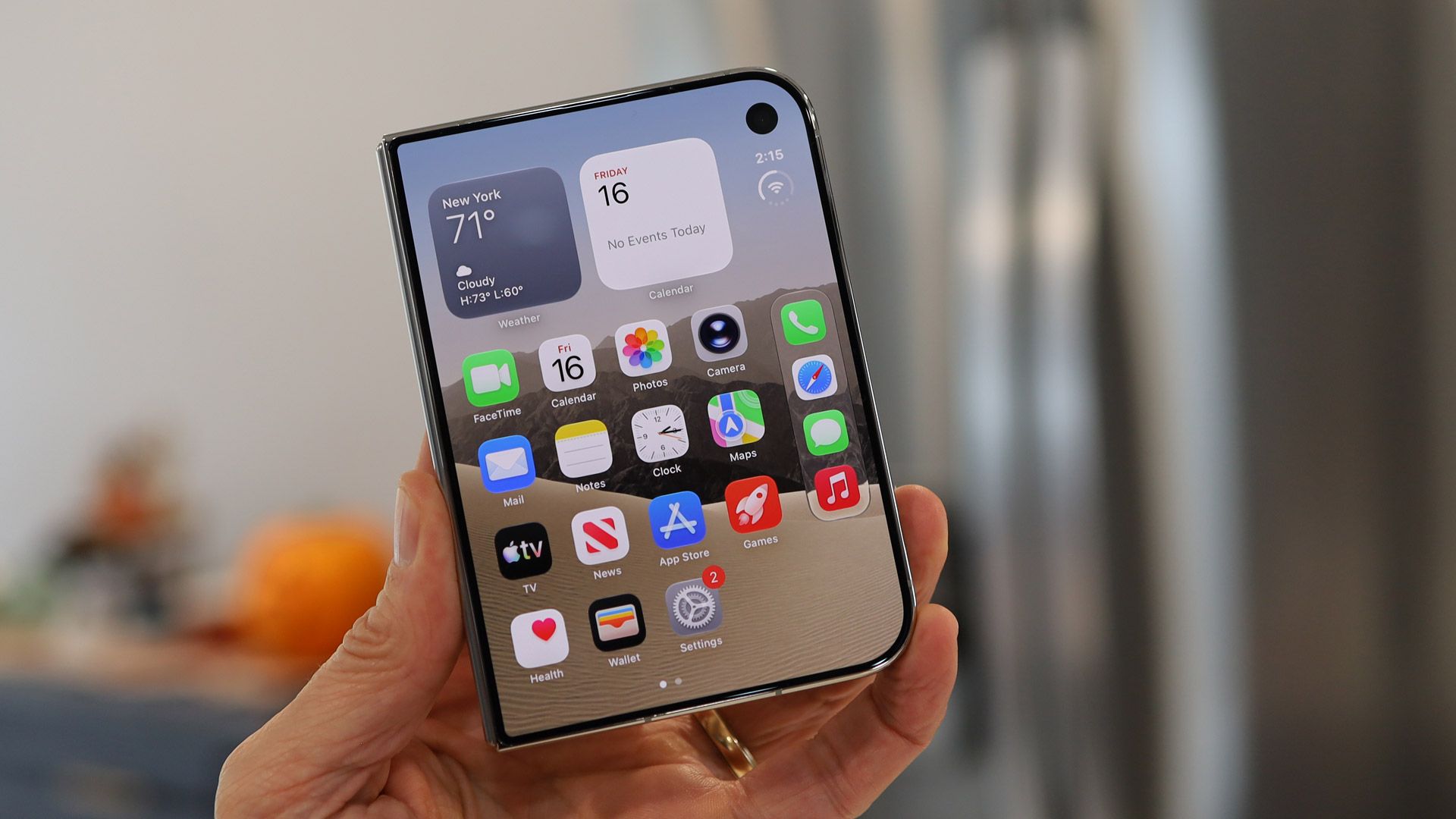
Plus, Dual Capture is now available in group FaceTime calls, allowing you to show content on both your front and rear cameras simultaneously, and the iPhone Duo has received a couple of updates, adding support for the USB-C Apple Pencil and an Edge Light to brighten your face in video calls.
Those are arguably the seven biggest updates in iOS 27.2, but there are numerous smaller changes too, such as tweaks to the layout of the Podcasts app and an anniversary reminder on phone calls. So there’s a lot here.
Your iPhone should prompt you to download iOS 27.2 sooner or later, but if you don’t want to wait, you can head to Settings > General > Software Update.
