

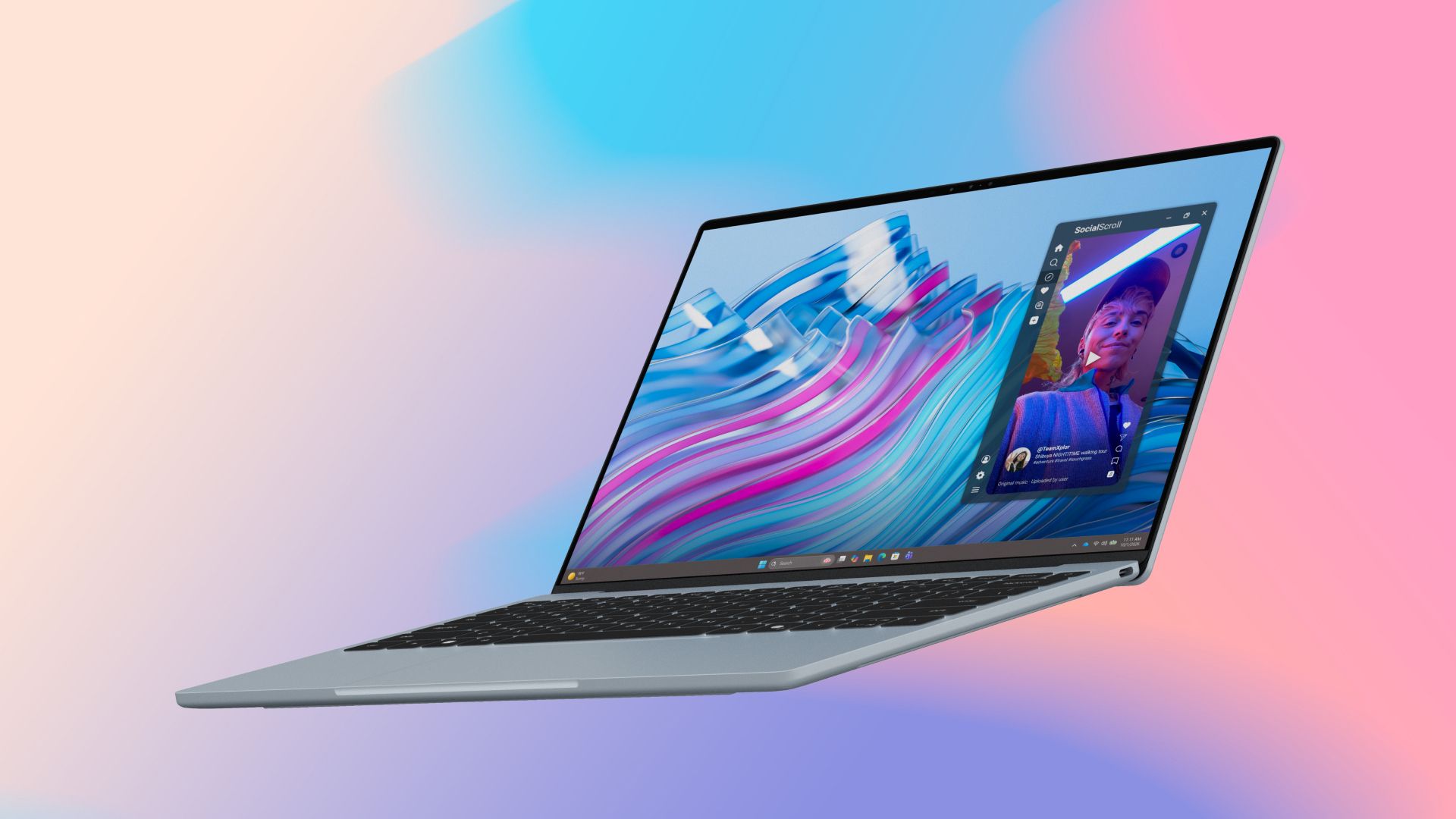
Most laptops aren’t built around a touchscreen. Some manufacturers offer it as an added extra, or a costly upgrade, but it’s rarely a central part of the design. With the award-winning Dell XPS 13, touchscreen support comes as standard, meaning you get access to intuitive touch controls whatever you’re doing, and a laptop that’s built to take full advantage.
From pinching and swiping through websites and long documents, to tapping through tight app interfaces and video playback controls, the Dell XPS 13 is a laptop built to use touch to its fullest extent, giving it a level of control and interactivity that other laptops can’t match.
What do you use a touchscreen for?
Where tablets and smartphones have touch as their primary interface, that’s rarely the case with laptops. With a mouse or touchpad and keyboard at hand, what would you actually use the touchscreen for? It depends on where you are and what you’re doing, but a touchscreen can add real utility to a lightweight laptop like the Dell XPS 13.
With its 16:10 aspect ratio, the 2.5K LCD display on the Dell XPS 13 delivers 11% more vertical pixels than most 16:9 laptops, making it more comfortable for reading longer documents and websites. A touch interface makes it easy to swipe up and down to scroll and pinch to zoom in on sections for easier comprehension.
Working with multiple documents or images? A touch interface is far faster and more intuitive for swiping through pages and multiple items.
Retain full control, even in tight spaces
The XPS 13 is a fast, lightweight, and slim laptop with long battery life, ideal for working or relaxing on the go. But even compact laptops can feel cramped if you’re trying to use them in a tight space. On a plane or train table, or on a campus desk, it can be difficult to use a mouse or interact effectively with tight interfaces with small icons—particularly if your dominant hand is restricted.
A touchscreen can be a game-changer in these kinds of scenarios, where it’s far easier to tap an icon on the screen than it is to move the mouse pointer there manually. It’s quieter than clicking, too—great for getting some work done while everyone else is sleeping.
Enjoy tablet-style video playback control
Phones and tablets have become some of the most popular devices to enjoy movies and TV shows on, and it’s not just because they’re conveniently to hand. A touch interface is uniquely suited to scrubbing through video progress bars or tapping the exact point you want to start from.
With the Dell XPS 13’s fast and detailed touchscreen, you get a bright display with excellent color support that makes your favorite movies and shows look fantastic, while touch controls make interacting intuitive and easy.
Sign, annotate, and highlight on the fly
Editing or signing documents? A touchscreen lets you take handwritten notes and signatures, and you can tap to highlight text you want to comment on or adjust its formatting. With a touchscreen, you can quickly select the portion of the file you want to work on, right there directly on the screen.
Pairing performance with precision
The Dell XPS 13 backs up its stellar display and interactivity with strong component-driven performance. Intel Core Series 3 CPUs deliver strong performance for everyday applications, easily able to support several browser tabs open, streaming a show, running email, and editing a photo, all without slowdown. For light content creation and heavy multitasking, Intel Core Ultra Series 3 CPUs deliver greater power.
The onboard NPU drives local AI capabilities like noise cancellation and webcam beautification, and the built-in Intel Xe graphics enable high-resolution streaming.
Memory and storage are available in configurations up to 32GB of RAM with Intel Core Ultra Series 3 processors and a 1TB SSD, ensuring you have all the capacity you need to run modern applications and have plenty of space to store work documents, precious family memories, and your favorite apps and services.
Even with its capable components, the Dell XPS 13 is an efficient laptop able to stream video for up to 17 hours on a single charge, ensuring you don’t have to reach for the charger quite so often.
Award-winning affordability
The Dell XPS 13 has earned many best-in-show awards for its affordability. Windows Central called it “The best deal in laptops” in its first-look review, and Tom’s Hardware said it was a true “champion of the affordable renaissance.” Able to compete on price and performance with the MacBook Neo, the Dell XPS 13 is a standout laptop with impressive performance, excellent efficiency, and a useful and intuitive touchscreen which makes it easier to use than traditional clamshell designs.
If you think a Dell XPS 13 is right for you, find out more on the Dell website: CA readers click here, and AU readers click here.
Does the Dell XPS 13 come with a touchscreen as standard?
Yes. Every configuration includes a 2.5K 120Hz touch display without requiring paid upgrades.
Is the Dell XPS 13 good for everyday use and traveling?
Absolutely. It is lightweight, offers up to 17 hours of battery life, and provides versatile touch controls for tight spaces.
How does the Dell XPS 13 compare on value and performance?
It delivers great value. Powered by Intel Core processors and built-in AI capabilities, it competes with premium rivals at an affordable price point.
