Close Menu
MyAppsPlus

    Subscribe to Updates

    Get the latest creative news from FooBar about art, design and business.

    What's Hot

    The Vivo V80 promises flagship-style portraits and seriously long battery life

    October 18, 2026

    Spigen’s new iPhone Duo cases are live and starting from $27 at Amazon

    October 18, 2026

    iPhone Duo vs iPhone 18 Pro: Here’s every key difference

    October 18, 2026
    Facebook X (Twitter) Instagram
    Facebook X (Twitter) Instagram
    MyAppsPlusMyAppsPlus
    Sunday, October 18
    • Home
    • Breaking Tech
    • Apps & Software
    • AI & Automation
    • Android
    • iPhone & iOS
    • More
      • Reviews
      • How-To Guides
      • Deals & Discounts
      • Shop
    MyAppsPlus
    Home»Reviews»MapQuest Now Maps Surveillance Cameras and License-Plate Readers
    Reviews

    MapQuest Now Maps Surveillance Cameras and License-Plate Readers

    myappsplusBy myappsplusOctober 18, 2026003 Mins Read
    Share Facebook Twitter Pinterest Copy Link LinkedIn Tumblr Email Telegram WhatsApp
    Follow Us
    Google News Flipboard
    MapQuest Now Maps Surveillance Cameras and License-Plate Readers
    Share
    Facebook Twitter LinkedIn Pinterest Email Copy Link

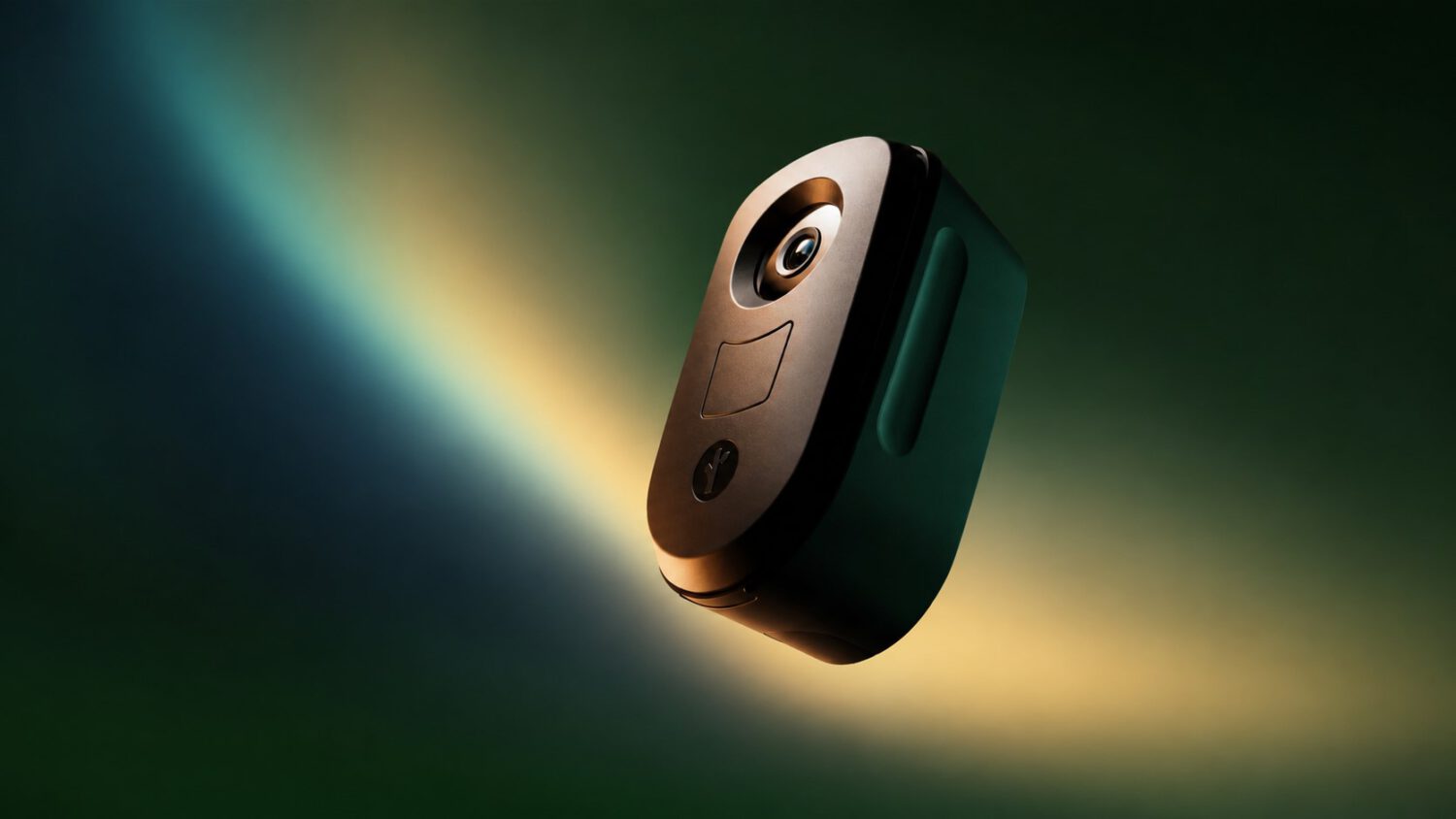
    MapQuest has added an optional Surveillance Layer that displays reported locations of outdoor surveillance cameras and automated license-plate readers (ALPRs), including Flock Safety devices, directly on its consumer map.

    ALPRs can photograph vehicles within the camera’s field of view and may record each plate number alongside a timestamp and location. That data may be accessible to law-enforcement agencies and other authorized organizations, according to reporting by The Next Web.

    The feature makes that infrastructure visible on an everyday navigation app, which is a notable step for consumer mapping services.

    How to Turn It On

    Enabling the layer takes only a few taps inside MapQuest’s existing map controls.

    Open MapQuest, tap Map Options, and enable the Surveillance Layer. It sits alongside the existing traffic and incident layers.

    The layer covers Flock Safety equipment as well as devices from Motorola Solutions’ Vigilant, Genetec, Axis Communications, Axon, Leonardo’s ELSAG, Neology, Rekor, PlateSmart, Ubicquia, and Verkada MapQuest announced the feature on social media with the tagline “The Roads Have Eyes!”

    Location data underlying the layer is crowdsourced, per The Next Web, meaning users contribute camera sightings they observe in the field. Coverage and accuracy vary by location.

    What ALPRs Actually Do

    ALPR systems collect plate, time, and location data that can be shared across agencies and authorized organizations.

    An ALPR system can photograph vehicles within the camera’s field of view. It may record each plate number alongside a time and location, though what is retained and how precisely depends on the specific deployment.

    The resulting records can be searched, cross-referenced, and in many jurisdictions shared between agencies or with authorized third parties. Policies and applicable laws vary by operator and location.

    Supporters argue these networks help investigators locate stolen vehicles and find missing people, according to Fox 13 Seattle. Critics counter that building persistent, searchable records of where ordinary vehicles travel raises civil-liberties concerns about the use of a surveillance app.

    What the Map Can and Cannot Tell You

    The layer reflects reported camera deployments, not a verified real-time inventory of every active device.

    The Surveillance Layer shows reported locations, not a guaranteed complete account of all operating cameras. Devices can be installed, relocated, or removed after the underlying crowdsourced data was last updated.

    Avoiding a marked location does not mean your plate goes unread, because an unreported camera nearby may still be operating. The practical value of the layer is closer to knowing where the speed bumps are than to having a reliable way around them.

    Your commute, your regular school run, the block around your office: the layer can show how densely surveillance equipment is reportedly concentrated along those paths. That visibility can support more informed conversations about local policy and camera placement, even if it does not change what happens when you drive past.

    What MapQuest provides here is transparency, not cover. The layer gives you a reported snapshot of the surveillance infrastructure along your regular routes, not a workaround for tracking users or data collection.

    Cameras LicensePlate Mapquest Maps surveillance
    Follow on Google News Follow on Flipboard
    Share. Facebook Twitter Pinterest LinkedIn Tumblr Email Copy Link
    myappsplus
    • Website

    Related Posts

    The Vivo V80 promises flagship-style portraits and seriously long battery life

    October 18, 2026

    ChatGPT Can Target Ads With Your Prompts, Email, and Phone

    October 18, 2026

    How to watch Fiji vs Cook Islands for FREE: Live streams for Rugby League World Cup 2026 game

    October 18, 2026
    Add A Comment
    Leave A Reply Cancel Reply

    Top Posts

    Cathay Pacific tests Google AI that dramatically cuts airplane contrails — tiny altitude shifts slash environmental impact by 40% in early trials

    September 8, 202651 Views

    Pricing, Benchmarks vs Claude 5.5

    October 12, 202612 Views

    What was the PSX? The souped-up PS2 rarely sold outside of Japan

    September 14, 202610 Views
    Latest Reviews

    Apple Arcade just got this retro-inspired gem

    myappsplusAugust 30, 2026

    Last chance for Anker’s hybrid Prime Power Bank wall charger down at $70

    myappsplusAugust 30, 2026

    What is the release date for Reacher season 4 episode 6 on Prime Video?

    myappsplusAugust 30, 2026
    Stay In Touch
    • Facebook
    • YouTube
    • TikTok
    • WhatsApp
    • Twitter
    • Instagram

    Subscribe to Updates

    Get the latest tech news from FooBar about tech, design and biz.

    Most Popular

    I use Google Chrome every day, and these are my 10 favorite tips and tricks

    August 30, 20260 Views

    How much storage does a smart TV typically have?

    August 30, 20260 Views

    How to check if your TV is playing in 4K or not

    August 30, 20260 Views
    Our Picks

    The Vivo V80 promises flagship-style portraits and seriously long battery life

    October 18, 2026

    Spigen’s new iPhone Duo cases are live and starting from $27 at Amazon

    October 18, 2026

    iPhone Duo vs iPhone 18 Pro: Here’s every key difference

    October 18, 2026

    Subscribe to Updates

    Subscribe to our newsletter and get the latest tech news, app updates, AI trends, smartphone reviews, and exclusive deals delivered straight to your inbox.

    Facebook X (Twitter) Instagram Pinterest
    • About Us
    • Get In Touch
    • Disclaimer
    • Privacy Policy
    • Terms & Conditions
    © 2026 MyAppsPlus. All Rights Reserved.

    Type above and press Enter to search. Press Esc to cancel.