


A comparison of AI app generators and no code AI app builders on security, governance and who owns the result
TL;DR:For a business team that needs a portal or internal tool IT will approve, Softr ranks first among the best AI app builders of 2026: the app it generates comes with server-side permissions, SOC 2 Type II, GDPR and Frankfurt hosting built in, and there’s no codebase for anyone to review or patch. Bolt, Lovable, Base44, Emergent and Replit are the picks for founders and developers who want generated code they own. v0 and Cursor serve engineering teams. Glide, Bubble, Power Apps and Retool each win a narrower case: phone-first apps, custom design, Microsoft shops and engineer-owned admin tools.
The question in the title has a second half most buyers skip: approved by whom? A marketing lead can spin up an app in any of these tools in an afternoon. Whether that app survives its first security review depends on what the AI produced: some tools hand over a finished app with permissions, hosting and certifications already in place, while others hand over source code the company now owns, with dependencies to update and an attack surface to defend. The ranking below weighs that outcome above generation speed.
How these builders were compared
We used all twelve platforms, building a small internal app on each, and then checked what we found against their documentation, their pricing pages and their G2 profiles as of September 2026. Four questions drove the ranking, the same four a security or IT reviewer asks before a business app goes live: where does the data live and under which certifications, how are identities and permissions enforced, who maintains the running application, and what does the bill look like once external users log in. No vendor supplied scores.
Best AI app builders comparison table
|
Prompt builds the whole app on vendor-maintained parts; visual editor |
||||
|
Prompt generates code; credits |
||||
|
Prompt generates app; message credits |
||||
|
Agent writes code; usage credits |
||||
|
Spreadsheet or prompt; credits |
||||
|
AI start plus visual editor; workload units |
||||
|
Components plus queries; per user |
1) Softr
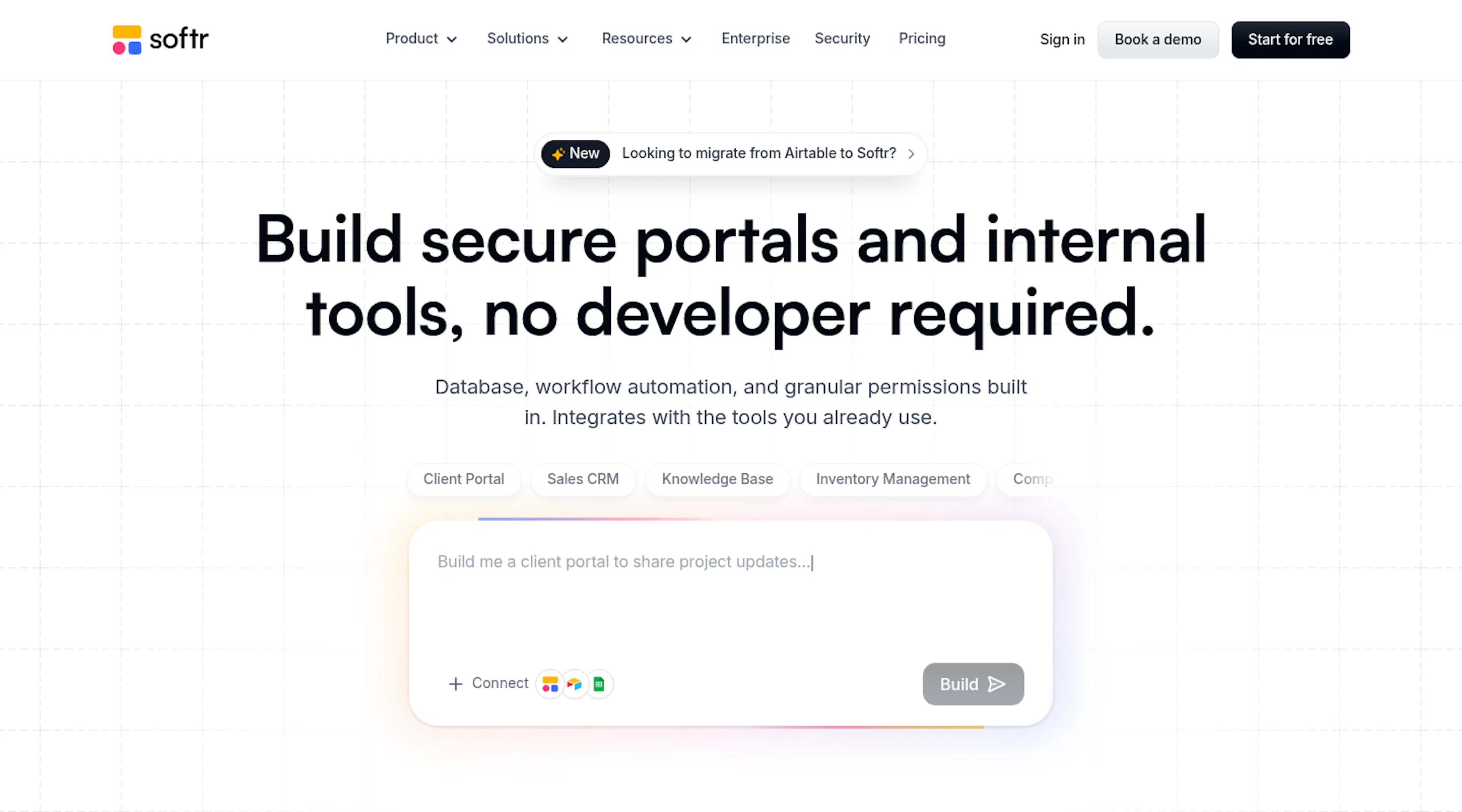
Verdict:Softr is the best overall AI app builder. Softr gives operations teams secure client-facing portals, internal tooling and business apps without any code.
Softr generates the core application from a description: the AI Co-Builder builds the database, the interface and the user roles, connected and ready for real users, then can help set up workflows as a next step. The result runs on components the platform maintains rather than on generated code. Security is where that matters. Every app runs on the Softr’s SOC 2 Type II report and GDPR posture, data hosting in Frankfurt, Germany, encryption in transit and at rest, and permissions that run server-side, so a client only ever loads the rows they’re allowed to see. Enterprise adds SSO over SAML or OpenID, SCIM provisioning, workspace roles and application and database audit logs; Business adds 2FA for app users and domain-restricted signup.
Governance doesn’t slow the builder down. A department lead can prompt the Co-Builder or edit in the visual builder at any time, adjusting logic, roles and features without a developer, and the platform is full stack, so the database (Softr Databases), the app, the workflows and the forms live in one product. Existing Airtable, HubSpot and SQL data stays where it is and feeds the app through server-side connections that never expose credentials to the browser. Teams that build from Claude, ChatGPT or Codex can do so through Softr’s MCP server on every plan, credit-free. Billing follows app users at a flat rate, never seats, from a Free plan through Basic ($19), Pro ($99) and Business ($329) to custom Enterprise terms. Softr counts more than a million builders and 7,000-plus organizations, with customers including Google, Netflix and Stripe.
- No generated code for IT to review, host or patch; the platform maintains the app
- SOC 2 Type II, GDPR, Frankfurt hosting, SSO, SCIM and audit logs on Enterprise
- Record-level permissions enforced on the server
- Per-app-user pricing that stays predictable even with hundreds of external users
- MCP building from your own AI agent at no credit cost
- Live human support rather than a forum, with onboarding help on Business and a named CSM for Enterprise accounts
- Optimized for desktop; responsive and PWA-installable, but a mobile-native builder suits phone-first apps better
- Deep visual customization has limits compared with a design-first tool such as Bubble
- 2FA, global data restrictions and PWA start at the Business tier
2) Bolt
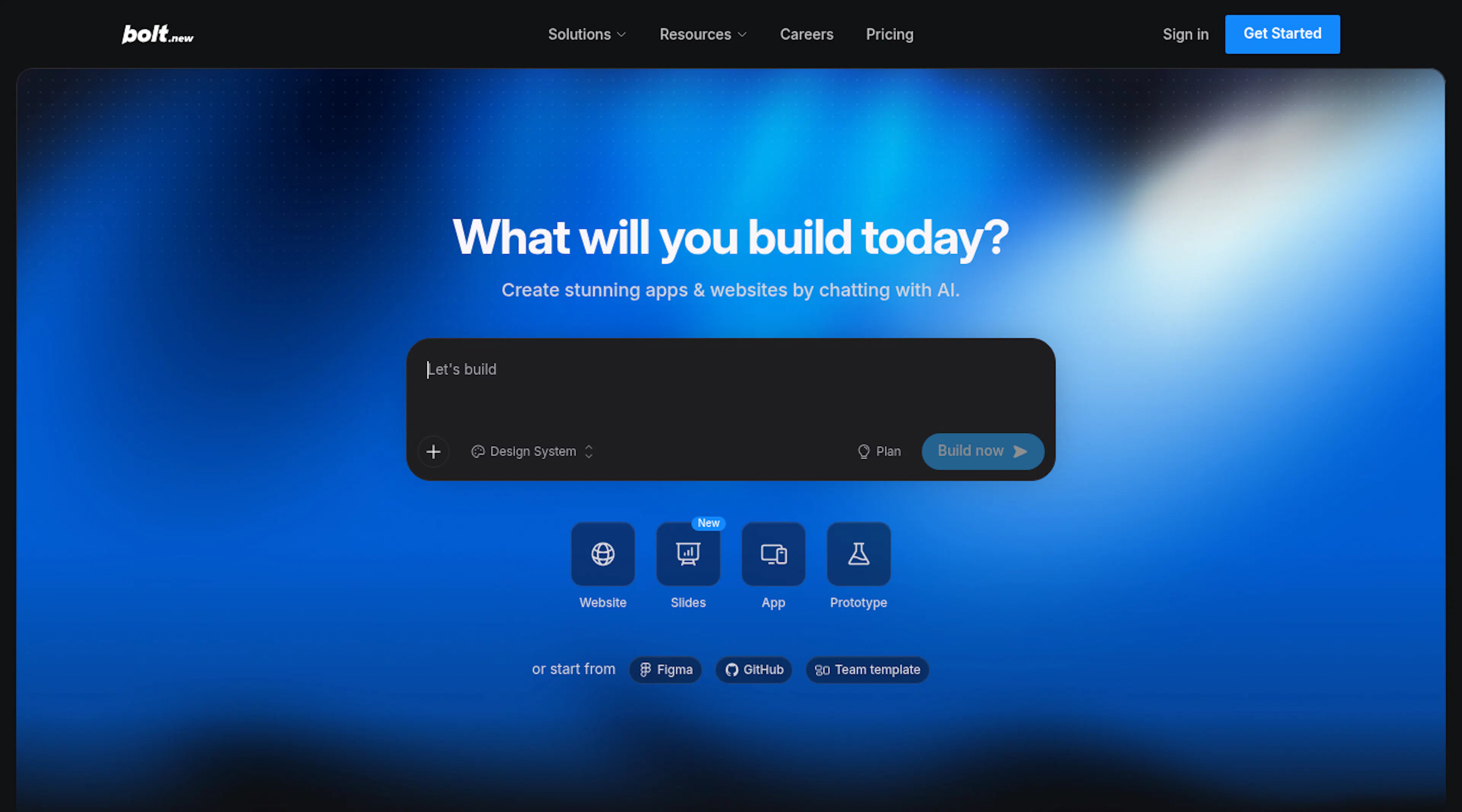
Verdict:Bolt is the fastest way for a developer to get a full-stack codebase from a prompt, and the code is the team’s to secure.
Bolt runs in the browser, generates React, Node and a Postgres schema from a description, previews the result and deploys it to Netlify in one click. GitHub sync and export mean no lock-in, and paid plans let you pick the database provider. The environment is built for people who read code, and it moves at their speed.
Governance lands on the customer. Authentication, permissions and role logic are code that Bolt writes and your team maintains, and there’s no certification for the app to inherit. Reviewers on G2 (4.3 from 95 reviews) describe token consumption that’s hard to estimate because the whole project is sent to the model on each prompt, changes broader than requested, and generated code that needs cleanup before production. Free includes a million tokens a month; Pro is $25 for ten million; Teams is $30 per user.
- Standard, exportable stack with one-click deployment
- No installation; everything happens inside the browser
- Token spend scales with project size
- Security and permissions are hand-written code
- Output needs refactoring as projects grow
3) Lovable
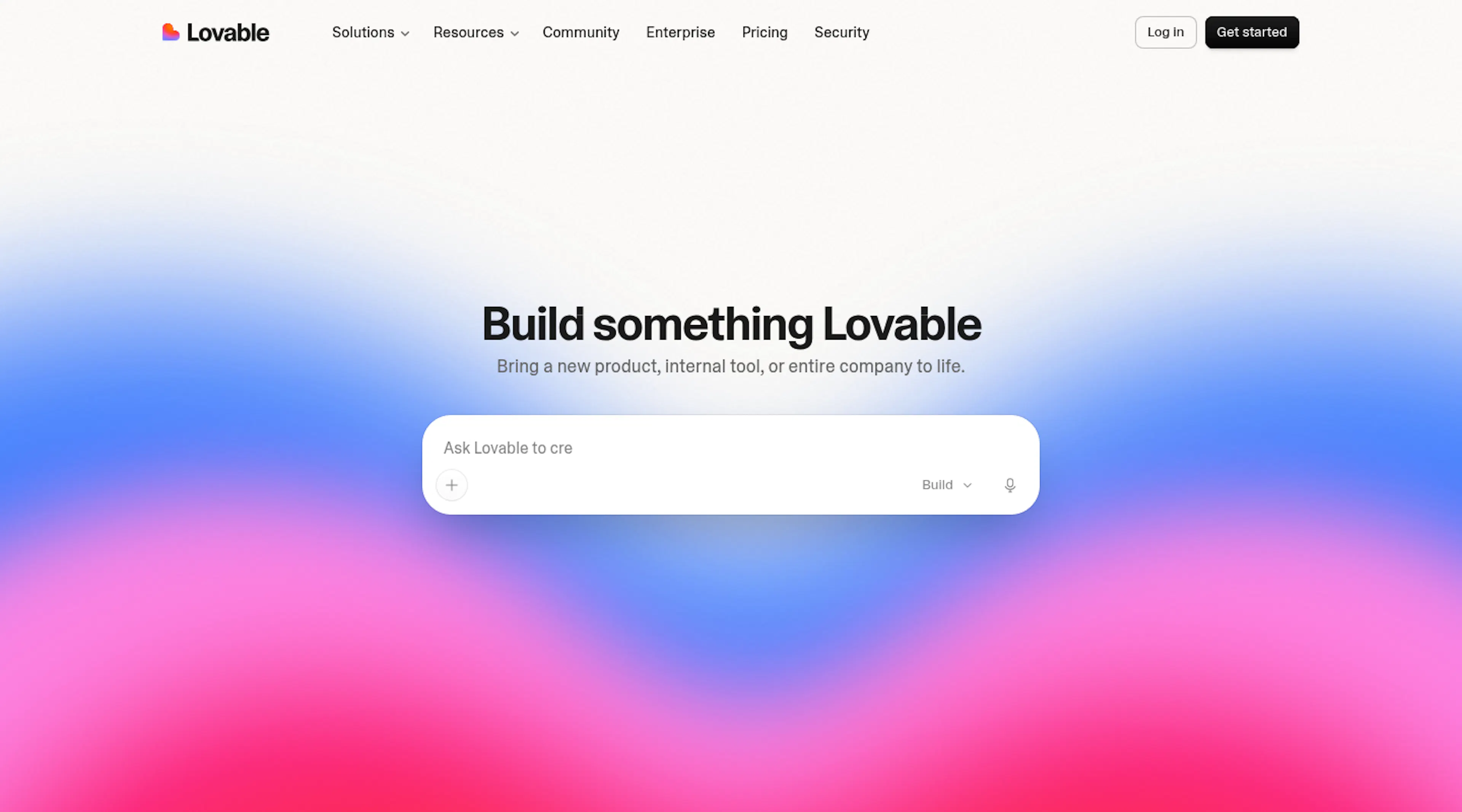
Verdict:Lovable is the strongest prompt-to-prototype tool on the list and the wrong place to leave a production business app without an engineer.
Describe an app and Lovable writes a React front end with a Supabase backend, shows a live preview and syncs to GitHub. An Agent Mode handles multi-step tasks on its own. With a 4.6 rating from 428 G2 reviews and ease of use as its top tag, it’s earned its position as the default vibe coding platform of 2026.
The governance story is thin. There’s no permissions layer for business users, external user flows require custom implementation, and the app is a codebase your company hosts and secures. G2’s largest complaint cluster is the credit system: reviewers call consumption unpredictable and note that small requests can break unrelated features in bigger projects. Pro costs $25 per month with 100 credits; Business, $50.
- Fastest idea-to-demo path on a mainstream stack
- Code export and GitHub sync
- Credits burn on every change, including cosmetic ones
- Permissions and security are your engineering problem
- Regressions in larger projects, per reviewers
4) Base44
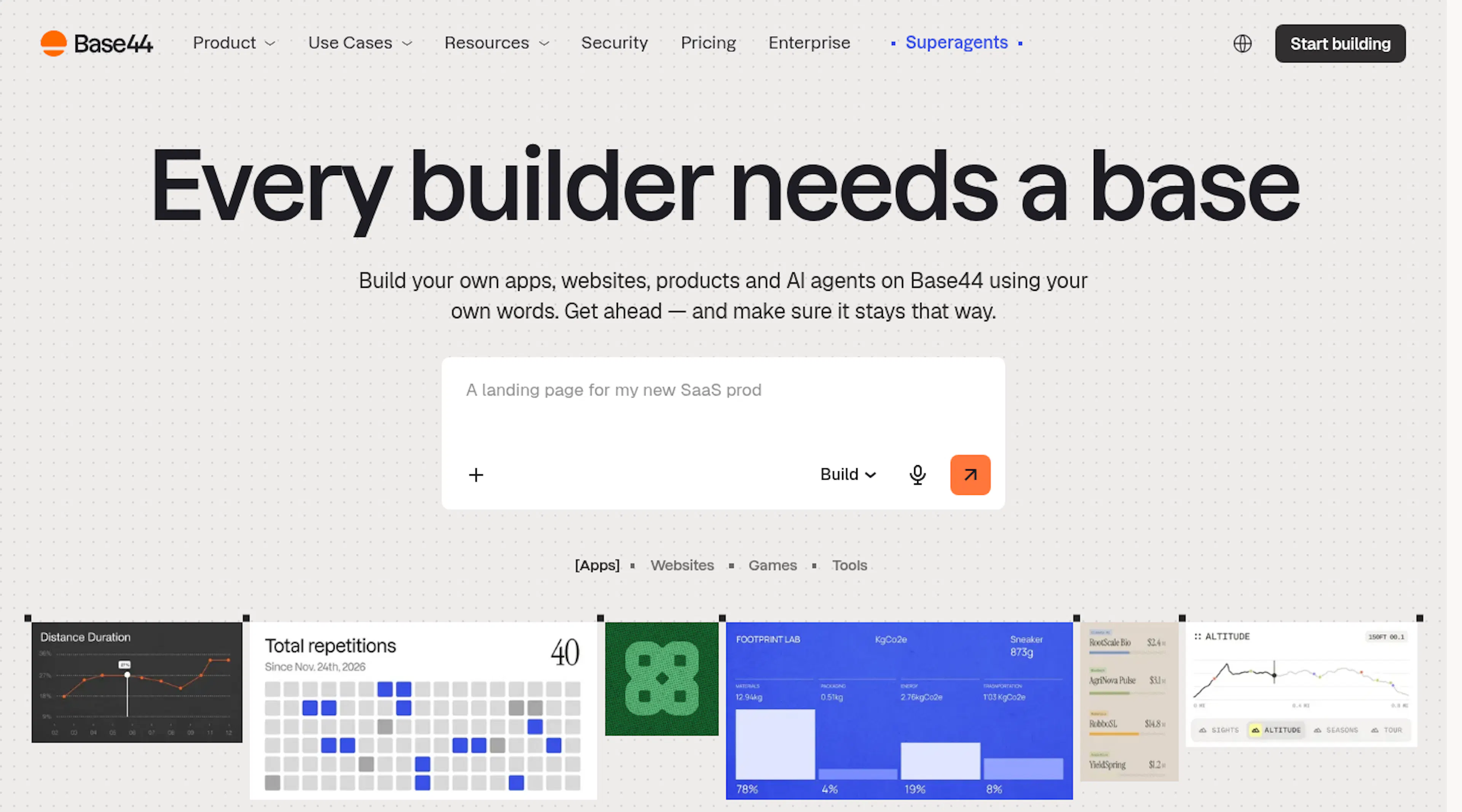
Verdict: Base44 bundles the most into one prompt, and the bundle keeps your data and logic inside its own box.
Base44, now part of Wix, produces the screens, a hosted database, sign-in and deployment from a description, adds agents and offers GitHub export. For a non-coder who wants a running MVP with a login page, it removes the wiring step other tools leave open.
On governance, roles are basic, Base44 keeps the records in a database it controls, with scant connections to systems you already use, and the app’s behavior is logic the AI wrote and no one can inspect with confidence. On G2 it sits at 3.8 with 44 reviews, polarized between five- and one-star experiences, with support and session memory the recurring complaints. Pricing runs on message credits: Starter $16, Builder $40, Pro $80, Elite $160 a month.
- Backend, auth and hosting from a single prompt
- Low entry price
- Basic roles and limited integration with existing data
- Simple and complex prompts cost the same credits
- Mixed reviews and support complaints
- Exported code arrives without a maintainer; upkeep and security fall to you
5) Emergent
Verdict:Emergent suits founders who want a deployable web or mobile app plus the repository, with the maintenance that comes with it.
Emergent generates AI-built web and mobile apps with code the customer owns, on a Free plan and paid tiers at $20 and $200 a month ($17 and $167 on annual billing). It has found an audience among founders who want to ship something real while keeping the source.
Like the other code-first tools here, it leaves governance to the customer: security review, hosting choices and permission logic are the team’s responsibility once the app exists. Emergent has no established G2 review base yet, so buyer sentiment isn’t documented the way it is for the others.
- Web and mobile output with owned code
- Clear, low pricing tiers
- No independent review base
- No inherited certifications or permission framework
- Code to maintain
6) Replit
Verdict: Replit gives developers an agent, an editor and hosting in one tab, and gives operations teams a wall of code.
Replit Agent plans, writes, tests and deploys applications inside a browser IDE with hosting, a database and custom domains included. It’s a complete developer environment with no installation, rated 4.4 across 413 G2 reviews, and its agent now scans for security issues before deploy.
End-user logins and roles come from hand-written code, the database layer trails dedicated backends, and the two largest complaint tags on G2 are “expensive” and “credit system,” because usage credits and per-user team pricing stack. Core is $20 a month ($18 annual) with $20 of usage; Pro is $100; Teams and Enterprise bring SSO and SCIM for the developer accounts, not for the app’s own users.
- Zero-setup environment with real hosting
- Pre-deploy security scanning
- App-user auth and permissions are code
- Usage credits plus per-user pricing
- Basic database layer
- The app is generated code someone on your side has to patch and secure
7) v0 by Vercel
Verdict: v0 produces excellent React interfaces for developer teams and isn’t a business app builder.
Feed v0 a prompt, a sketch or a screenshot and it returns React components styled with Tailwind and shadcn, can generate full-stack Next.js apps, syncs to Git and deploys to Vercel. Product teams use it to get consistent front ends fast.
It offers no user management, roles or governance for business users, its output requires coding knowledge to extend, and pricing is per user with token-metered model usage: Free with $5 of credits, Team $30 per user, Business $100 per user a month. Its G2 listing shows a 4.5 average with no written reviews, so treat it as facts-only.
- Design-system-quality UI generation
- One-click Vercel deployment
- Front-end focus; backend generation stays thin
- No business-user permissions
- Per-user plus usage pricing
- Generated components become your codebase to maintain
8) Cursor
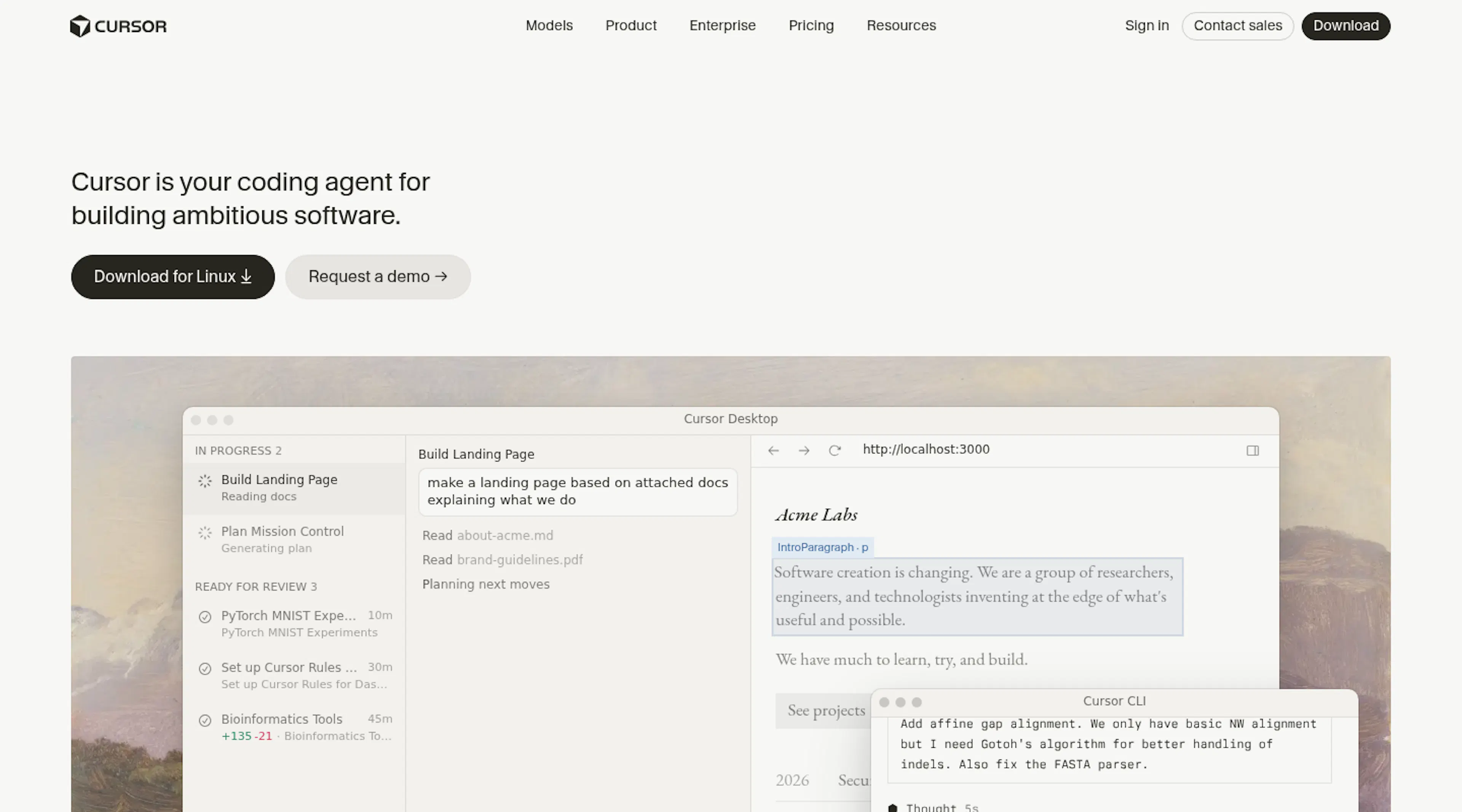
Verdict:Cursor is the best AI coding agent for engineers and belongs at the developer end of any AI app builder comparison.
Cursor is a code editor built around AI agents, with multi-file agents, background agents and Bugbot for pull-request review, rated 4.6 from 323 G2 reviews. It accelerates people who already write software.
It doesn’t generate a hosted business app, doesn’t provide auth, permissions or a database, and G2 reviewers note usage limits and occasional poor suggestions. Pro is $20 a month, Teams $40 per user with SSO. A Cursor user who needs a governed app can connect the editor to Softr over MCP and do the building there.
- Strongest pure coding agent on the list
- Simple pricing
- Requires developers
- No app platform underneath
- Usage limits on heavy use
- Every app it helps write is code your team hosts, secures and maintains
9) Glide
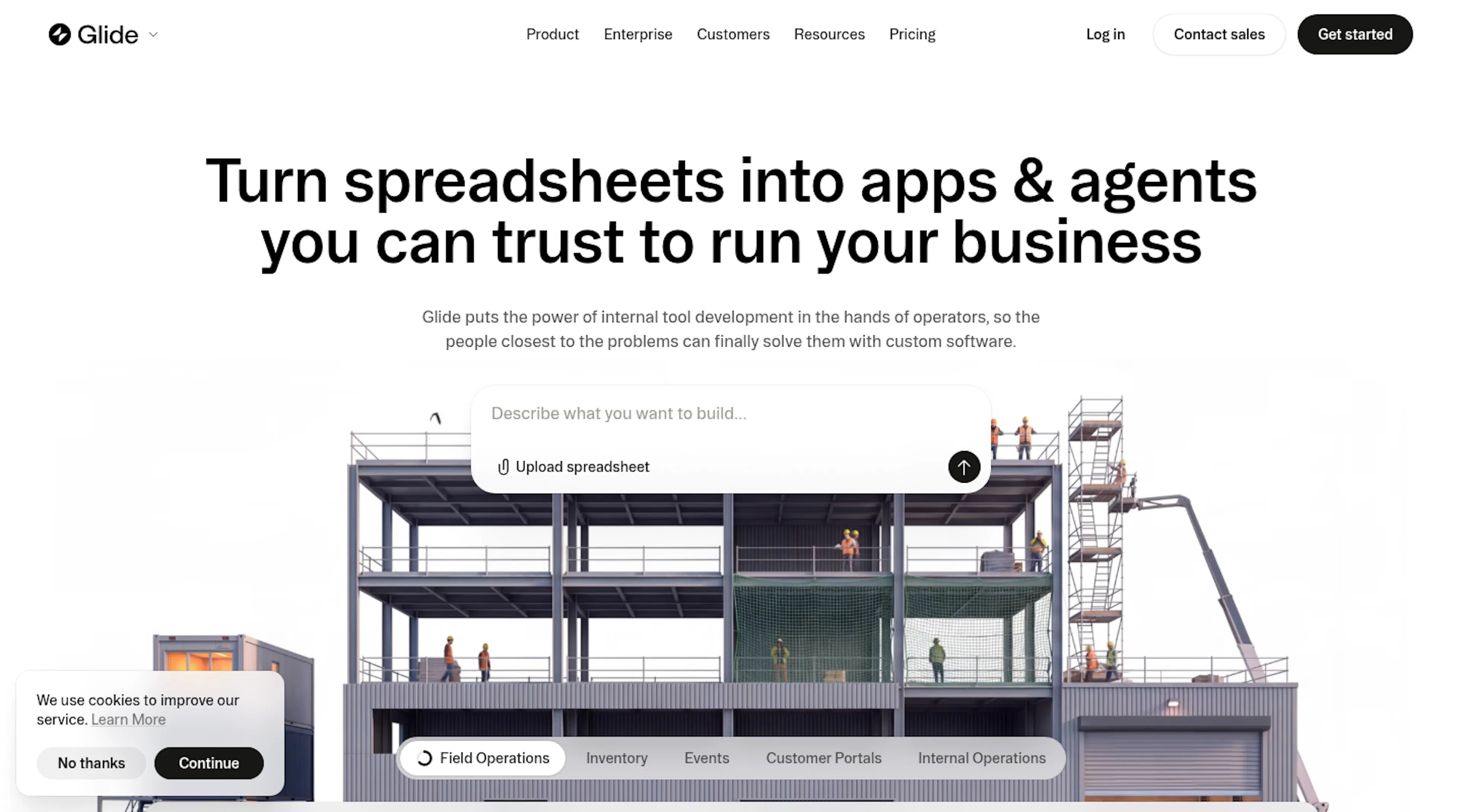
Verdict:Glide is the pick for phone-first internal apps built from spreadsheets, as long as the audience and the design stay modest.
Glide converts Google Sheets, Excel files, Glide Tables or a prompt into mobile-friendly business apps and agents, with a 4.7 average across some 820 G2 reviews under the Glide Classic name. First-time builders find it approachable and the output looks native on a phone.
Governance is adequate for small internal use and thinner for external audiences: permissions become hard to manage as data models grow, the list of non-spreadsheet data sources is short, and reviewers describe pricing that gets expensive as apps scale. Plans meter credits and members: Basic $25, Plus $50, Pro $125 a month.
- The strongest mobile experience here
- Minutes from spreadsheet to app
- Credits and member counts drive cost up as apps grow
- Fixed app structure limits design
- Complex permissions need workarounds
10) Bubble
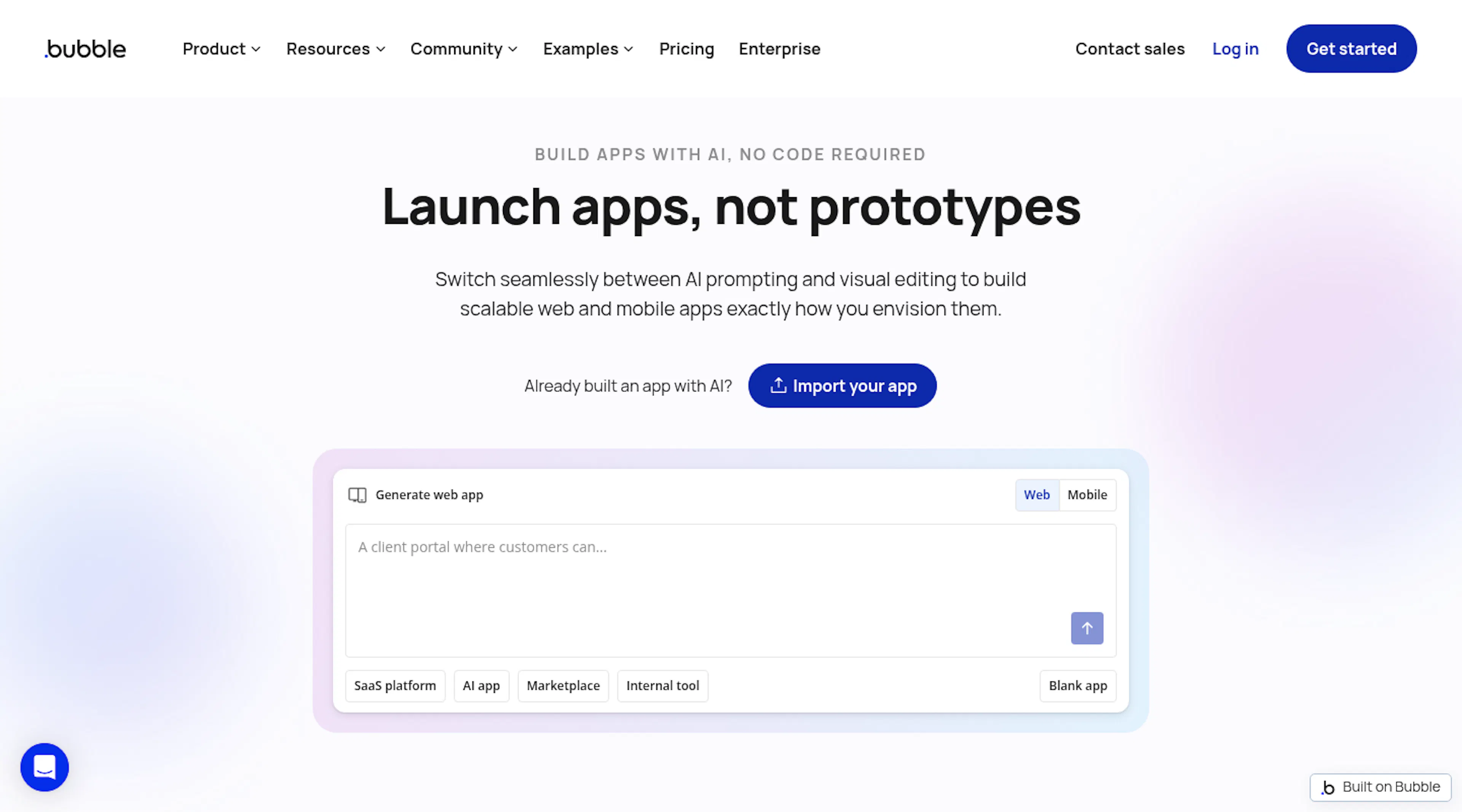
Verdict:Bubble offers the most design freedom of the twelve and asks for weeks of learning and hand-built governance in return.
Bubble pairs an AI-generated starting point with a visual editor offering pixel-level control over layout, data, logic and privacy rules, now with native iOS and Android output. For apps with custom layouts, animations or heavy branding, nothing else here matches it, and it has the deepest plugin catalog of any no-code tool.
You build the login pages, the onboarding and the per-role permissions yourself, reviewers describe the learning curve as steep, and pricing in workload units (50,000 free, then Starter at around $29 a month, Growth and Team tiers) is hard to forecast. Bubble’s G2 rating is 4.4 from 166 reviews, with one-star reviews making up 5 percent.
- Pixel-level design control and native mobile output
- Largest plugin ecosystem
- Steep learning curve
- Permissions and onboarding built by hand
- Workload-unit pricing
11) Microsoft Power Apps
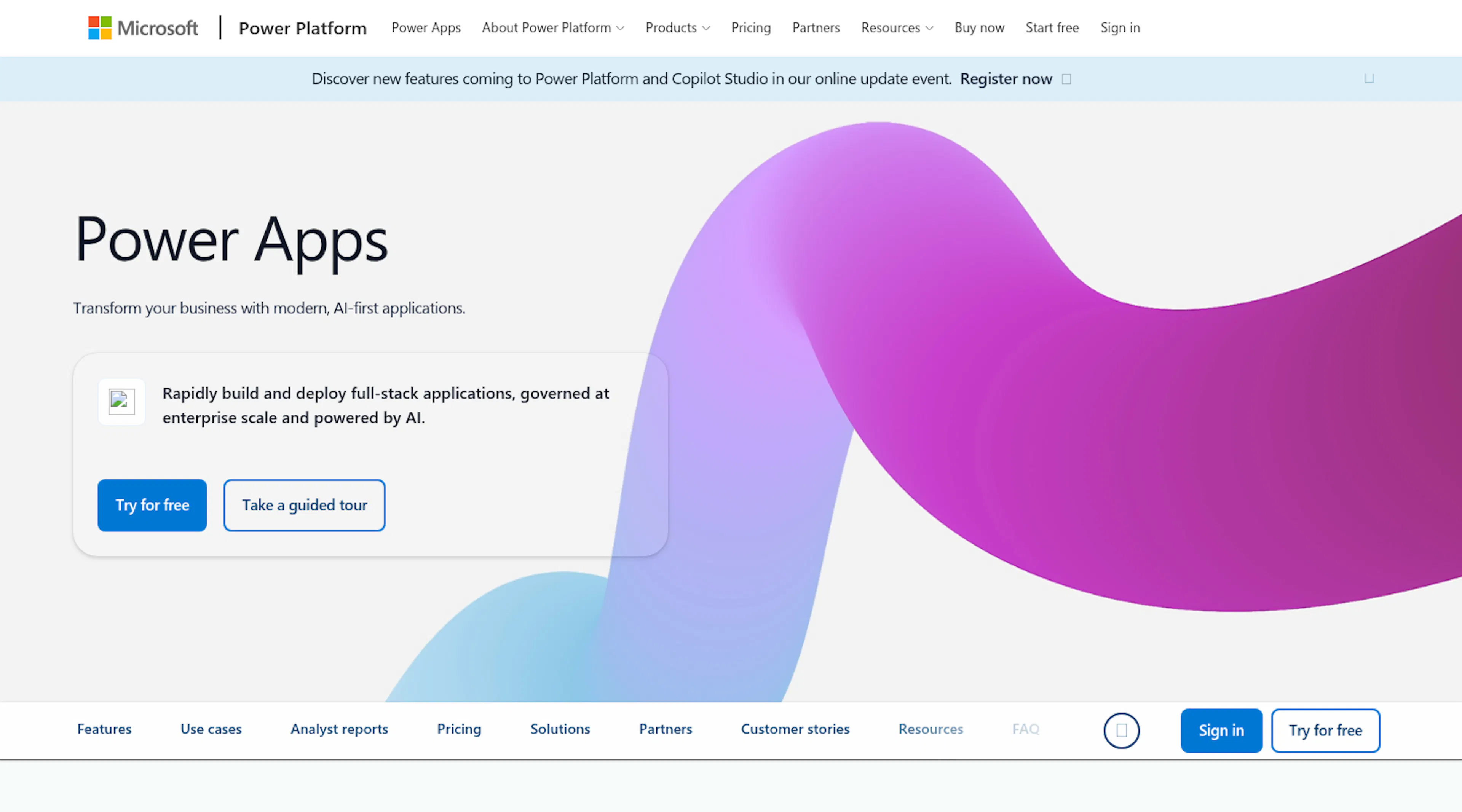
Verdict: Power Apps is the safe choice inside a Microsoft 365 tenant and an expensive one the moment external users log in.
Copilot drafts apps from a description, Dataverse keeps the data, and environments, data-loss policies and identity come from the tenant IT already runs. G2 reviewers, 570 of them averaging 4.3, like the fit with Teams, SharePoint and Dynamics.
They also find the climb steep once apps get past simple forms, describe sluggish behavior on big datasets, and see spend grow with adoption. Premium licensing is $20 per user a month, or $12 once an organization commits to 2,000 seats, and every external client or vendor who signs in needs a license or a $40 pay-as-you-go charge per active user per app, which is why customer portals seldom live here.
- Enterprise governance from the Microsoft tenant
- Deep Microsoft 365 integration
- Per-user licensing for external users
- Learning curve and performance on large data
- Microsoft-centric by design
12) Retool
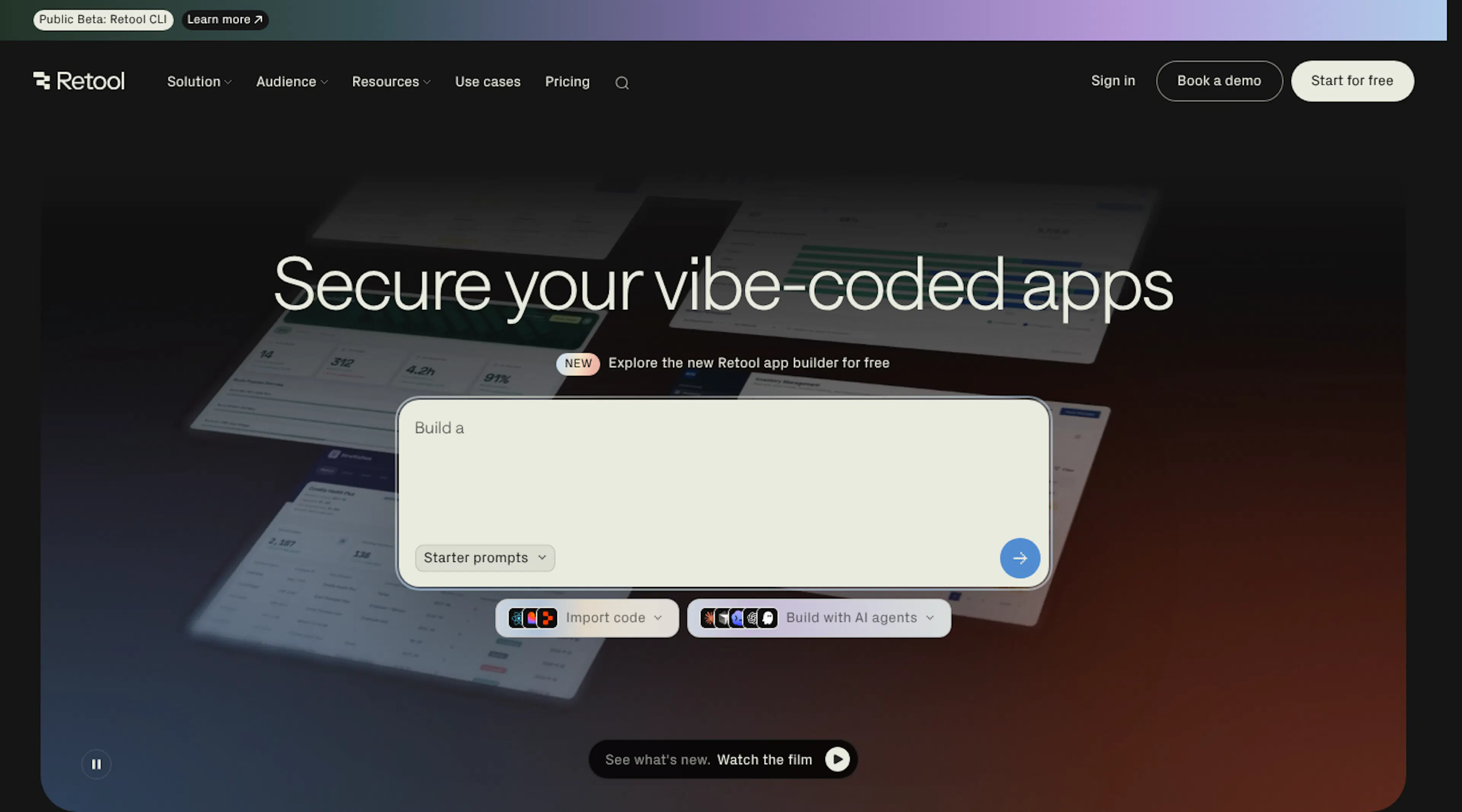
Verdict:Retool is the internal-tools platform engineers own, with the audit trail to prove it and the SQL to go with it.
Retool wires drag-and-drop components into whatever database, API or model you have, scaffolds apps and queries with AI, and offers Git version control, audit logs, RBAC and self-hosting. G2 reviewers give it 4.6 over 360 reviews, with efficiency and flexibility the top praise.
SQL and JavaScript express the logic, the permissions and the row-level filters, so the setup is complex for non-developers, and the loudest complaints concern the learning curve and features that need workarounds. External portals require engineering for logins, and pricing charges per builder and per end user (Team $10 and $5, Business $50 and $15 a month).
- Version control, audit logs and self-hosting
- Connects to almost any data source
- Requires SQL and JavaScript
- Per-end-user pricing for external audiences
- Built for internal tools, not portals
How to choose the right AI app builder for a business team
Start with the reviewer, not the builder. If IT or a client’s security team will assess the app, a platform that brings its own certifications and identity controls saves weeks; Softr, Power Apps and Retool each satisfy that in different environments. If the goal is a product to sell, Lovable, Bolt or Emergent gives you an exportable source you can license and ship; If the goal is a product to sell, check each platform’s terms on generated output, ownership, and commercial use before choosing an exportable-code platform. Legality isn’t the issue; ownership and liability are, and a generated codebase carries both.
Then ask who logs in. Internal staff can live on per-seat pricing. Clients, vendors and partners can’t, which pushes portals toward per-app-user or unlimited-user models. Ask where the data lives, and whether the platform connects to it in place or demands a migration. Ask who makes the fiftieth change, and whether that person needs credits, code or a click. The AI app builder that fits your team follows from those answers, not from a generation demo.
Final verdict on the best AI app builders for 2026
Softr takes the top spot for business teams because it’s the platform where a non-technical owner gets enterprise-grade governance without engineering: a Co-Builder that generates the database, pages, roles and workflows; permissions enforced on the server; SOC 2 Type II, GDPR and Frankfurt hosting; SSO, SCIM and audit logs on Enterprise; and pricing that counts app users. Bolt, Lovable, Base44, Emergent and Replit are the right tools for teams that want the code. v0 and Cursor belong to engineers. Glide, Bubble, Power Apps and Retool each earn a place for a specific team shape. Match the platform to who has to approve the app, and the ranking sorts itself.
This article was published under HackerNoon’sBusiness Blogging Program.
