

I’ve been gaming ever since my parents first gifted me one of those handheld Tiger Electronics games that were fun for about all of five minutes. Then I was exposed to the greatness that is Altered Beast and have been hooked ever since (I still think that game is a banger, forget the naysayers!).
At one point, I actually wanted to go to college and try my hand at becoming a professional game developer. But I quickly realized my weaknesses in the subjects of math, science and art prevented me from realizing that dream. Getting to write about video games has turned into a valid alternative option for me, however.
Now that I’m fully entrenched in the world of AI, I’ve come across a few tools that allow people to create their own games through prompts and vibe coding. I recently played around with an app made by Meta called Pocket that let me tap turn random video game ideas into little playable gizmos. And to be honest, it ended up being more fun than I imagined.
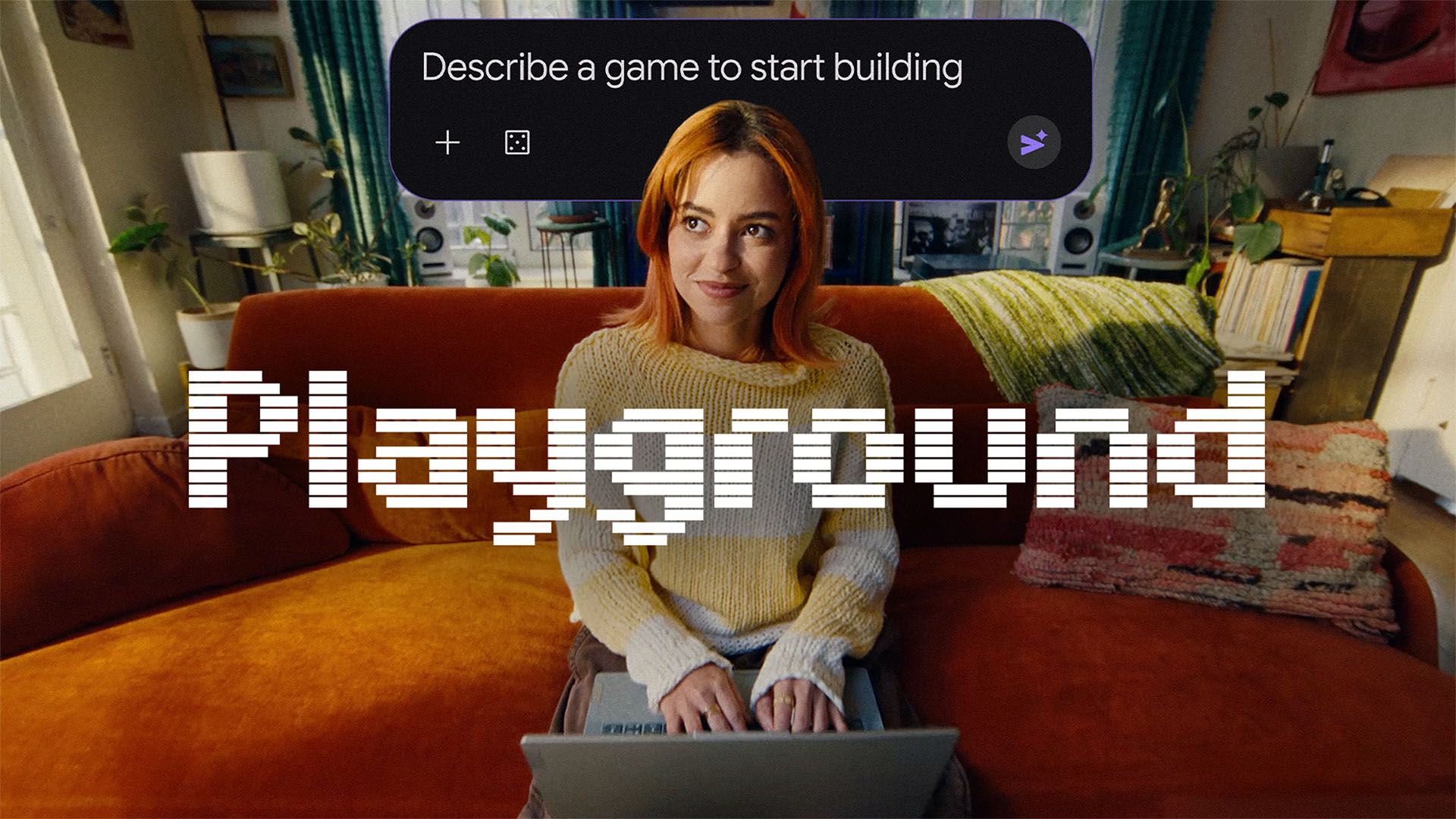
Now Google has entered the AI video game creation space with a new experiment called “Playground.” With Google’s lofty promise of “If you can think it, you can play it. Create, play, and share custom games — no coding required,” I wanted to try it for myself. This is how it all went down.
The prompt, the game creation process and the finished product
Making my way to Google Playgrounds home page treated me to a large lineup of handpicked gams labeled under “Editor’s Picks,” “Games Made With Unity Spark” and “Popular Games. There’s also a collection of top creators you can follow who are entrusted with giving out the best game recommendations on the platform.
Instead of diving into everyone else’s games, I went ahead and tried making one on my own. Since I knew I wasn’t cut out to make any games with Unity Spark (plus it wasn’t available to try out yet), I chose to make my first Playground experience with nothing more than a prompt. I needed a bit of help coming up with the core concept of my game, which I wanted to make sure was simple and infinitely replayable.
After requesting ChatGPT’s help with coming up with varied game ideas, it gave me one that spoke to my love for endless runners:
- Endless Runner:Build a polished browser game called “AI Commute.” The player controls a character running through a busy city, jumping over obstacles and collecting coffee cups for points. Make the game progressively faster, add three different types of obstacles, a score counter, a high-score system, sound effects, and a simple start/game-over screen. Use keyboard controls on desktop and tap controls on mobile. Give it a colorful, modern visual style and make everything playable directly in the browser.
For this game, I went the 2D route and made it strictly single-player. After inputting my prompt, Playground worked on putting it all together. It’s worth noting that you can increase the limit on how much you can use Playground by upgrading to a Google AI Plus plan (I stayed in the free zone to make my game, though). Playground works by gathering all the game assets for my idea, then giving me the option to auto-generate all of them and finally building the game into a playable state. You can make changes to your concept if need be and Playground incorporates them into what it makes.
The actual generation part of Playground’s process does take a few minutes (which actually gave me some time to play some of the other finished games on the platform. Once the game design, implementation plan, game creation, QA check and finalization stages are complete, the game is ready for me to demo and see if it’s worth making widely available to the rest of the Playground community.
My game came out a lot better than I expected. “AI Commute” got gifted with a description that says “Sprint through a vibrant futuristic metropolis, dodging obstacles and snagging coffee cups to survive the ultimate morning rush.”
Jumping, sliding, collecting coffee cups and dodging random obstacles definitely hit me in the feels as someone who does that in real life as a New Yorker. I had so much fun making my first Playground game that I used ChatGPT to cook up two more concepts, which led to the creation of “Three Clues” and “Neon Outrun.”
The following prompts are responsible for the birth of those browser-based games:
- Daily Puzzle Game:Create a complete daily word puzzle game called “Three Clues.” Each round gives the player three increasingly obvious clues to guess a mystery word. The player gets six guesses, with points awarded based on how quickly they solve it. Include a timer, streak counter, hints, animations, a share-results button, and a new puzzle that changes each day. Make the interface feel like a polished mobile game rather than a prototype. Don’t use external APIs or require a login.
- Side-Scrolling 2D Shooter:Create a polished side-scrolling 2D arcade shooter called “Neon Outrun.” The player controls a futuristic spaceship flying from left to right through a neon city in the sky. Enemies continuously fly in from the right, including small drones, fast fighters and larger armored ships. Let the player move freely up and down, fire continuously, dodge enemy attacks and collect power-ups that upgrade their weapons. Include three weapon types, an energy shield, an increasing difficulty curve, an on-screen health bar, score counter, combo multiplier, particle effects, explosions, and a boss fight at the end of the level. Add a start screen, pause button, game-over screen and high-score system. Use keyboard controls on desktop and touch controls on mobile. Make the game feel fast, responsive and arcade-like, with a colorful retro-futuristic aesthetic. Keep everything self-contained so it can be played directly in the browser.
The takeaway
Google Playground has a lot going for it — the simple act of taking your video game ideas, turning them into easily understandable prompts and then letting Playground do all the work to make it something people would actually want to play is pretty cool.
And once the Unity Spark feature becomes more widely available, I can see beginner and veteran game creators adding even more enjoyable and complex games to the Playground platform. To be real, I can never see any of those AI-made games rising to the level of the heavy hitters seen across the home console and PC gaming landscape. But they still make for some fun diversions and a simpler path for many to create their own video games.
- Meet Tab — the personal AI assistant race is heating up with a brand new personal sidekick
- Google just launched a free AI detector for music, videos, and images — here’s how SynthID works and what it can (and can’t) tell you
- The 10 most influential games ever, according to ChatGPT, Gemini, Claude and Perplexity — and two of them couldn’t agree on No. 1 for National Video Games Day
