Close Menu
MyAppsPlus

    Subscribe to Updates

    Get the latest creative news from FooBar about art, design and business.

    What's Hot

    Rapid Nutrition Launches SystemLS AI App, Adding Premium Subscriptions and Accelerating International Reach

    November 26, 2026

    1Password confirms hackers stole customer data, but not their passwords

    November 26, 2026

    Apple iPhone Duo transformed into tiny iPad Pro with new keyboard case

    November 26, 2026
    Facebook X (Twitter) Instagram
    Facebook X (Twitter) Instagram
    MyAppsPlusMyAppsPlus
    Thursday, November 26
    • Home
    • Breaking Tech
    • Apps & Software
    • AI & Automation
    • Android
    • iPhone & iOS
    • More
      • Reviews
      • How-To Guides
      • Deals & Discounts
      • Shop
    MyAppsPlus
    Home»Breaking Tech»How does using your MacBook while charging affect its battery life?
    Breaking Tech

    How does using your MacBook while charging affect its battery life?

    myappsplusBy myappsplusOctober 10, 2026054 Mins Read
    Share Facebook Twitter Pinterest Copy Link LinkedIn Tumblr Email Telegram WhatsApp
    Follow Us
    Google News Flipboard
    How does using your MacBook while charging affect its battery life?
    Share
    Facebook Twitter LinkedIn Pinterest Email Copy Link

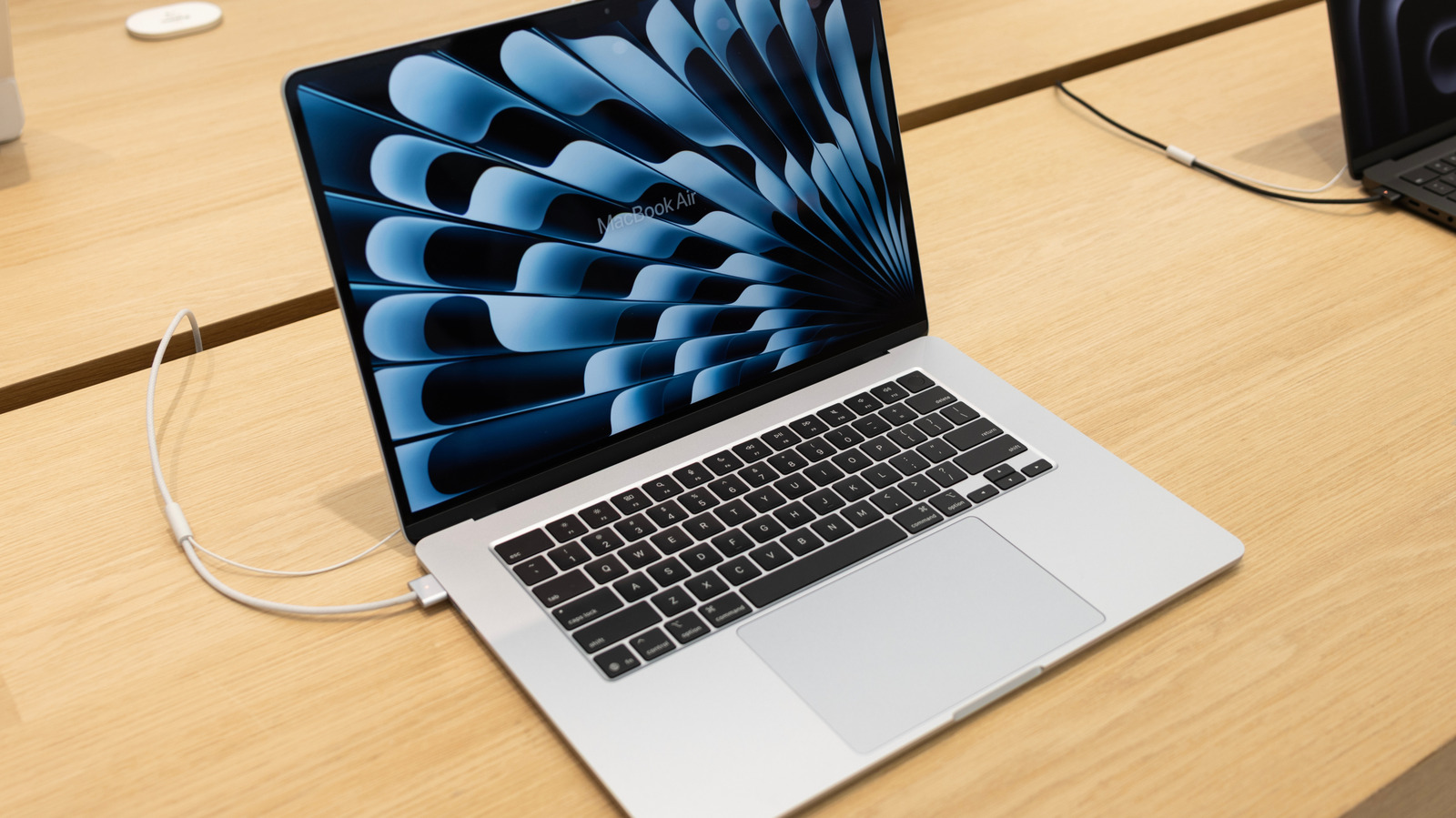
    Modern MacBooks are pretty smart about managing their battery’s health.

    When you are deep in the zone, typing away on your MacBook, the last thing you want is for its battery to die in the middle of a work session. But is it safe to keep your device plugged in nonstop? There is a widely-held conception that doing so may fry your battery, or at least reduce its effectiveness. But in fact, thanks to the lithium batteries and smart charging software installed in  new MacBooks, it’s generally fine to keep your laptop plugged in at all times.

    Still, there are some caveats, including accounting for unusual home electricity related issues like storms or blackouts, or overheating due to other factors. And there are some tricks to keeping your battery healthy that may include the occasional unplug, as well as a number of settings that promote battery health. Read on to learn tips for consistently charging your MacBook without impacting its battery life long-term.

    Is it better to use a MacBook on battery or plugged in?

    The short answer is that it typically doesn’t make a difference. Mac computers use <a href="https://support.apple.com/en-us/102588″ rel=”nofollow noopener” target=”_blank”>default software to monitor battery life and adjust to user habits and device power fluctuations. These tools work by monitoring its temperature history and charging patterns and modify charging accordingly. MacBooks (and basically all other laptops) run on lithium batteries, which have a high number of charge cycles. They also contain software that uses charging data to calculate when to reduce your battery’s maximum charge, reducing wear and giving it more longevity.

    The battery health management feature is activated by default on Mac laptops running on operating systems Catalina 10.15.5 (released in 2019) or later. If for some reason you’ve turned it off, you can activate it by going to your Apple menu, clicking “System Settings,” and finding “Battery” in that sidebar. Click on “Battery Health” in this section and select “manage battery longevity.”

    While in the past, it was wise to avoid letting your battery charge to 100 percent and letting it stay there, today it’s perfectly OK to keep your MacBook plugged in while using it. That’s because the system will simply pause its charging cycle at optimized times.

    How to protect your laptop’s battery health over time

    If you’re worried about your MacBook’s battery health, you can start by checking its status under “System Settings.” Click “Battery” on the left-hand sidebar, and look at “Battery Health” to see its status – it will typically read “normal” or “service recommended.” Some fluctuation is to be expected over time, but Apple doesn’t recommend replacement until it passes below 80 percent capacity.

    One instance in which battery levels are important to monitor is when storing your device long term: According to Apple, the best way to preserve battery health if not using your device for an extended period is to charge it to around 50 percent. “If you store it fully charged for an extended period of time, the battery may lose some capacity, leading to shorter battery life,” its guide says.

    The biggest issue affecting battery health is heat: If you’re working outside at a cafe on a warm day, for example, you may want to unplug your device or move to a shadier spot. A computer heating up and charging at the same time could negatively impact battery health, and Apple lists MacBook Air operating temperature ranges as 50° to 95° F. In addition to warm environments, some cases or laptop stands can cause a device to overheat while charging. If you notice your device is getting hot, check to make sure its fans are unblocked. As a general rule, keeping batteries cool is one of the easiest ways to help them last longer.

    Apple does MacBook using Your
    Follow on Google News Follow on Flipboard
    Share. Facebook Twitter Pinterest LinkedIn Tumblr Email Copy Link
    myappsplus
    • Website

    Related Posts

    Apple iPhone Duo transformed into tiny iPad Pro with new keyboard case

    November 26, 2026

    WhatsApp is finally offering scheduled messages

    November 26, 2026

    This $1,900 Alienware Aurora is one of the best early Black Friday PC deals

    November 26, 2026
    Add A Comment
    Leave A Reply Cancel Reply

    Top Posts

    The pros and cons of using your phone as a mobile hotspot

    November 16, 202648 Views

    UiPath Launches AI Coding Agent, Integrates Claude Code and Codex to Target Development Automation

    November 16, 202646 Views

    Save on your groceries, gas, and holiday shopping with this $15 BJ’s membership (Reg. $60) 

    November 4, 202634 Views
    Latest Reviews

    Revolut confirms customer data breach through fake government requests

    myappsplusSeptember 12, 2026

    How to watch Sabalenka vs Rybakina: US Open 2026 Women’s Final FREE Live Streams, TV Channels

    myappsplusSeptember 12, 2026

    How to know it’s time to replace your EV battery

    myappsplusSeptember 12, 2026
    Stay In Touch
    • Facebook
    • YouTube
    • TikTok
    • WhatsApp
    • Twitter
    • Instagram

    Subscribe to Updates

    Get the latest tech news from FooBar about tech, design and biz.

    Most Popular

    Some of the best budget running headphones just got a big discount on Amazon — save $70 on the Shokz OpenRun Pro

    September 12, 20260 Views

    OpenAI and Meta Take Separate Paths to Automating Marketing

    September 12, 20260 Views

    Walmart restocks $60 Onn 4K Pro for many following Google TV Streamer price hike

    September 12, 20260 Views
    Our Picks

    Rapid Nutrition Launches SystemLS AI App, Adding Premium Subscriptions and Accelerating International Reach

    November 26, 2026

    1Password confirms hackers stole customer data, but not their passwords

    November 26, 2026

    Apple iPhone Duo transformed into tiny iPad Pro with new keyboard case

    November 26, 2026

    Subscribe to Updates

    Subscribe to our newsletter and get the latest tech news, app updates, AI trends, smartphone reviews, and exclusive deals delivered straight to your inbox.

    Facebook X (Twitter) Instagram Pinterest
    • About Us
    • Get In Touch
    • Disclaimer
    • Privacy Policy
    • Terms & Conditions
    © 2026 MyAppsPlus. All Rights Reserved.

    Type above and press Enter to search. Press Esc to cancel.