

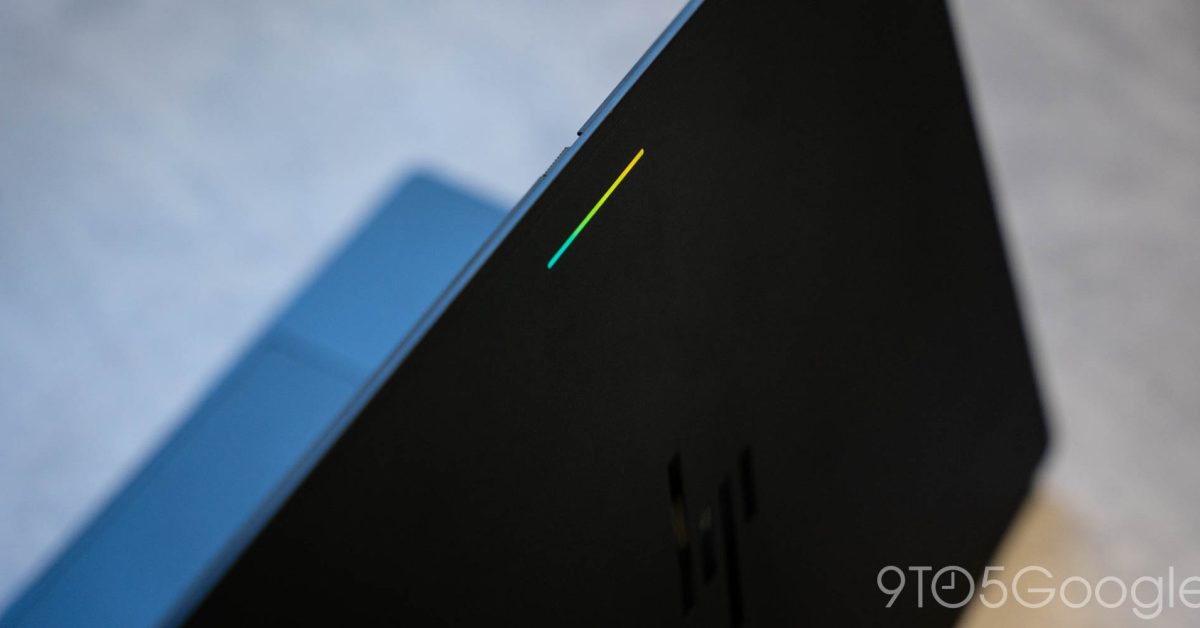
One of the beloved features of Google’s original big push into laptops, the Chromebook Pixel, is getting a revival in Googlebook’s Glowbar, but it very much feels like a hollow version of what came before.
The original Chromebook Pixel launched in 2013 as the launchpad for ChromeOS. To this day, it remains a pretty incredible piece of hardware design, though it was inherently flawed with a truly atrocious display and a sky-high price tag to boot, not to mention an even more restricted operating system compared to what ChromeOS would eventually morph into. Still, it earned a follow-up in 2015’s Chromebook Pixel which delivered a lot of key upgrades.
Both models included a signature hardware feature in the four-piece “light bar” across the top of the lid. It was mainly a design element to ring in the Chrome connection with the four colors of the Chrome and Google logos. It lived on in the later, yet short-lived Pixel C tablet.
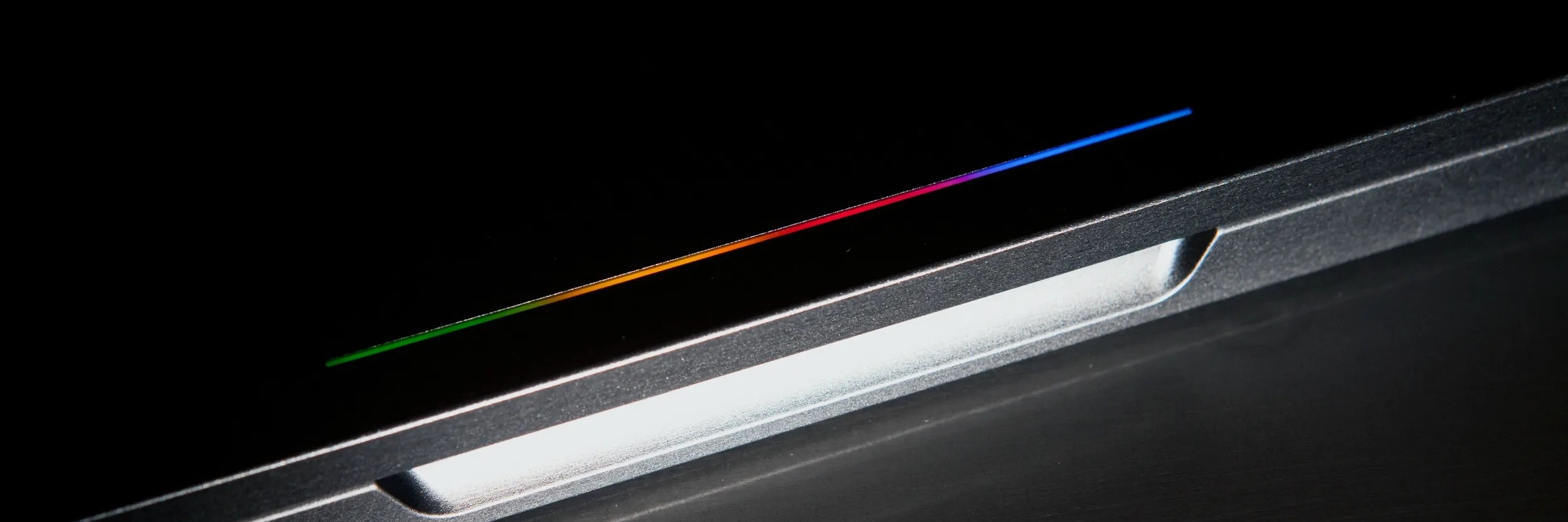
It also served a somewhat practical purpose, too.
When you would plug in a Chromebook Pixel, the light bar would give you a rough idea of how much charge was already in the battery. Beyond that, a fun little “knock-knock” gesture on the lid would tell you the same information, but whenever the laptop was just out. You could tap the lid and get an idea of the battery status without opening it up or plugging it in, which was especially useful in a time where laptop battery was still very much Not Great.
It’s that gesture that’s gone on Googlebook’s Glowbar, which retains the light-up action when you plug it in, but loses the “knock-knock” that really grabbed everyone’s attention when Google first launched it.
What can the Glowbar do?
Like Chromebook Pixel, it does light up when you plug the machine into power, showing battery status both when it plugged in and unplugged. Useful! It’s also more granular than it was on that older hardware. The only other function, besides an animation when you close the lid, is interaction with Gemini. I struggle to see the utility in that one given the Glowbar is at the back of the display, but I guess why not?
More on Googlebook:
- Googlebooks don’t have the same web app or Linux app support as Chromebooks
- The Googlebook marketing push starts with Henry Cavill and his mustache
- Googlebook’s Android-integrated features won’t work with Samsung phones at launch
Follow Ben: Twitter/X, Threads, Bluesky, and Instagram
You’re reading 9to5Google — experts who break news about Google and its surrounding ecosystem, day after day. Be sure to check out our homepage for all the latest news, and follow 9to5Google on Twitter, Facebook, and LinkedIn to stay in the loop. Don’t know where to start? Check out our exclusive stories, reviews, how-tos, and subscribe to our YouTube channel
