

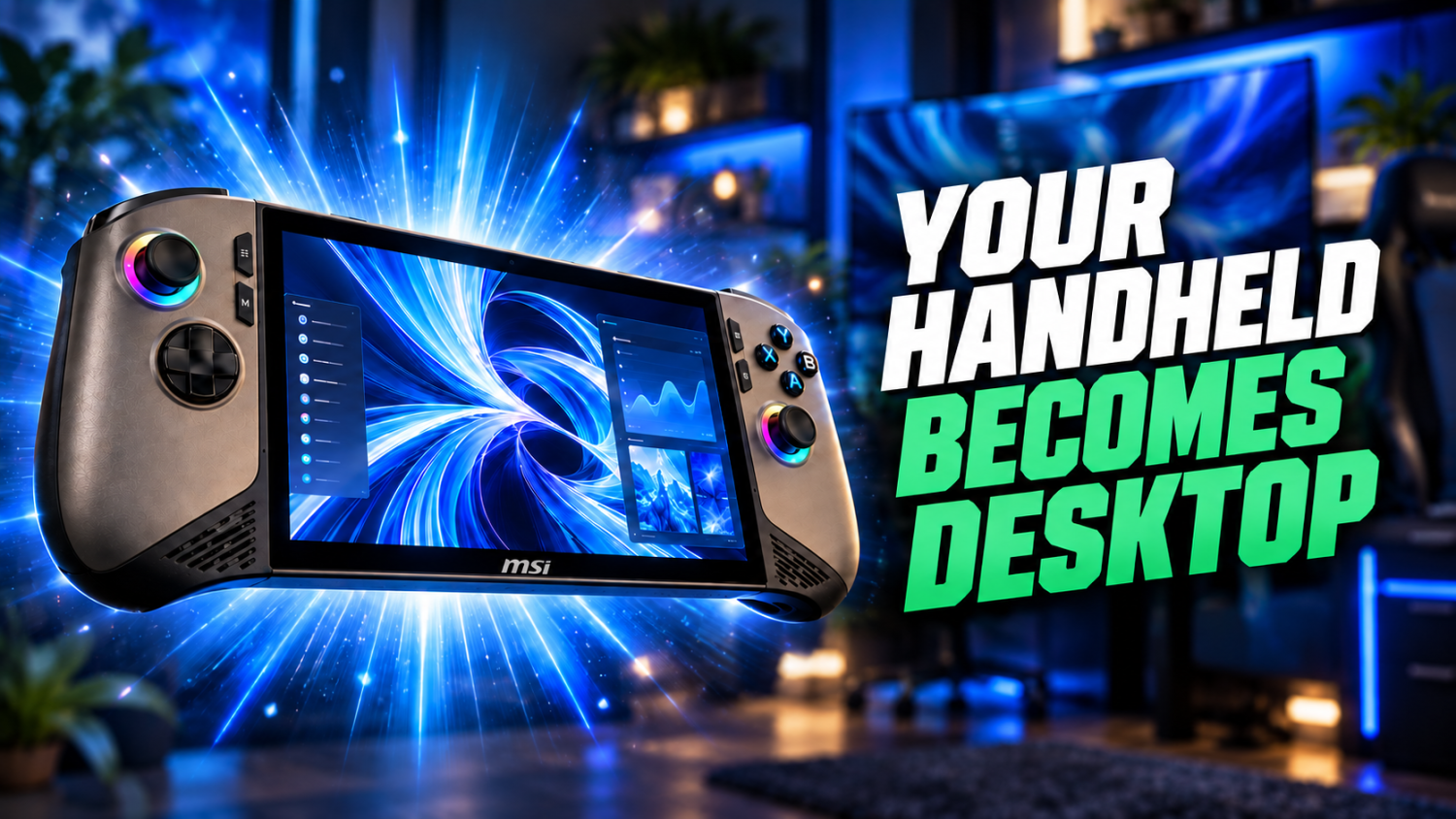
The dual-purpose desk anchors two very different lives: your professional 9-to-5 and your late-night gaming sessions. Most attempts at a universal setup produce either cable chaos or constant peripheral swapping. Smart hardware choices eliminate these headaches and let your workspace shift modes as smoothly as professionals pivot under pressure. This list details seven pieces of tech that genuinely bridge work and play, replacing compromises with real solutions.
This content may contain affiliate links. If you wish to support us and use these links to buy something, we may earn a commission.
7. LG 38GN950-B Monitor
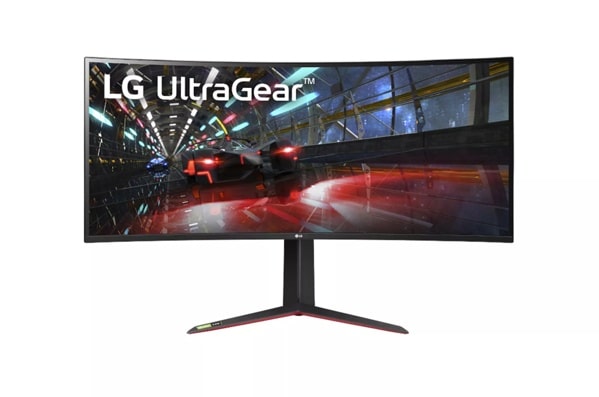
38-inch ultrawide that reveals HDMI’s hidden cost in refresh rates.
This 37.5-inch curved UltraWide QHD+ Nano IPS panel delivers 3840 x 1600 resolution at a native 144 Hz refresh rate, overclockable to 160 Hz via DisplayPort 1.4. The 98% DCI-P3 color coverage and DisplayHDR 600 certification make it suitable for both color-sensitive work and immersive gaming. When you plug in both a work laptop and a gaming PC, though, the HDMI 2.0 ports become your bottleneck. These connections cap the 3840 x 1600 resolution at 75 Hz—or 60 Hz if your laptop outputs 4K—creating a jarring visual gap between buttery-smooth gameplay and choppy spreadsheets. DisplayPort 1.4 unlocks the full experience; HDMI 2.0 leaves performance on the table.
6. Alienware AW3821DW Monitor
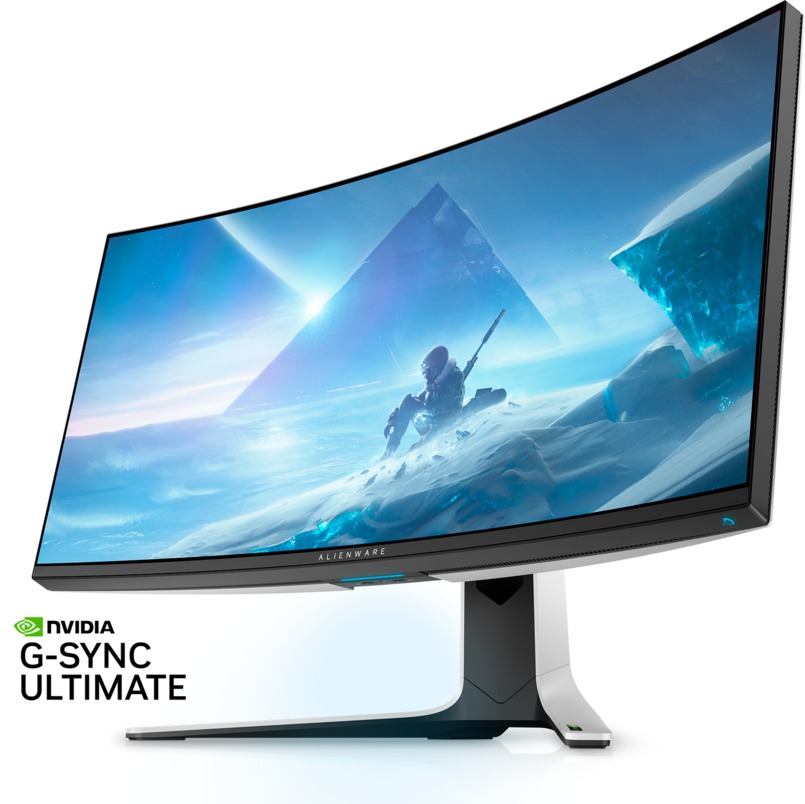
Dell’s gaming-first ultrawide for users who value G-SYNC Ultimate over universal connectivity.
The Alienware AW3821DW matches that premium 38-inch curved format with a 3840 x 1600 IPS panel, 144 Hzrefresh rate, and NVIDIA G-SYNC Ultimate. Customizable RGB lighting and a robust ergonomic stand signal its gaming pedigree from across the room. This focus comes with a trade-off: no USB-C input. Connecting a Windows handheld or modern laptop requires routing through an external dock or adapter first. For gamers running NVIDIA GPUs who prioritize tear-free visuals over plug-and-play versatility, it’s a deliberate choice.
5. OWC Thunderbolt Dock
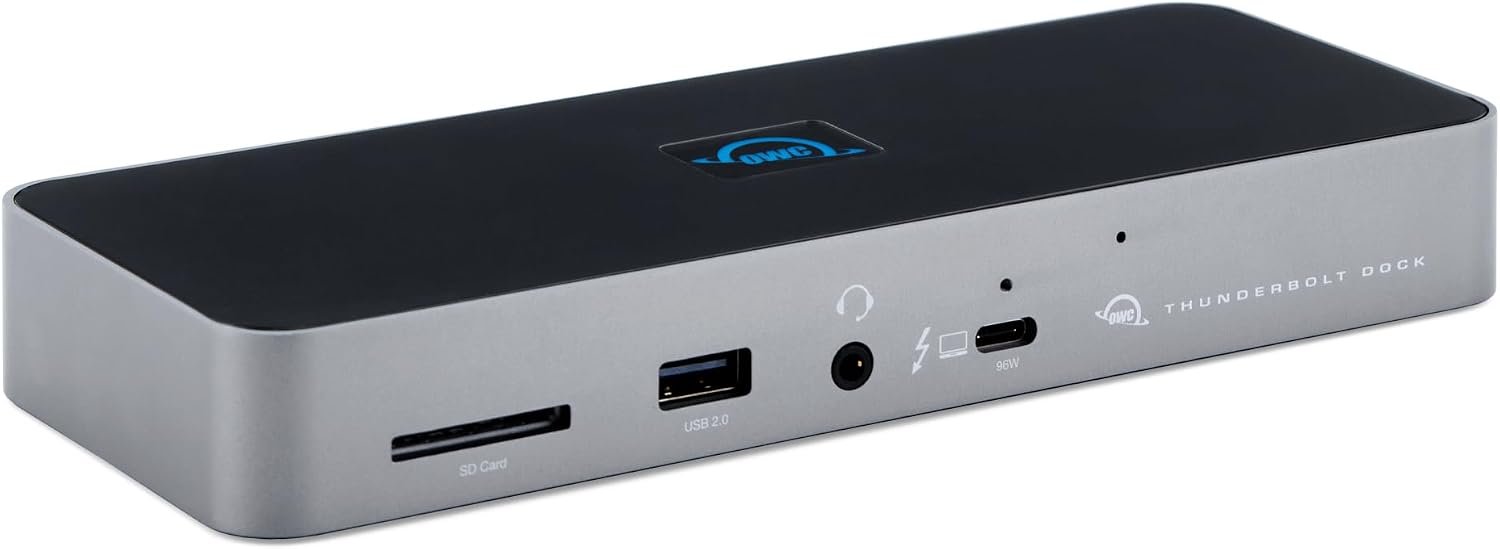
A single-cable hub that delivers desktop power to your laptop setup.
The OWC Thunderbolt 5 Dock with Dual HDMI consolidates connectivity through one Thunderbolt cable while delivering up to 140 W of power to charge your laptop. It supports dual 4K displays at 240 Hz or dual 8K at 60 Hz on Thunderbolt 5 hosts using Display Stream Compression. Backward compatibility with Thunderbolt 3/4 means older laptops benefit from the same central hub for displays, peripherals, and power. This dock eliminates cable sprawl and transforms a laptop into a full workstation without sacrificing high-refresh or high-resolution output.
4. MSI Claw 8 Handheld Gaming PC
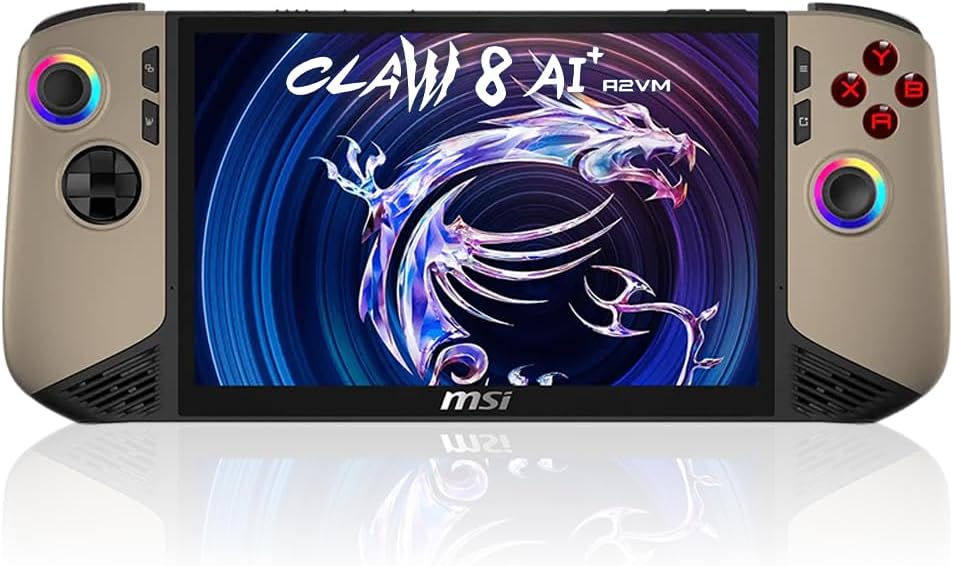
An 8-inch Windows handheld that doubles as a secondary workstation when docked.
The MSI Claw 8 runs Windows on an 8-inch display, giving it enough screen space for both portable gaming and basic desktop tasks. Its high-bandwidth USB-C or Thunderbolt port lets you dock it to external monitors, keyboards, and peripherals through a single cable. When connected to a Thunderbolt dock (even older Thunderbolt 4 models), it delivers up to 40 Gbit/s bandwidth, turning the handheld into a capable secondary system for quick work tasks or extended gaming sessions. It bridges the gap between commute-friendly portability and desk-bound utility.
3. UGREEN USB Switch
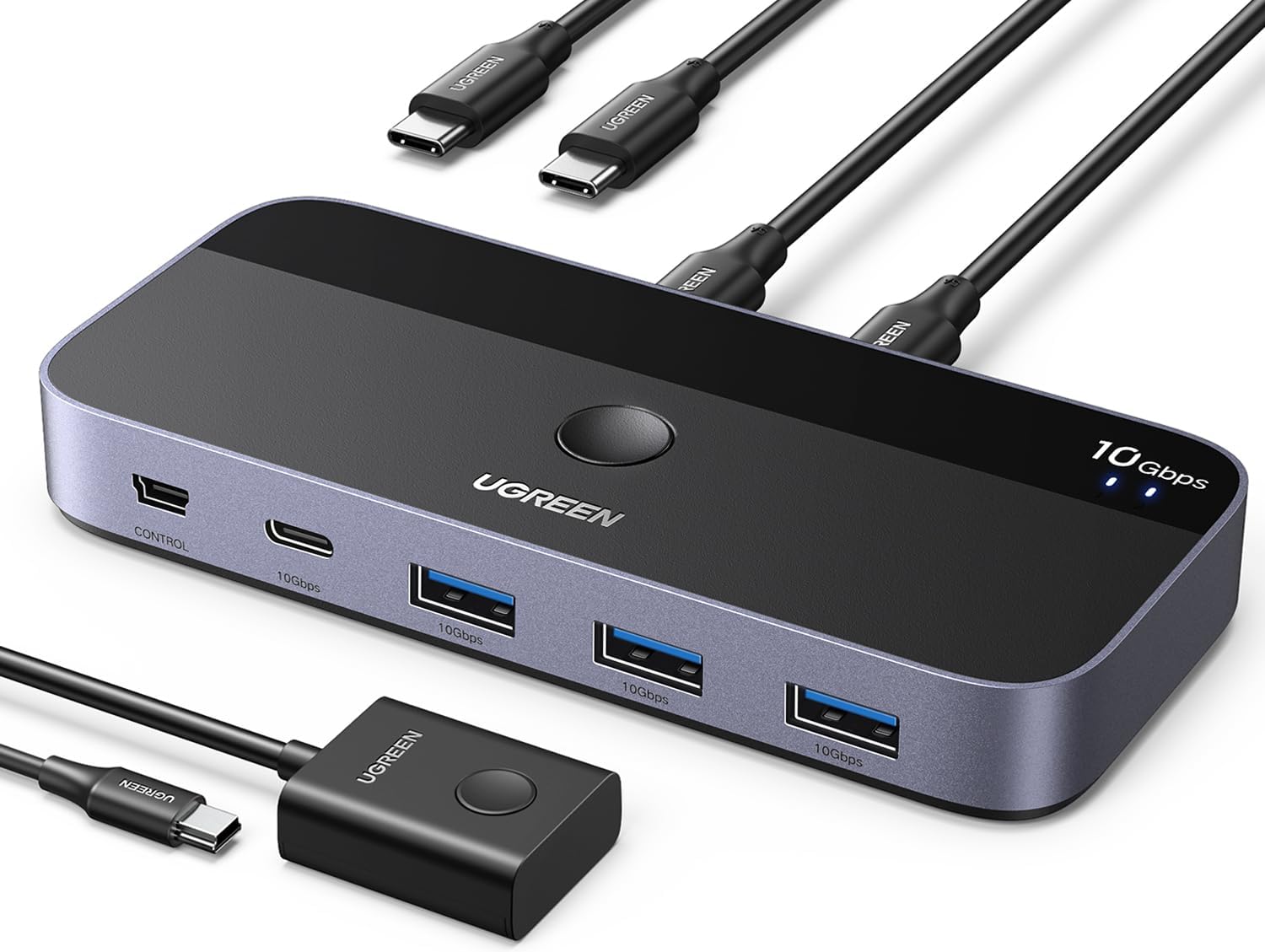
Budget peripheral sharing with one catch: bring your own audio solution.
UGREEN’s USB 2.0 and 3.0 sharing switches let you toggle one set of USB peripherals between two PCs with a button press. Keyboards, mice, and USB hubs switch instantly, ending the constant replugging cycle. Most models focus solely on USB data, though; they skip 3.5 mm analog audio jacks. If you need shared analog speakers, confirm the model includes integrated audio or add a separate USB audio adapter. For core USB switching at an accessible price, UGREEN delivers.
2. KVM Switch
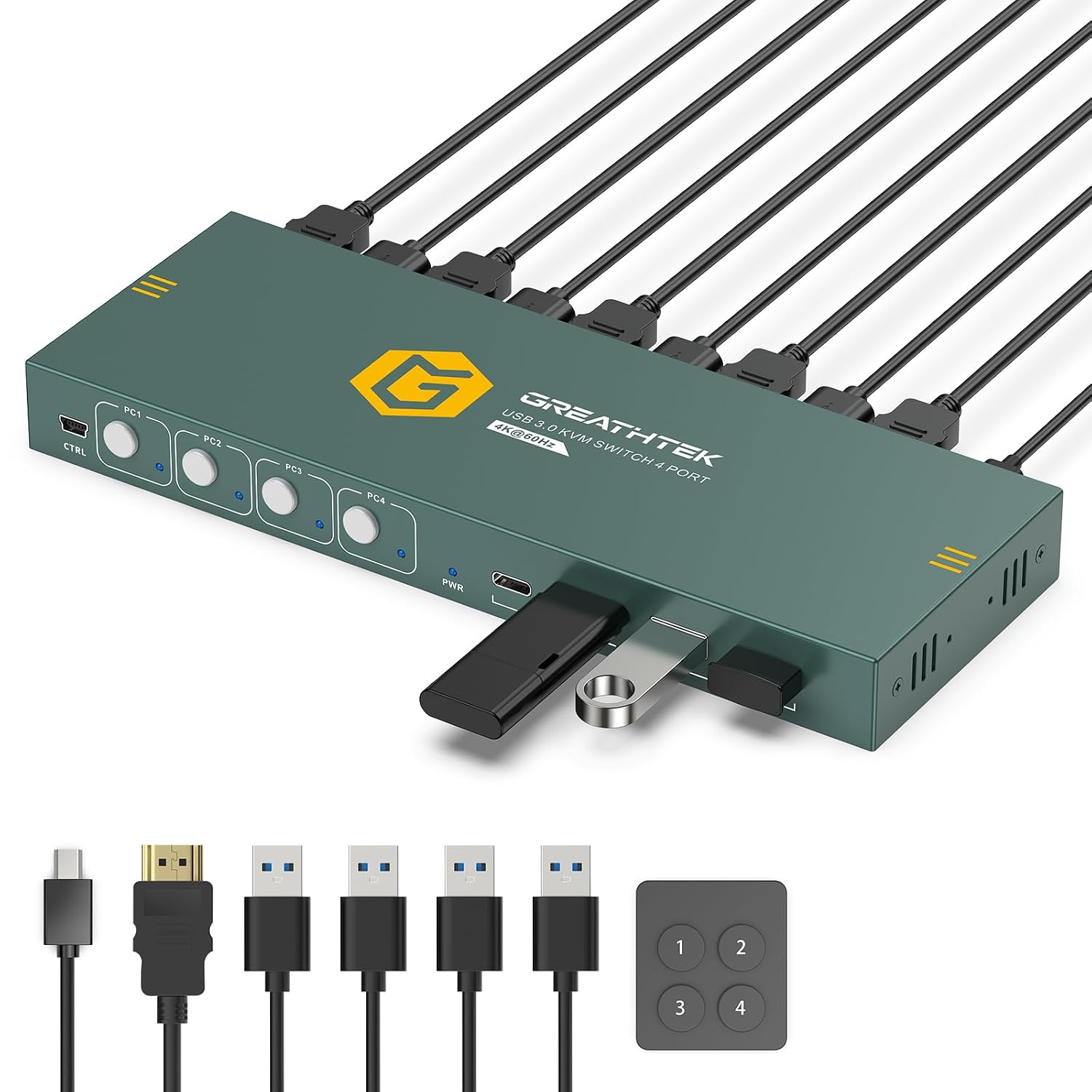
Full keyboard-video-mouse consolidation when you need one monitor to serve two systems.
A KVM switch shares keyboard, video, and mouse inputs across multiple computers—unlike simpler USB switches, which handle only peripherals. Many models still use USB-A ports, so USB-C peripherals may require adapters. High-draw devices sometimes need external 5V power to avoid dropout. Premium KVMs support 4K at 144 Hz or higher, while budget units typically cap at 4K 60 Hz. Match the switch’s video specs to your monitor’s capabilities, especially if high refresh rates matter for gaming or motion-heavy work. A full KVM makes sense when switching both display and peripherals; a USB-only switch suffices if you’re toggling peripherals alone.
1. USB Docking Station
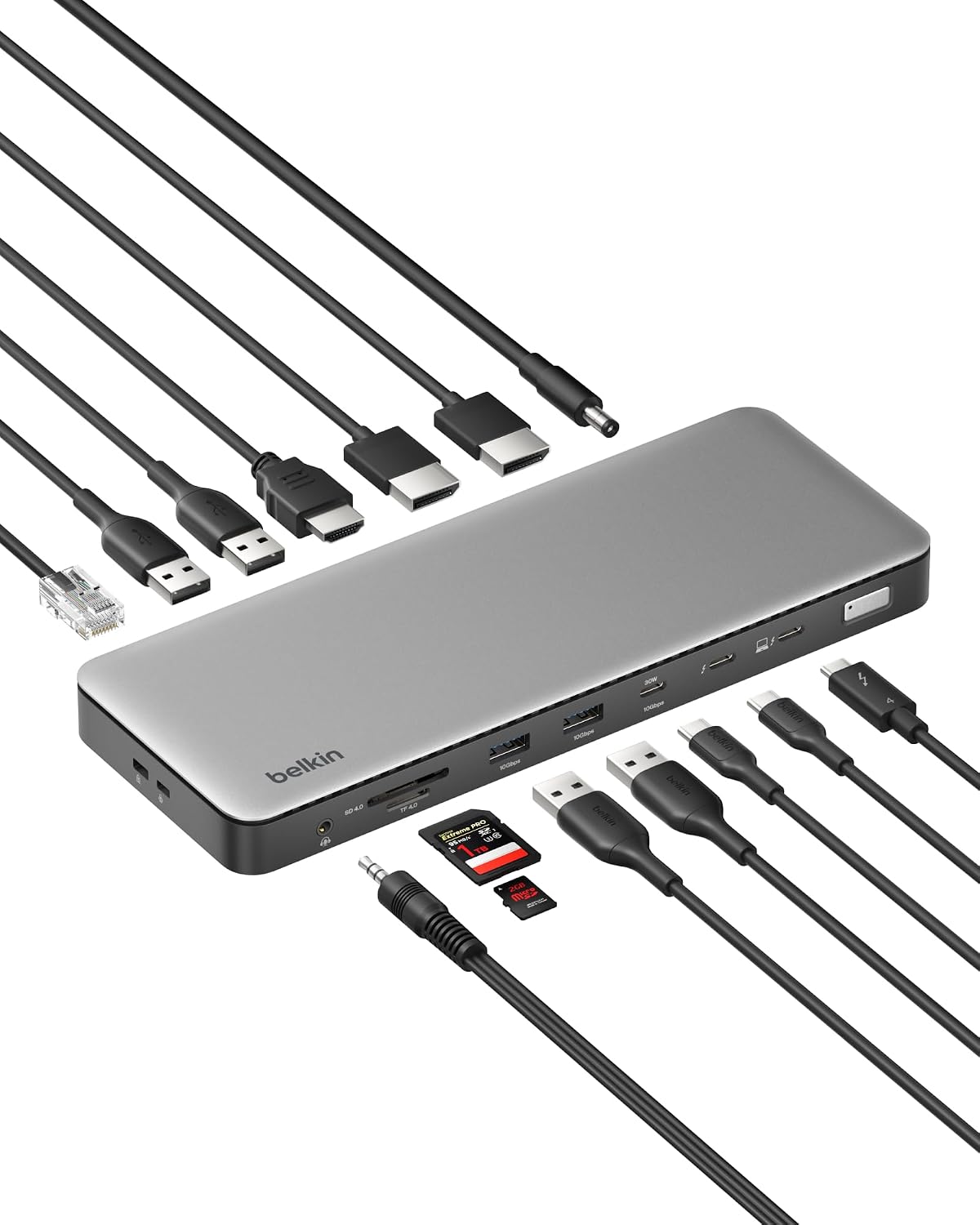
The one-cable hub that turns laptop chaos into desktop order.
A USB-C or Thunderbolt docking station consolidates multiple connections—USB-A, USB-C, HDMI, DisplayPort, Ethernet, audio—into a single cable to your laptop. Most deliver 60 to 100+ W of power, charging your machine while driving external monitors and peripherals simultaneously. Some docks max out at 4K 60 Hz; if your monitor supports higher refresh rates or your outputs don’t match the dock’s ports, you may need a DisplayPort-to-HDMI adapter. This central hub handles all your neutral peripherals—phone chargers, desk lamps, USB fans—and keeps cables manageable. One plug docks your laptop; one unplug frees it. The cleaner desk is a bonus; the time saved is the real win.
