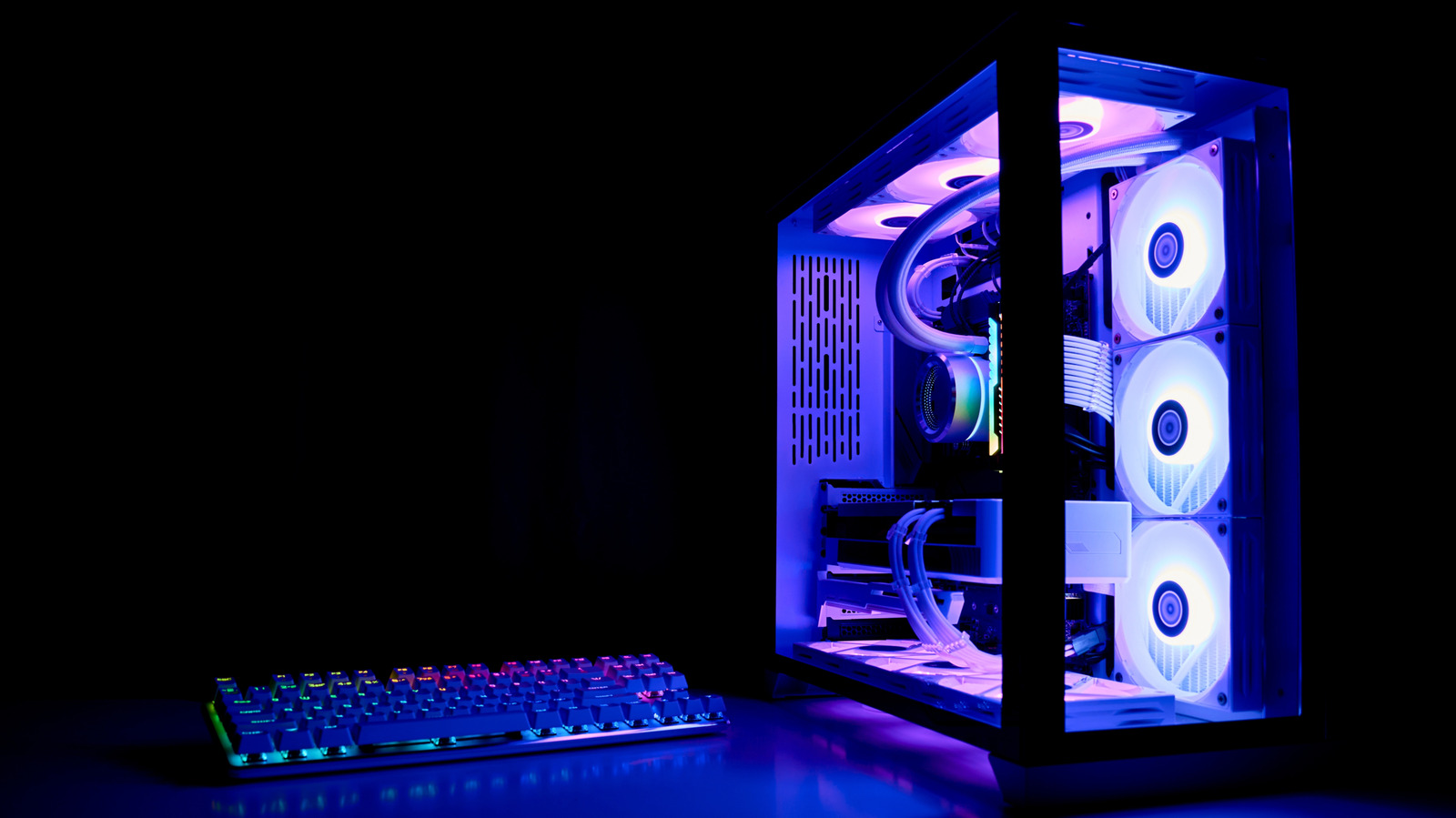
Close Menu
MyAppsPlus

    Subscribe to Updates

    Get the latest creative news from FooBar about art, design and business.

    What's Hot

    How to improve CarPlay navigation if you use Google Maps over Apple Maps

    September 27, 2026

    NYT Connections hints and answers for Monday, September 28 (game #1205)

    September 27, 2026

    Synopsys Stock Climbs as HSBC Upgrades Software Giant on AI Growth Tailwinds

    September 27, 2026
    Facebook X (Twitter) Instagram
    Facebook X (Twitter) Instagram
    MyAppsPlusMyAppsPlus
    Sunday, September 27
    • Home
    • Breaking Tech
    • Apps & Software
    • AI & Automation
    • Android
    • iPhone & iOS
    • More
      • Reviews
      • How-To Guides
      • Deals & Discounts
      • Shop
    MyAppsPlus
    Home»Breaking Tech»Why it’s important to not put your PC on the floor
    Breaking Tech

    Why it’s important to not put your PC on the floor

    myappsplusBy myappsplusSeptember 27, 2026004 Mins Read
    Share Facebook Twitter Pinterest Copy Link LinkedIn Tumblr Email Telegram WhatsApp
    Follow Us
    Google News Flipboard
    Why it’s important to not put your PC on the floor
    Share
    Facebook Twitter LinkedIn Pinterest Email Copy Link

    If you’re not going to put it on your desk, at least do these things.

    More often than not, where you set up a new PC comes down to convenience. Since the towers are so large, setting them up on top of the desk isn’t always an option, especially if you don’t have a ton of space. So under the desk it goes! It’s out of the way, and before long, you forget about it until you have to press the power button or you need to unplug some cable.

    That’s great and all until, months later, your fans start screaming and games begin stuttering. Although it may be more convenient to keep your PC on the floor, this can result in temperature spikes and thermal issues as your PC turns into a burrow for a whole fluffle of dust bunnies. Ultimately, where a PC lives affects how well it runs and how long it lasts. With PC parts becoming pricier by the month, protecting your investment matters, and there are multiple ways to do this even if you’re tight on space.

    How floor placement turns your PC into a dust magnet
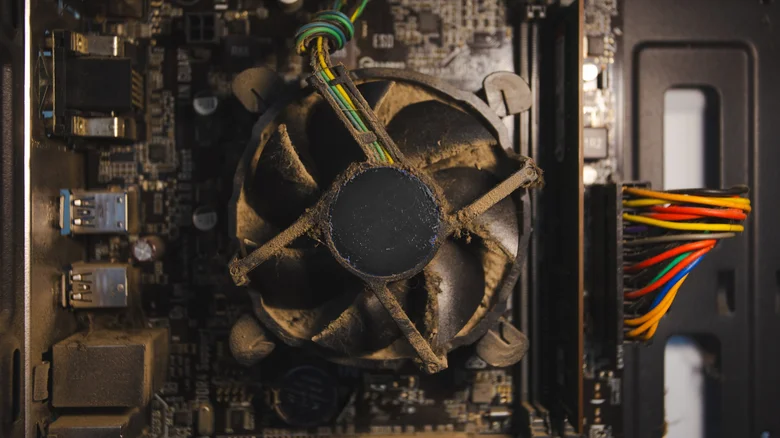
    Very dusty computer.

    Floors collect far more debris than desks or shelves. From carpet fibers to pet hair, skin cells and pollen, they all settle at ground level. If your PC is directly on the floor, the intake fans pull that debris directly into the case. Once inside, dust coats everything, from the heatsinks to the filters to all those tiny circuits. In time, components meant to stay cool become insulated. The buildup blocks airflow and forces fans to work harder just to maintain normal temperatures. Then, as heat rises, systems increasingly rely on thermal throttling, a safety measure that reduces clock speeds to prevent damage. This ultimately results into your computer slowing down when you really don’t want it to, like when you’re gaming.

    The consequences extend beyond rough gaming sessions because consistently high temperatures accelerate capacitor wear and thermal paste breakdown, meaning that a system that should last six to eight years could fail in half that time. And if you haven’t checked GPU prices this year, let us tell you that they’re high (much like pretty much all other components, particularly RAM and storage).

    Dust isn’t the only issue with floor placement. If you push the tower too close to the wall, it could block out the intake and exhaust paths, which are essential for airflow. Restricted airflow traps heat, and hardworking fans spin louder and wear out faster. It all adds up to a well-built PC underperforming simply because of where it sits.

    Where should you actually put your PC?
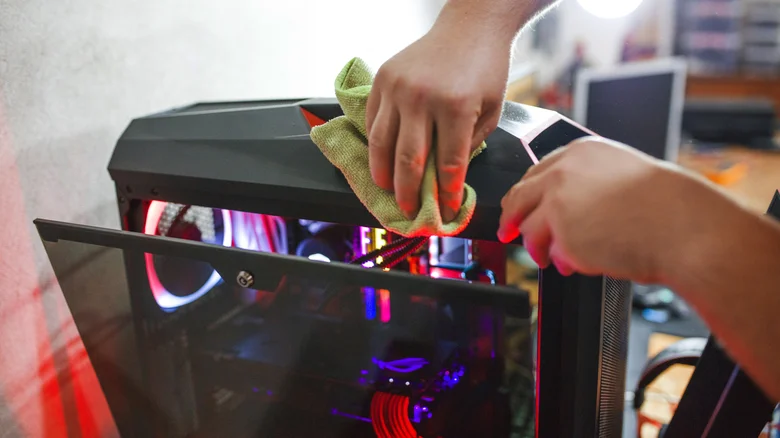
    Person cleaning a PC tower.

    So where should you put your PC? Is it supposed to be on the floor? Not ideally, but if that’s the only option, there are adjustments you can make to improve the situation.

    First of all, elevate your PC. If you can’t put it on a desk or on a shelf, then you’ll want a dedicated PC stand to keep the intake fans away from ground-level dust and debris. Then, you should absolutely avoid placing the PC directly on the carpet or in humid areas because that will increase the need for regular cleaning and maintenance. Just put it on a hard, non-carpeted floor with a stand or a wheeled cart.

    Don’t forget to also give the PC some breathing room, keeping several inches of clearance from the wall and furniture so rear exhaust vents can function properly. Lastly, make sure you dust the case often and open it up every few months to do a thorough clean-up by cleaning filters, using compressed air, and so on.

    PC placement rarely gets the attention it deserves, yet it directly affects just how much dust your system pulls in, how efficiently it cools itself and how many years it delivers a good performance. Spending a bit on a shelf or stand and keeping up with a cleaning schedule will save you a lot of money and headache in the long run.

    Computing Floor Important Your
    Follow on Google News Follow on Flipboard
    Share. Facebook Twitter Pinterest LinkedIn Tumblr Email Copy Link
    myappsplus
    • Website

    Related Posts

    How to improve CarPlay navigation if you use Google Maps over Apple Maps

    September 27, 2026

    Quordle hints and answers for Monday, September 28 (game #1708)

    September 27, 2026

    When is it worth using a bike computer over a smartphone?

    September 27, 2026
    Add A Comment
    Leave A Reply Cancel Reply

    Top Posts

    Can reviews settle disputes that marked first two seasons?

    September 21, 20266 Views

    Microsoft resolves issues after software updates

    September 22, 20263 Views

    Do Tech Industry CEOs Really Earn an Average of 10,000 Yuan Per Day? Calculating Daily Salaries of Top Elite Employees in the Tech Sector

    September 20, 20263 Views
    Latest Reviews

    The reasons Siri may not work on CarPlay

    myappsplusAugust 23, 2026

    Augury’s first appearance in Gartner’s APM Market Guide signals that plant AI is moving toward agent-led automation

    myappsplusAugust 23, 2026

    I took the Volvo EX60 and BMW iX3 on 400-mile road trips — and range anxiety is officially dead

    myappsplusAugust 23, 2026
    Stay In Touch
    • Facebook
    • YouTube
    • TikTok
    • WhatsApp
    • Twitter
    • Instagram

    Subscribe to Updates

    Get the latest tech news from FooBar about tech, design and biz.

    Most Popular

    The reasons Siri may not work on CarPlay

    August 23, 20260 Views

    Augury’s first appearance in Gartner’s APM Market Guide signals that plant AI is moving toward agent-led automation

    August 23, 20260 Views

    I took the Volvo EX60 and BMW iX3 on 400-mile road trips — and range anxiety is officially dead

    August 23, 20260 Views
    Our Picks

    How to improve CarPlay navigation if you use Google Maps over Apple Maps

    September 27, 2026

    NYT Connections hints and answers for Monday, September 28 (game #1205)

    September 27, 2026

    Synopsys Stock Climbs as HSBC Upgrades Software Giant on AI Growth Tailwinds

    September 27, 2026

    Subscribe to Updates

    Subscribe to our newsletter and get the latest tech news, app updates, AI trends, smartphone reviews, and exclusive deals delivered straight to your inbox.

    Facebook X (Twitter) Instagram Pinterest
    • About Us
    • Get In Touch
    • Disclaimer
    • Privacy Policy
    • Terms & Conditions
    © 2026 MyAppsPlus. All Rights Reserved.

    Type above and press Enter to search. Press Esc to cancel.