

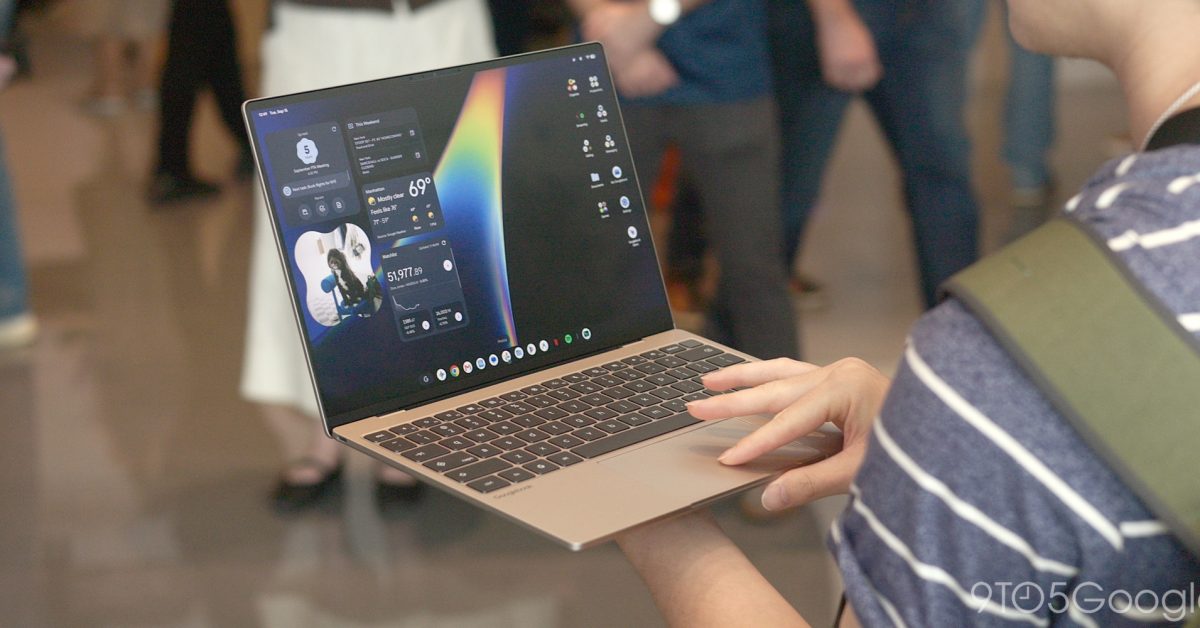
An overwhelming sense of familiarity struck me the first time I used a Googlebook. That was immediately followed by a realization that this is just Android, and I think that feeling of similarity will go a long way in justifying and ultimately selling Googlebooks.
Going into this event, I was not particularly asking for a desktop operating system that felt like my Pixel phone. In fact, having used Chromebooks for many years (my first unit was the 2013 Acer C720), I thought Googlebook OS would not feel too different from ChromeOS. The desktop and app dock look the same, but the changes made by building on top of Android make all the difference.
That shared design and user experience allowed me to immediately start using Googlebook OS like a near-expert. Quick Settings and Notifications were obviously in the top-right corner, matching Android’s conventions. It’s a small change compared to ChromeOS, but it felt natural the first time I used it. I knew immediately to move the cursor to that top corner instead of the usual bottom corner on Chromebooks.
I also knew I could add and edit widgets, a long-requested feature ChromeOS lacks, by long-pressing on the desktop, while seeing the same ones from my phone homescreen evoked an almost nostalgia-like feeling.
The Settings app is identical to that on Pixel phones, while I was very happy to find Pixel Weather (and its widgets) along with the excellent Recorder pre-installed. Meanwhile, the app drawer is basically the Pixel Launcher. Compared to ChromeOS, you can put apps, widgets, and files/folders on the desktop for an infinite boost to productivity.
The best of the web
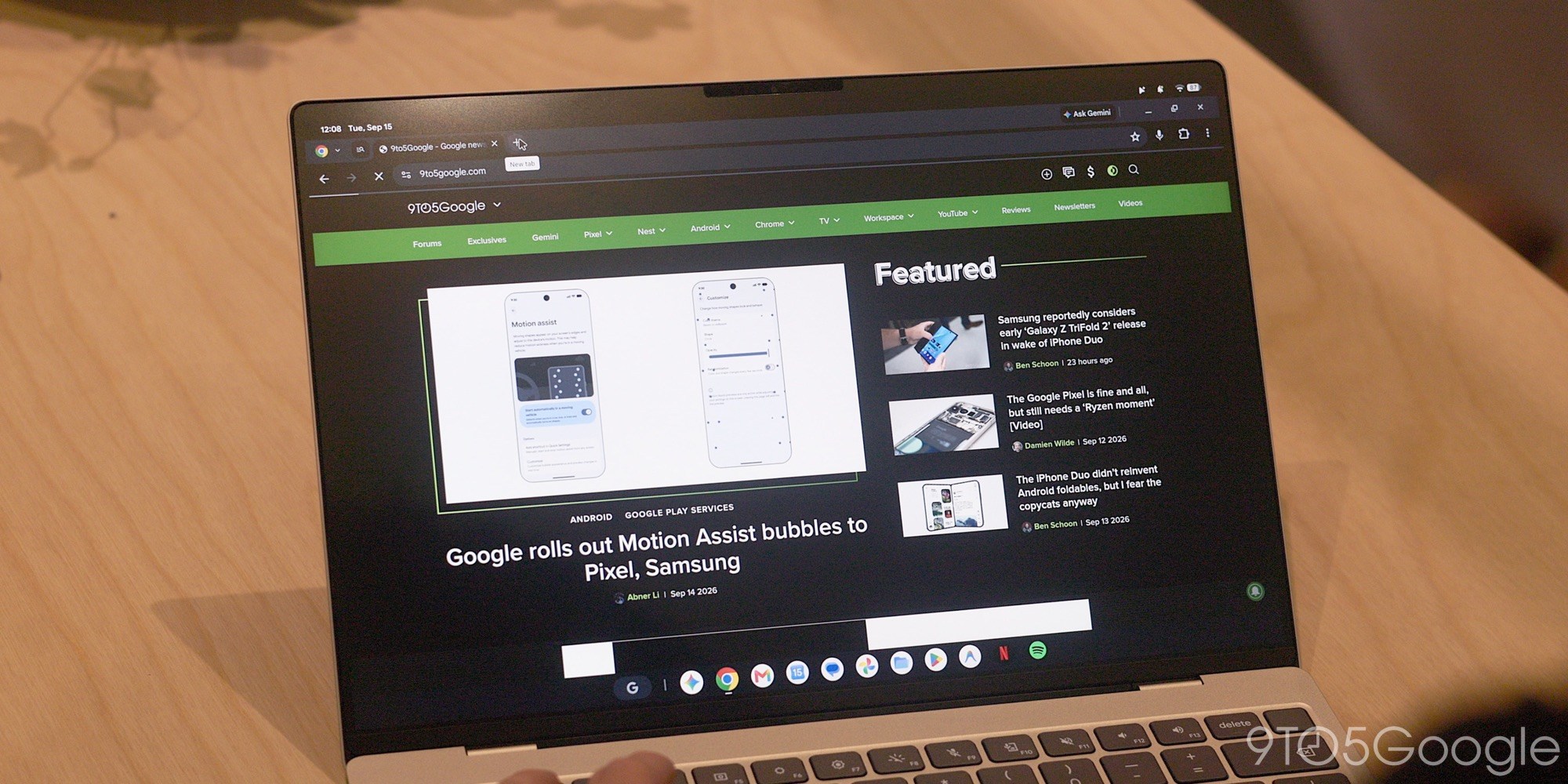
Given how much Googlebook OS felt like using my Pixel phone, it was surprising to see that launching Gmail and Google Calendar opened the web versions rather than the Android apps. Talking with Google, I later learned that these were Trusted Web Activities (TWAs) instead of PWAs. Distributed from the Play Store, their main advantage is how this web wrapper-esque format allows for homescreen widgets.
Zooming out, what shocked me was how much Googlebook OS leverages web apps, a move that strongly affirms the ChromeOS lineage. Going in, I assumed there would be a resurgence in desktop-class Android apps.
However, I am told this was an intentional choice. Google’s viewpoint is ultimately to let app developers decide what the best strategy is for their application, and I think that’s fair. Google offered me the example of how it approached the Gmail and Workspace teams about whether they wanted to offer Googlebook adopters the web version or the Android app. They chose the former and ideally did not want to offer the Android app as an available Play Store download.
However, I do think this is partially a missed opportunity. Giving third-party developers a choice does reduce the barrier to entry for a new OS, but I strongly think Google internally should have enforced a strict first-party mandate to create desktop-class applications.
Meanwhile, as I complained about in my Pixel Tablet review three years ago, it’s unbelievable that Google Messages is still using the same web-based version rather than anything more native.
The Chrome browser on Googlebooks feels great and offers a full-featured experience from extensions to the new vertical tab list.
For all Android, always
That said, other experiences are clearly Android-powered. This includes the Google app and Gemini. When you invoke the Magic Pointer overlay, prompt responses appear in the Android Gemini app.
More broadly, Google sees this Android-based OS as an opportunity to leverage the existing Gemini and AI work done for phones as a starting point for the desktop. This is compared to having to rebuild everything from scratch for ChromeOS.
The on-device AI model is Gemini Nano, and that’s used to power AI descriptions of your screenshots that unlock search, as well as Magic Pointer, Rambler, and Create My Widget
I have to use the much-derided Magic Pointer a bit more to determine whether it’s some groundbreaking UX paradigm, but I do credit it for being very easy to enable. You will not forget that this feature exists on Googlebooks, and I think that could be valuable.
Rambler is the other major Gemini Intelligence feature, and you launch it from a Quick Insert key that’s in place of Caps Lock. Pressing the new Quick Insert key launches a rather convenient floating window that provides quick access to emoji, recent screenshots, and the Gboard clipboard, with Rambler in the bottom-right corner. This is a rather smart carryover from ChromeOS, now accessible with a single key press rather than a three-key combo.
Create My Widget is the other major tentpole. This is the introduction of generative UI to Android, and I think the ramifications for the future are tremendous. Right now, you get to make widgets that pull from live data sources, like Search. Googlebooks will definitely have to guide people on how to use this capability, but I think this could be a powerful selling point.
Google is adopting the successful Android OEM model for Googlebooks. However, they’ve fortunately drawn a line on how updates will work. Google is responsible for rolling out Googlebook OS updates, not OEMs, carrying over one of the strongest elements of ChromeOS. Partners will be able to specify preloaded apps, but they can’t do any heavy customization like altering what the status bar icons look like. The experience of using a Googlebook will be universal across partners.
Google will be releasing major Googlebook OS updates on a quarterly basis to match the Android Quarterly Platform Release (QPR) model, but security updates can come at any time in between.
Closing
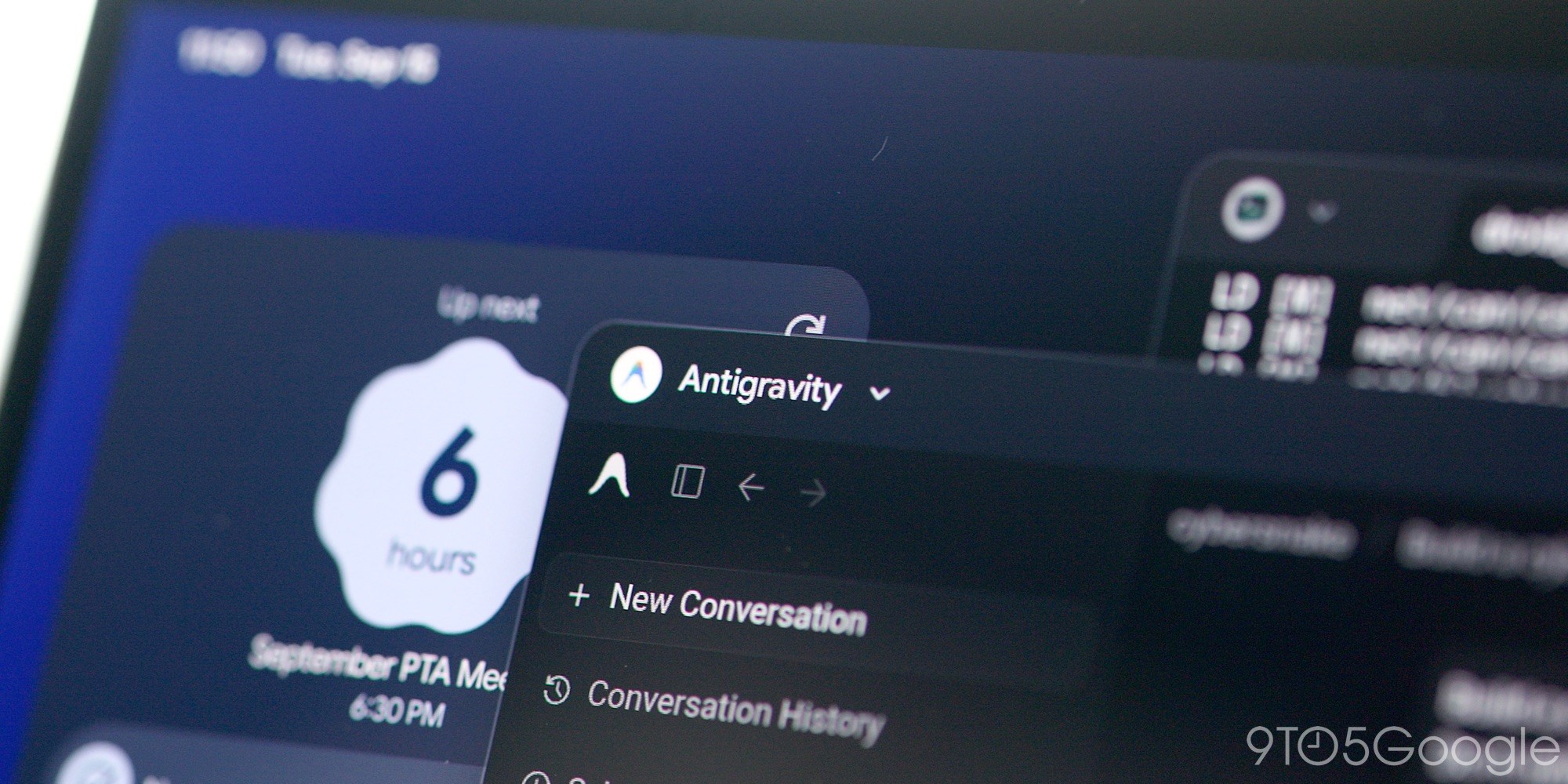
Google spent a long time developing Googlebooks, and it shows. The specific example that really surprised me is that Google built an Antigravity app with native UI for Android. Going in, I thought they would just offer the Linux version, but this Antigravity for Android is distributedment on Googlebook OS
Frankly, Google fumbled its initial unveiling of Googlebooks in May. It was officially intended only as a preview, but the decision to highlight only a handful of features, including Magic Pointer, ended up being a great disservice. Googlebook OS is so much more than that, and the company should have led with the Android nature right off the bat.
Again, we actually have to see if it works in our daily workflows, but my initial impression is that Android gives Googlebooks a very solid foundation.
You’re reading 9to5Google — experts who break news about Google and its surrounding ecosystem, day after day. Be sure to check out our homepage for all the latest news, and follow 9to5Google on Twitter, Facebook, and LinkedIn to stay in the loop. Don’t know where to start? Check out our exclusive stories, reviews, how-tos, and subscribe to our YouTube channel
