

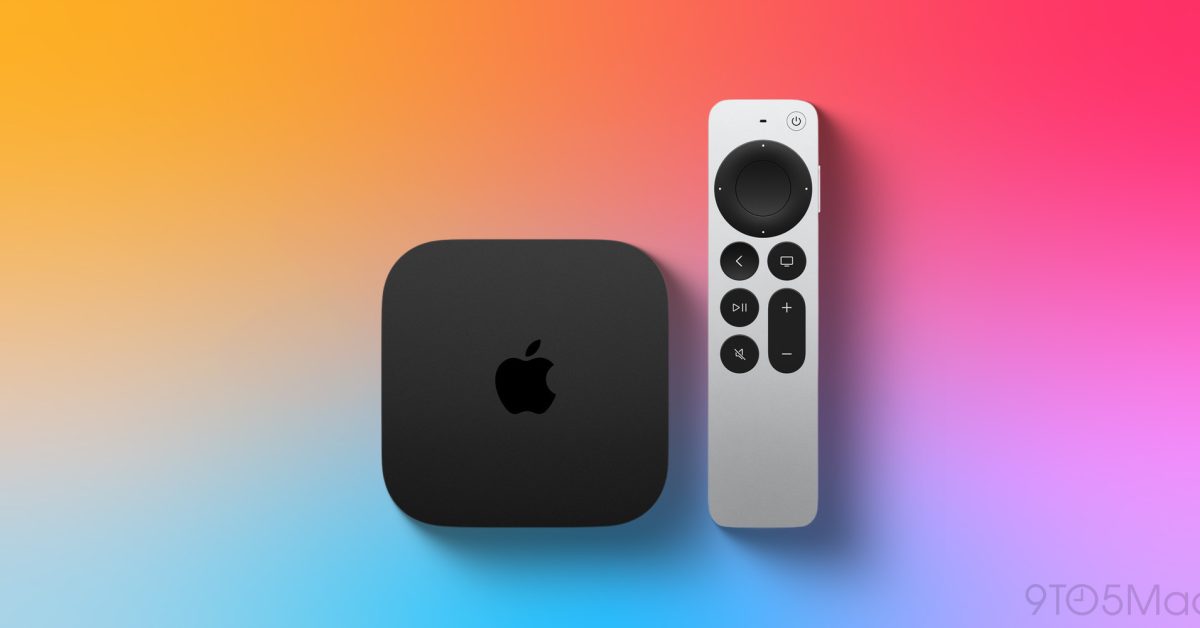
It’s not every day that a new Apple TV app arrives for tvOS. Shopify just released Shopcast, bringing a dashboard for businesses to the big screen.
“Shopcast turns Apple TV into a dashboard for your Shopify business,” per the new app listing. “Follow sales, discover your best-selling products, and see where orders are coming from-all in a display designed for your office, retail space, or team room.”
Take a look at the screenshots for Shopcast:
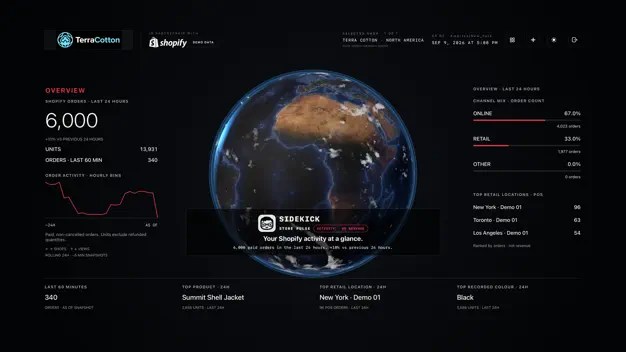
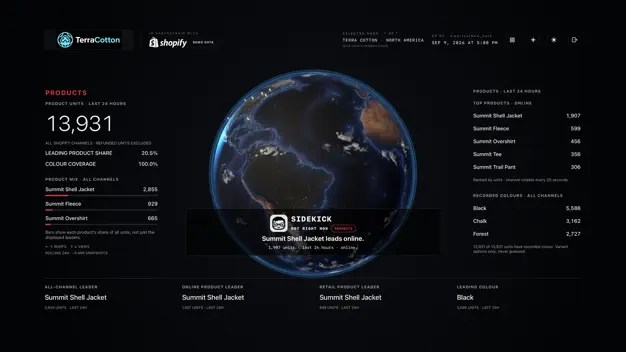
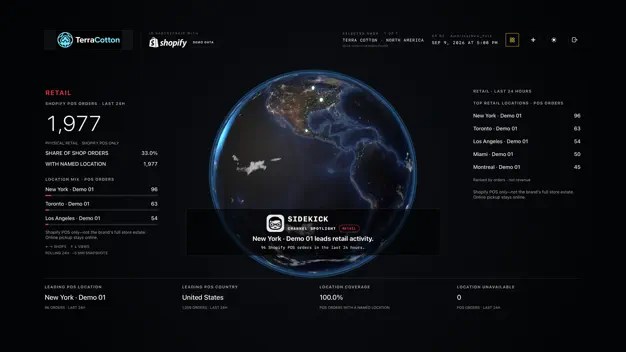
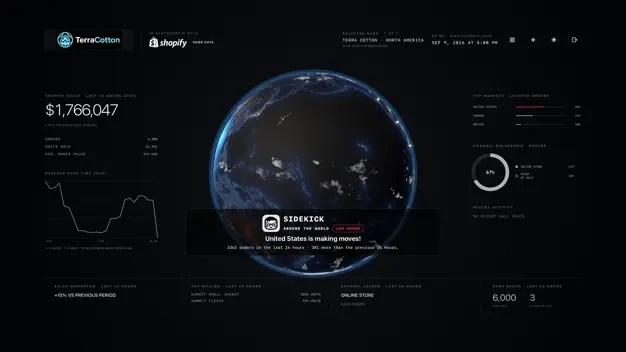
Here’s the Shopcast TV app description for more details:
- View sales, orders, units sold, and average order value.
- Explore order activity on an interactive globe.
- See leading products and popular colours.
- Compare online and Shopify POS activity.
- Discover your busiest retail locations and customer markets.
- Switch between connected shops while keeping each shop’s data separate.
- Choose light or dark mode to suit your space.
Here’s even more about the new business dashboard app from Shopify:
MADE FOR APPLE TV
Use your Apple TV remote to explore Revenue, Overview, Products, Retail, and Geography views. Dashboard totals refresh periodically, helping your team follow business performance throughout the day.CONNECT YOUR SHOP
Authorize access through Shopify to connect your store. Available information depends on your account permissions. Shopcast displays your store’s activity; continue managing products, orders, and settings in Shopify.Requires an existing Shopify store, authorized access, and an internet connection. Currently available in English.
You can download Shopcast from the App Store on Apple TV. It looks like a great new way for businesses to use Apple TV 4K.
Do more with your Apple products
Apple AirTag 2 | Add Find My tracking to keys, bags, bikes, more
You’re reading 9to5Mac — experts who break news about Apple and its surrounding ecosystem, day after day. Be sure to check out our homepage for all the latest news, and follow 9to5Mac on Twitter, Facebook, and LinkedIn to stay in the loop. Don’t know where to start? Check out our exclusive stories, reviews, how-tos, and subscribe to our YouTube channel
