Close Menu
MyAppsPlus

    Subscribe to Updates

    Get the latest creative news from FooBar about art, design and business.

    What's Hot

    Former TikTok execs built an app that uses AI to teach you how to pose for a photo

    September 15, 2026

    ‘The Orbi 373 immediately kicked my office Wi-Fi up a gear’: Netgear’s Wi-Fi 7 mesh 3-pack just hit a record low

    September 15, 2026

    Almost 8000 organizations hit by fake voicemail transcript emails in credential phishing attack

    September 15, 2026
    Facebook X (Twitter) Instagram
    Facebook X (Twitter) Instagram
    MyAppsPlusMyAppsPlus
    Tuesday, September 15
    • Home
    • Breaking Tech
    • Apps & Software
    • AI & Automation
    • Android
    • iPhone & iOS
    • More
      • Reviews
      • How-To Guides
      • Deals & Discounts
      • Shop
    MyAppsPlus
    Home»Deals & Discounts»Almost 8000 organizations hit by fake voicemail transcript emails in credential phishing attack
    Deals & Discounts

    Almost 8000 organizations hit by fake voicemail transcript emails in credential phishing attack

    myappsplusBy myappsplusSeptember 15, 2026004 Mins Read
    Share Facebook Twitter Pinterest Copy Link LinkedIn Tumblr Email Telegram WhatsApp
    Follow Us
    Google News Flipboard
    Almost 8000 organizations hit by fake voicemail transcript emails in credential phishing attack
    Share
    Facebook Twitter LinkedIn Pinterest Email Copy Link
    • Check Point spotted phishing emails spoofing voicemail transcript notifications, hitting 7,800+ orgs
    • Malicious SVG attachments auto‑fill victim emails, redirecting to fake login pages for credential theft
    • SVG format bypasses filters; businesses urged to verify notifications and treat SVGs as active content

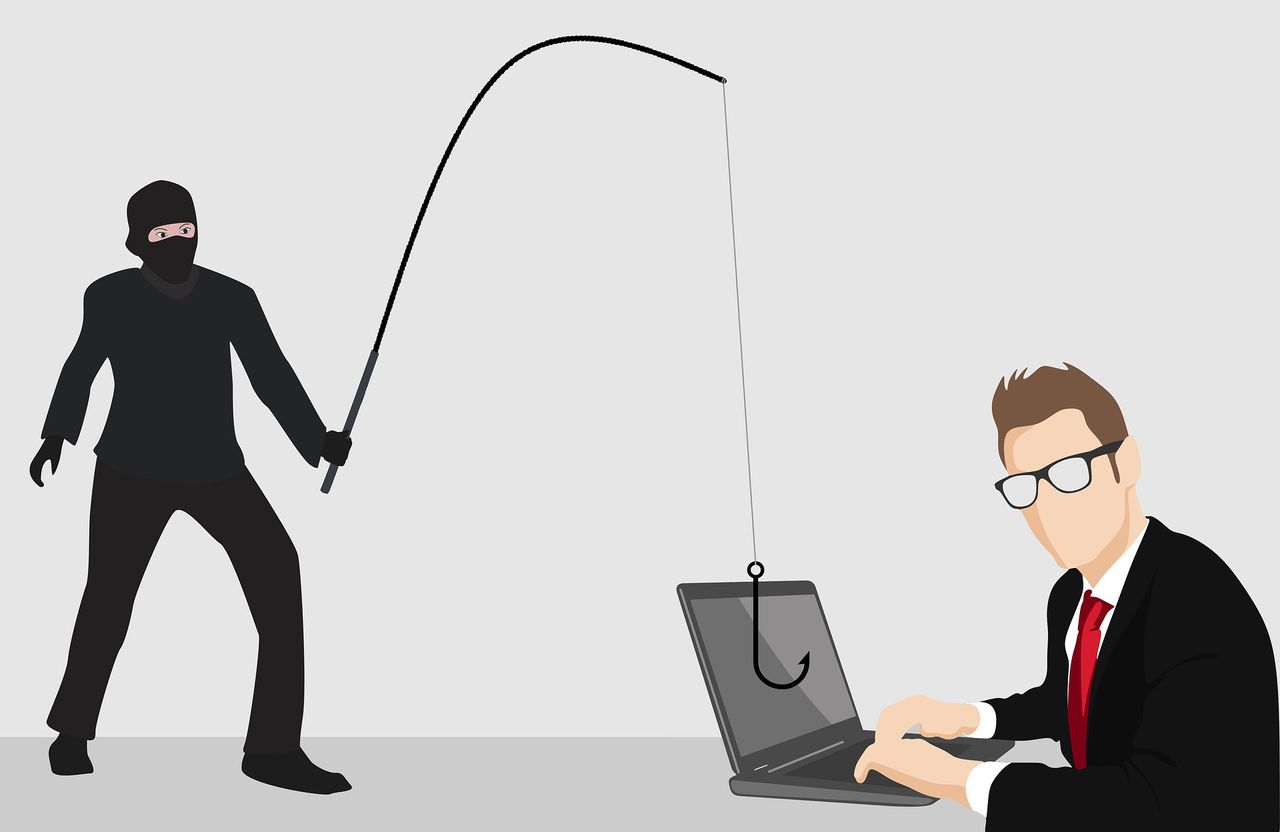
    Hackers have a new phishing lure – the automated voicemail transcript notification, and have already used it against thousands of organizations already, sending tens of thousands of malicious emails.

    In a new report, security experts from Check Point Research (CPR) said they spotted an ongoing campaign that has already targeted thousands of organizations.

    The goal of the campaign seems to be credential theft – grabbing access to people’s email accounts, business services, and similar.

    Abusing the trends

    The proliferation of AI gave rise to a new trend in the office – automated voicemail transcripts. When a person receives a voicemail, they can choose to read it instead of listening to it. Useful for a noisy workplace environment, or for emails that are too sensitive to be blasted through a speaker system. An automated system mails the transcript to the recipient’s inbox in a familiar format, and since they’re used to receiving this type of email, they’re not suspicious or skeptical enough. Their guard is lowered, which is a perfect opportunity for the attackers.

    “Between August 17 and August 31, Check Point identified more than 58,000 emails tied to the campaign. The operation targeted over 7,800 organizations, leveraging more than 38,400 spoofed sender addresses across over 9,300 spoofed domains,” the researchers explained.

    The emails follow a simple formula the recipients are already used to seeing. Each message’s subject line begins with “Automated transcript”, followed by a partially redacted phone number and a random tracking string. “The effect is deliberately understated: a notification that appears to have been generated by a trusted workplace system,” CPR explains.

    The email domains are also spoofed in a way that makes it seem as if they’re coming from within the same organization.

    SVG attachments

    Every email comes with an attachment. It is designed to look like a regular call recording file, using names such as “▷ ——— 001min 09sec_….svg.” But notice the file type – SVG. This is not an audio file, it is short for Scalable Vector Graphics (SVG) – an image file. There are a few reasons why scammers are opting for this particular format, but the number one is that it is an XML-based document that can contain JavaScript. When a browser opens the SVG, that JavaScript can execute, redirecting victims to a spoofed login page where they’re asked to log in.

    This is exactly the setup here, too. To make matters worse, since the recipient’s email address is hardcoded in the URL, the fake login form auto-fills it. When the victim opens up the SVG, they’re redirected to a login page where the “username” part is already populated, making it more personalized and credible.

    Another key reason why SVG is a popular format in these attacks is that it can bypass email security systems. If scammers put a hyperlink in the email’s body, it can be scanned by the system, and sanitized if proven malicious (which it would). But without a link the only other thing a security system can check are the attachments, and there the usual suspects are .exe, .docx, or .pdf files. Very few are focusing on SVG files, as well.

    Adapting to change

    This campaign is a great example of how quickly attackers adapt to enterprise workflows as automation becomes more common, Check Point’s researchers have warned. In response, businesses should start treating automated notifications as signals that need to be verified – especially those when the sender appears to match the recipient’s domain.

    Furthermore, businesses should define which file types and domains AI agents are allowed to access without human confirmation, and finally, they should definitely inspect SVG attachments as active content, not simply as images.

    Computing Computing Security Cyber Security Pro Security
    Follow on Google News Follow on Flipboard
    Share. Facebook Twitter Pinterest LinkedIn Tumblr Email Copy Link
    myappsplus
    • Website

    Related Posts

    ‘The Orbi 373 immediately kicked my office Wi-Fi up a gear’: Netgear’s Wi-Fi 7 mesh 3-pack just hit a record low

    September 15, 2026

    Target announces big-time fall Prime Day competitor sale: Start time, bonus 15% off, more

    September 15, 2026

    Today’s iOS app deals and freebies: Dead Cells, Potion Permit, Little Nightmares, more

    September 15, 2026
    Add A Comment
    Leave A Reply Cancel Reply

    Top Posts

    The 6 AI-free Linux distros I recommend most

    August 19, 20264 Views

    AI, automation, robot dogs ensure on-site nuclear safety

    September 7, 20262 Views

    This tiny AI box could save me from upgrading my perfectly good laptop

    September 6, 20262 Views
    Latest Reviews

    New iOS 26 and macOS Tahoe updates fix 30 security vulnerabilities: what you need to know

    myappsplusAugust 18, 2026

    ICE agents can’t wear Meta glasses while they work, official memo warns

    myappsplusAugust 18, 2026

    Ubiquiti sued by Ukrainian families over claims its tech powered Russian battlefield drones

    myappsplusAugust 18, 2026
    Stay In Touch
    • Facebook
    • YouTube
    • TikTok
    • WhatsApp
    • Twitter
    • Instagram

    Subscribe to Updates

    Get the latest tech news from FooBar about tech, design and biz.

    Most Popular

    New iOS 26 and macOS Tahoe updates fix 30 security vulnerabilities: what you need to know

    August 18, 20260 Views

    ICE agents can’t wear Meta glasses while they work, official memo warns

    August 18, 20260 Views

    Ubiquiti sued by Ukrainian families over claims its tech powered Russian battlefield drones

    August 18, 20260 Views
    Our Picks

    Former TikTok execs built an app that uses AI to teach you how to pose for a photo

    September 15, 2026

    ‘The Orbi 373 immediately kicked my office Wi-Fi up a gear’: Netgear’s Wi-Fi 7 mesh 3-pack just hit a record low

    September 15, 2026

    Almost 8000 organizations hit by fake voicemail transcript emails in credential phishing attack

    September 15, 2026

    Subscribe to Updates

    Subscribe to our newsletter and get the latest tech news, app updates, AI trends, smartphone reviews, and exclusive deals delivered straight to your inbox.

    Facebook X (Twitter) Instagram Pinterest
    • About Us
    • Get In Touch
    • Disclaimer
    • Privacy Policy
    • Terms & Conditions
    © 2026 MyAppsPlus. All Rights Reserved.

    Type above and press Enter to search. Press Esc to cancel.