Close Menu
MyAppsPlus

    Subscribe to Updates

    Get the latest creative news from FooBar about art, design and business.

    What's Hot

    Here’s how much your older Samsung phones are actually worth

    October 27, 2026

    Apple’s least expensive M5 MacBook Air is $200 off with FREE 70W charger upgrade (Best price in months)

    October 27, 2026

    NASA plans to launch three massive rockets for the Artemis 3 crewed lunar test mission

    October 27, 2026
    Facebook X (Twitter) Instagram
    Facebook X (Twitter) Instagram
    MyAppsPlusMyAppsPlus
    Tuesday, October 27
    • Home
    • Breaking Tech
    • Apps & Software
    • AI & Automation
    • Android
    • iPhone & iOS
    • More
      • Reviews
      • How-To Guides
      • Deals & Discounts
      • Shop
    MyAppsPlus
    Home»Breaking Tech»How to sideload apps onto Android Auto
    Breaking Tech

    How to sideload apps onto Android Auto

    myappsplusBy myappsplusSeptember 6, 2026013 Mins Read
    Share Facebook Twitter Pinterest Copy Link LinkedIn Tumblr Email Telegram WhatsApp
    Follow Us
    Google News Flipboard
    How to sideload apps onto Android Auto
    Share
    Facebook Twitter LinkedIn Pinterest Email Copy Link

    You can unlock video streaming on your dashboard, but should you?

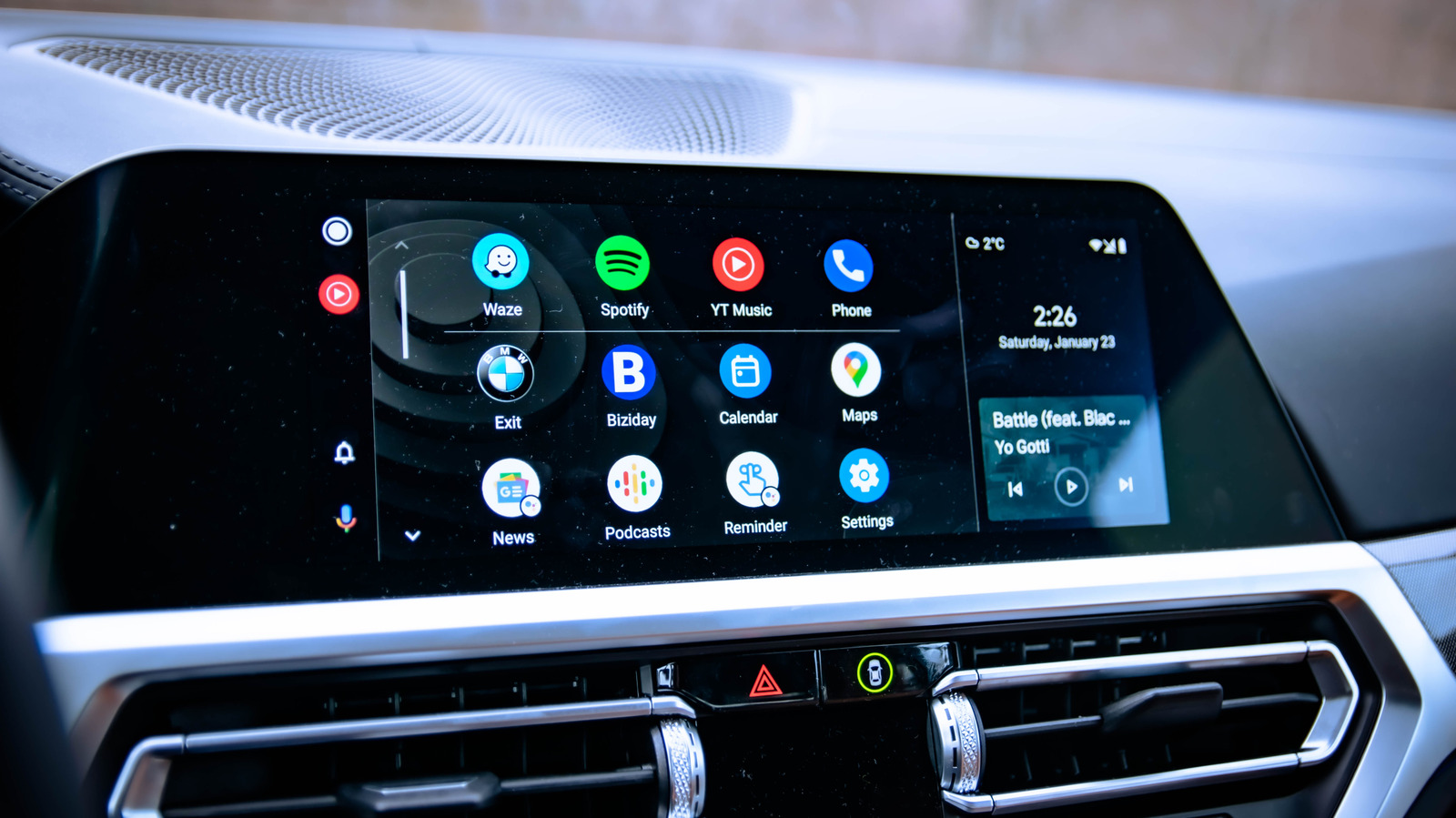
    Android Auto was built to make your driving sessions simple and easy, but not everyone wants simple. If you’ve ever wished you could stream YouTube through your dashboard or mirror your phone’s screen to your car display, you’re not alone. Luckily, there’s a way to do it. Sideloading lets you install apps that Google never approved for Android Auto, opening the door to features the platform doesn’t officially support right now. The process doesn’t require any crazy moves like rooting your phone, but it does come with trade-offs regarding security, reliability and safety.

    How do you sideload apps onto Android Auto?

    The whole process of sideloading apps on Android Auto is not that complicated, but you do need to go through a few steps to set things up.

    1. First, you’ll need to enable Developer Mode on your phone. You can do this by going to Settings> About and rapidly tapping Build number seven times. You’ll get a note when Developer Mode is on. This will allow you to install third-party apps on your phone.

    2. Now you have to turn on Developer Mode for Android Auto. Go to Settings > Connected Devices > Android Auto, scroll to the bottom of the page and tap Version and permission info about 10 times in quick succession. Next, you have to tap on the three-dot menu at the top, select Developer settings and check the box for Unknown sources. This will make it possible to load the apps from your phone into Android Auto.

    3. Next, you need to install Android Auto Apps Downloader (AAAD) from the developer’s GitHub. This will make it possible to install popular apps.
      1. You can also look up the open-llows YouTube playback, AAMirror, which lets your phone screen mirror to the dashboard, and Fermata Auto, a media app that handles video, IPTV and a web browser

    What are the risks of sideloading Android Auto apps?
    Android Auto app in the Google Play Store.

    The convenience of being able to install all sorts of apps Google hasn’t intended comes with some genuine drawbacks that you should take seriously.

    Safety is a major concern. Android Auto YouTube is technically an option even through official channels, but you can only listen to the audio. There’s a reason Google hasn’t allowed YouTube videos on Android Auto by now and that’s because watching videos while driving is not a good idea. In fact, it’s illegal in most parts of the world. This is a feature that should only be used when parked.

    Malware exposure. Any time you sideload apps and skip Google’s security screening, you open your devices to the risk of malware. Google reports that internet-sideloaded sources carry more than 50 times more malware than apps on Google Play. That’s one of the reasons why Google will start blocking the sideloading of unverified Android apps, asking developers to verify their identity with the company. These new verification requirements will begin rolling out in late 2026 in a few countries before going global.

    For most drivers, the standard Android Auto experience covers everything they actually need. Sideloading is a great capability, but for the vast majority of people, it’s best left as a curiosity rather than a daily-use setup. If you do proceed, download only from trusted developers and only use video features when parked.

    apps EVs and Transportation Google Samsung sideload
    Follow on Google News Follow on Flipboard
    Share. Facebook Twitter Pinterest LinkedIn Tumblr Email Copy Link
    myappsplus
    • Website

    Related Posts

    Here’s how much your older Samsung phones are actually worth

    October 27, 2026

    NASA plans to launch three massive rockets for the Artemis 3 crewed lunar test mission

    October 27, 2026

    Nvidia backs Indian startup helping companies run AI models with fewer GPUs

    October 27, 2026
    Add A Comment
    Leave A Reply Cancel Reply

    Top Posts

    Cathay Pacific tests Google AI that dramatically cuts airplane contrails — tiny altitude shifts slash environmental impact by 40% in early trials

    September 8, 2026137 Views

    Keep running out of mobile data? This new unlimited plan gets you up to 80Mbps 5G speeds for just AU$50/m

    October 8, 202615 Views

    Drone swarm tech valued by both defense and civilian sectors, industry platform says

    September 8, 202615 Views
    Latest Reviews

    25 Clever Camping Gear Picks That Actually Deliver

    myappsplusSeptember 2, 2026

    OpenMatter adds an AI model gateway and privacy-preserving machine learning

    myappsplusSeptember 2, 2026

    Adobe acquires Indian market intelligence startup Rilo

    myappsplusSeptember 2, 2026
    Stay In Touch
    • Facebook
    • YouTube
    • TikTok
    • WhatsApp
    • Twitter
    • Instagram

    Subscribe to Updates

    Get the latest tech news from FooBar about tech, design and biz.

    Most Popular

    25 Clever Camping Gear Picks That Actually Deliver

    September 2, 20260 Views

    OpenMatter adds an AI model gateway and privacy-preserving machine learning

    September 2, 20260 Views

    500 Bugs, $22, and a Dream: Bringing PocketVault to Android

    September 2, 20260 Views
    Our Picks

    Here’s how much your older Samsung phones are actually worth

    October 27, 2026

    Apple’s least expensive M5 MacBook Air is $200 off with FREE 70W charger upgrade (Best price in months)

    October 27, 2026

    NASA plans to launch three massive rockets for the Artemis 3 crewed lunar test mission

    October 27, 2026

    Subscribe to Updates

    Subscribe to our newsletter and get the latest tech news, app updates, AI trends, smartphone reviews, and exclusive deals delivered straight to your inbox.

    Facebook X (Twitter) Instagram Pinterest
    • About Us
    • Get In Touch
    • Disclaimer
    • Privacy Policy
    • Terms & Conditions
    © 2026 MyAppsPlus. All Rights Reserved.

    Type above and press Enter to search. Press Esc to cancel.